01
CONSTRUCTION QA/QC
The end of “is it ready yet?”
Unit 305, Kitchen Rough-In
RTI-0412
- Supply lines pressure tested Pass
- Drain slope verified Pass
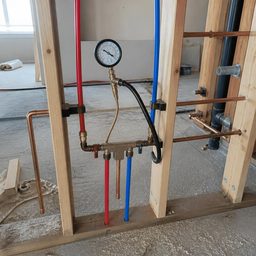

2 photos missing. No record until they exist.
No photos, no record. The submit button enforces it, not a reminder. Every record then chains into a signed, tamper-evident handover that an owner can verify.
30-day trial · No card · Works offline
Unit 305, Kitchen Rough-In
RTI-0412
- Supply lines pressure tested Pass
- Drain slope verified Pass
2 photos missing. No record until they exist.
02
What RTI does
One loop, from the first walk to a signed handover.
01 · Capture
Evidence that can't be faked
The submit button stays locked until the photos prove the work: a server-side photo gate, AI photo confirmation, geotag and integrity signals.
See the Photo Gate02 · Resolve
Nothing falls through
Reviewers approve or reject, and every defect runs one sealed NCR loop from raised to closed, with the closeout evidence attached.
Work it in the demo03 · Prove
A handover that proves itself
Closeout exports a tamper-evident package: hash-chained, RFC 3161 timestamped, with inspection status readable on the BIM model.
Turnover packages
03
The Photo Gate
Your browser can grey out the button. Only the server can refuse the record.
The phone shows what is missing. The server counts again where the record is written, so “submitted” always means the evidence was there.
See where the gate is enforced04
Tamper evident record
Every record is chained. Nothing edits quietly.
Verify a packageHow the audit trail worksEach record stores the hash of the one before it. If those two values stop matching, the chain is broken and stays broken.
- Prev
- 0000…0000
- Hash
- a4f7c2…9c21
Linked
- Prev
- a4f7c2…9c21
- Hash
- b81d05…4e77
Linked
- Prev
- 2fc90e…81a3
- Hash
- 3fa9e1…c108
Chain break
RTI-0412 was altered after signing. Its stored prev-hash no longer matches RTI-0411.
05
On the model
See what’s ready on the model.
Bind each equipment tag to its IFC element once, and the model shows its live inspection status. Find the one open NCR without scrolling a punch list.
06
How it works
Sticker on the wall to a signed turnover package that can't be quietly changed.
See how it works- 01
Tag it
Stick a code on it
- 02
Scan it
The crew scans it
- 03
Prove it
You review it
- 04
Sign off
The customer signs
07
The product
Real screens, not renders.
01 / 05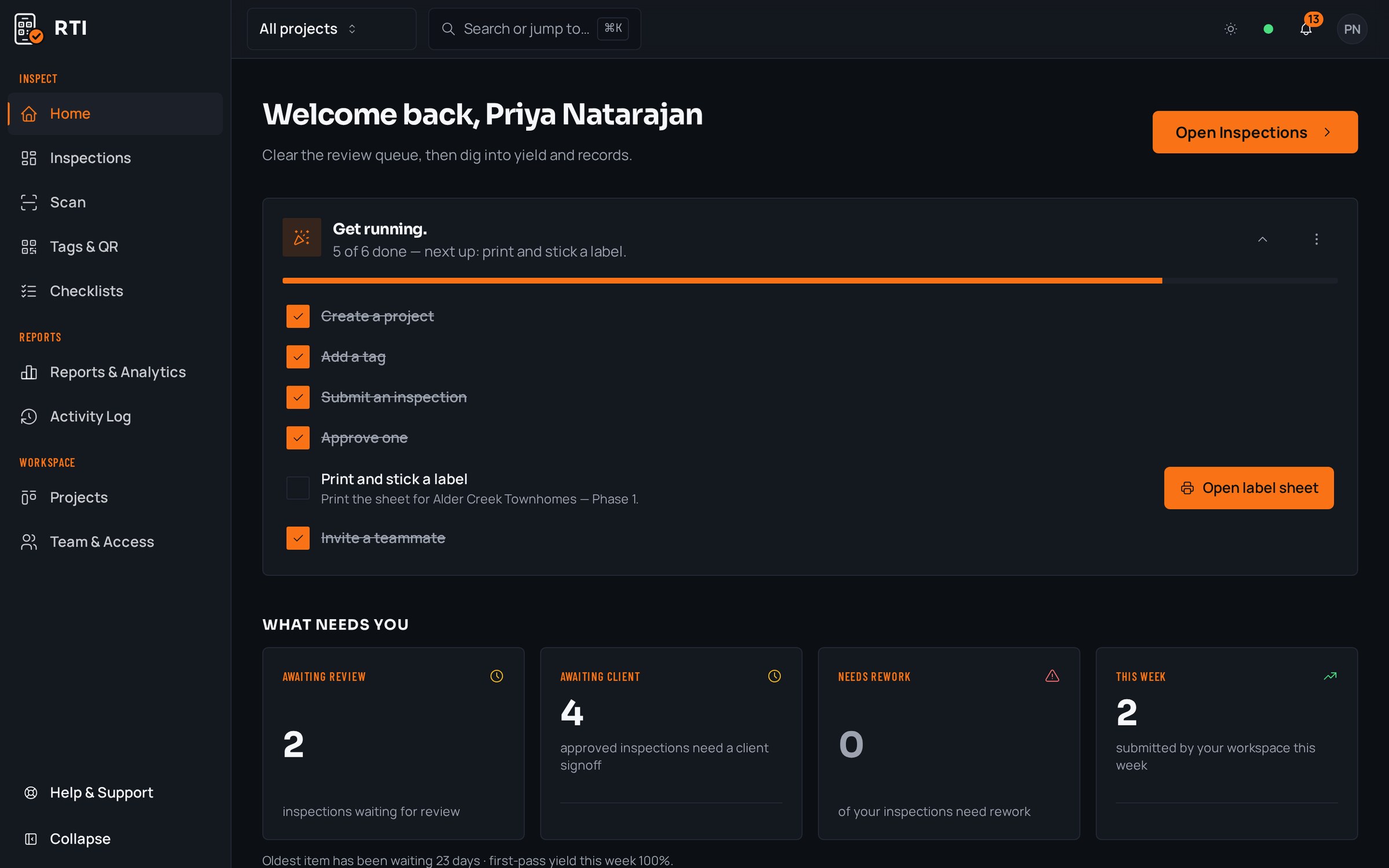
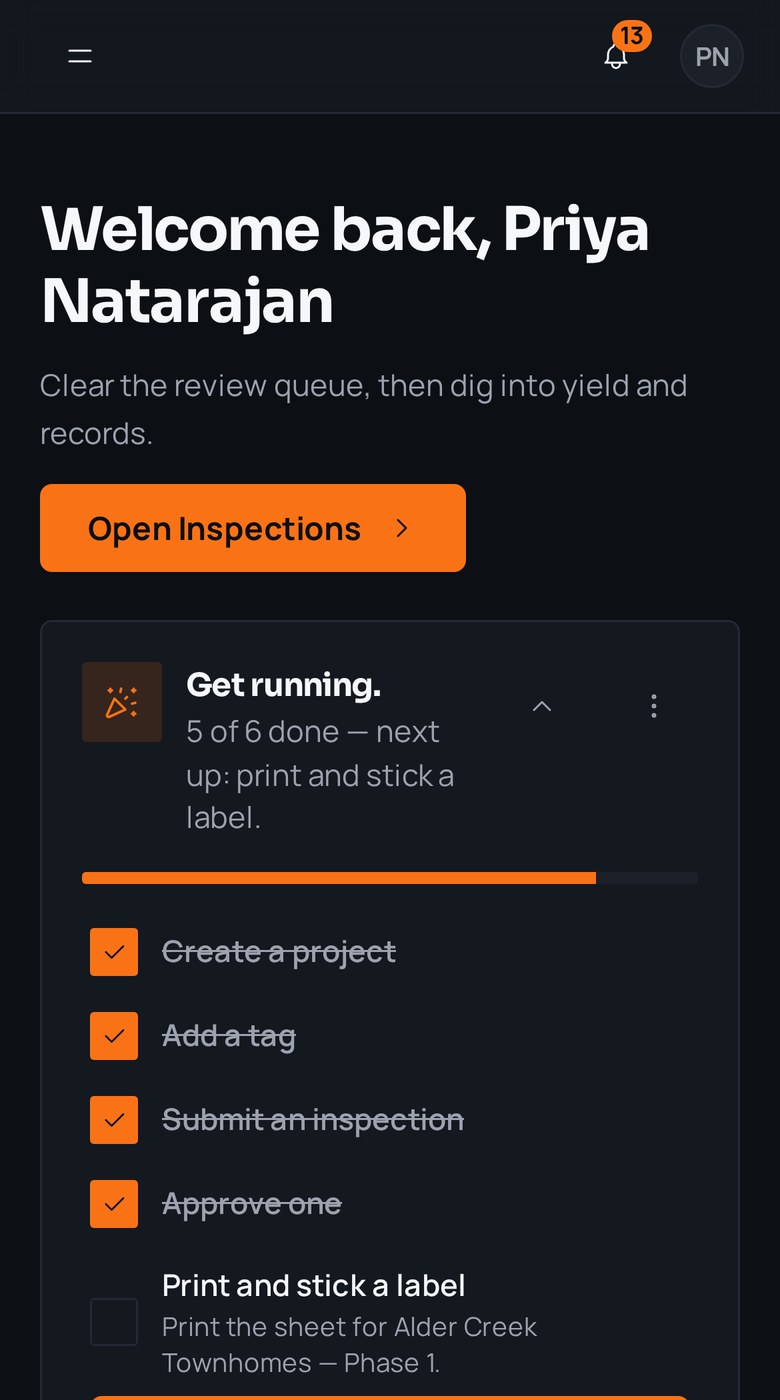
Home: what needs walking today
Field captureDesk review · Field capture
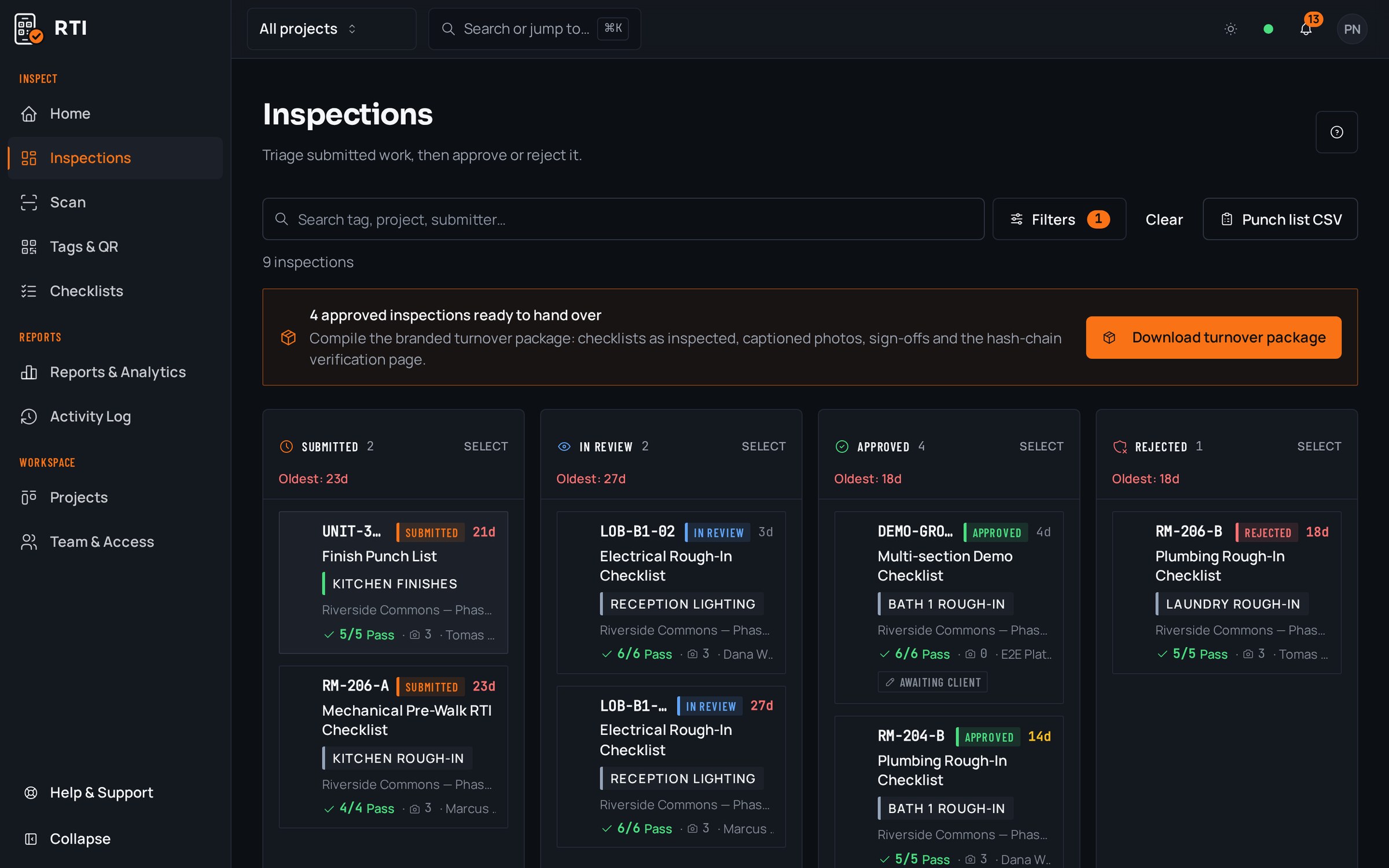
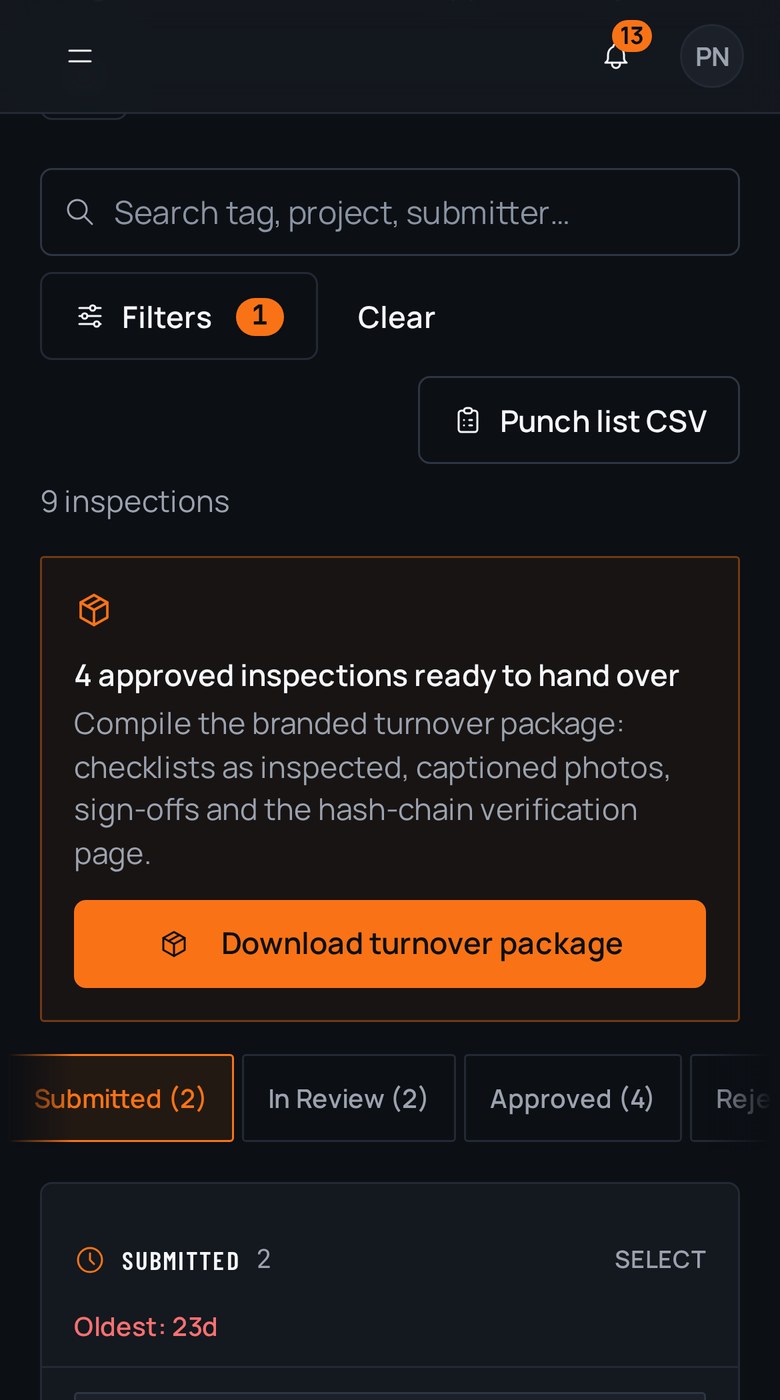
The review board: approve or send back
Field captureDesk review · Field capture
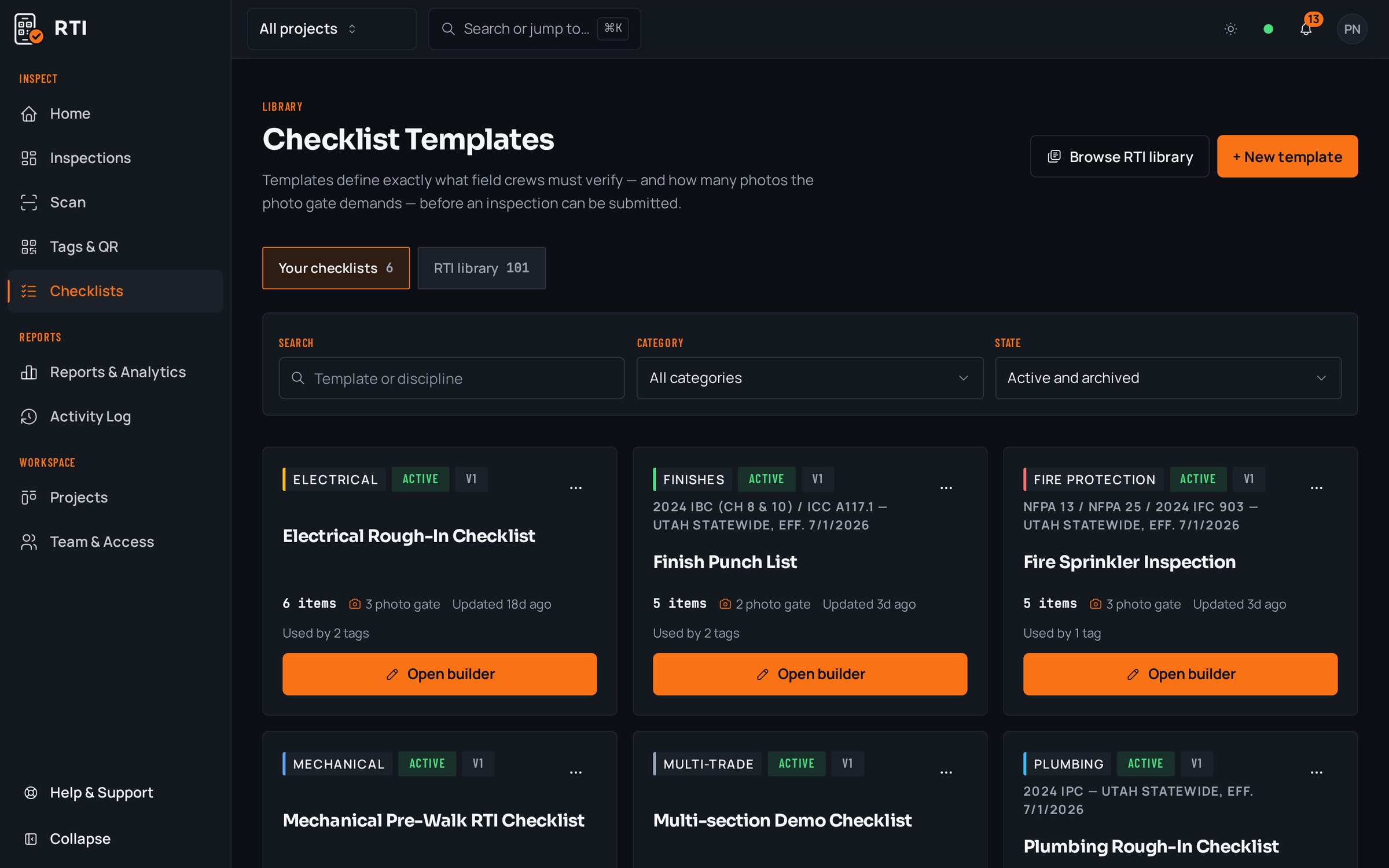
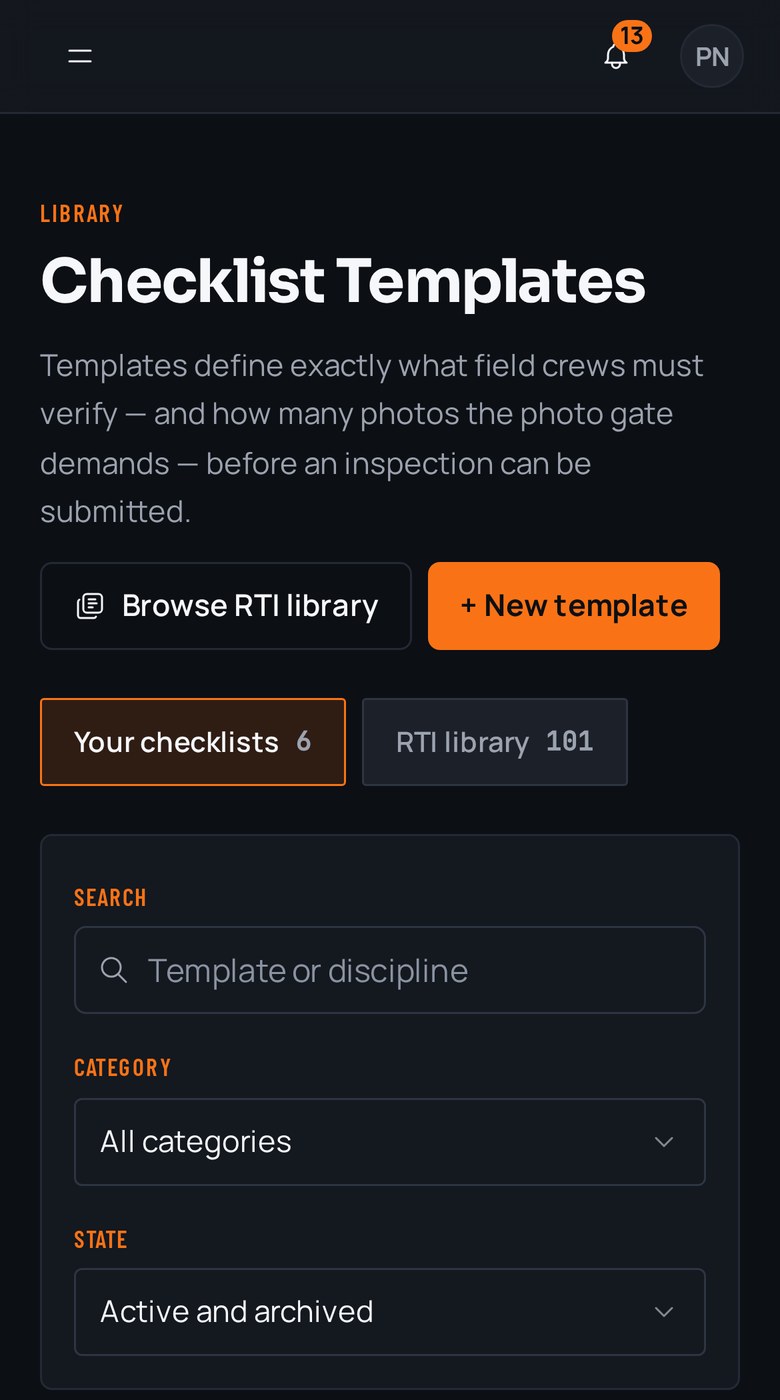
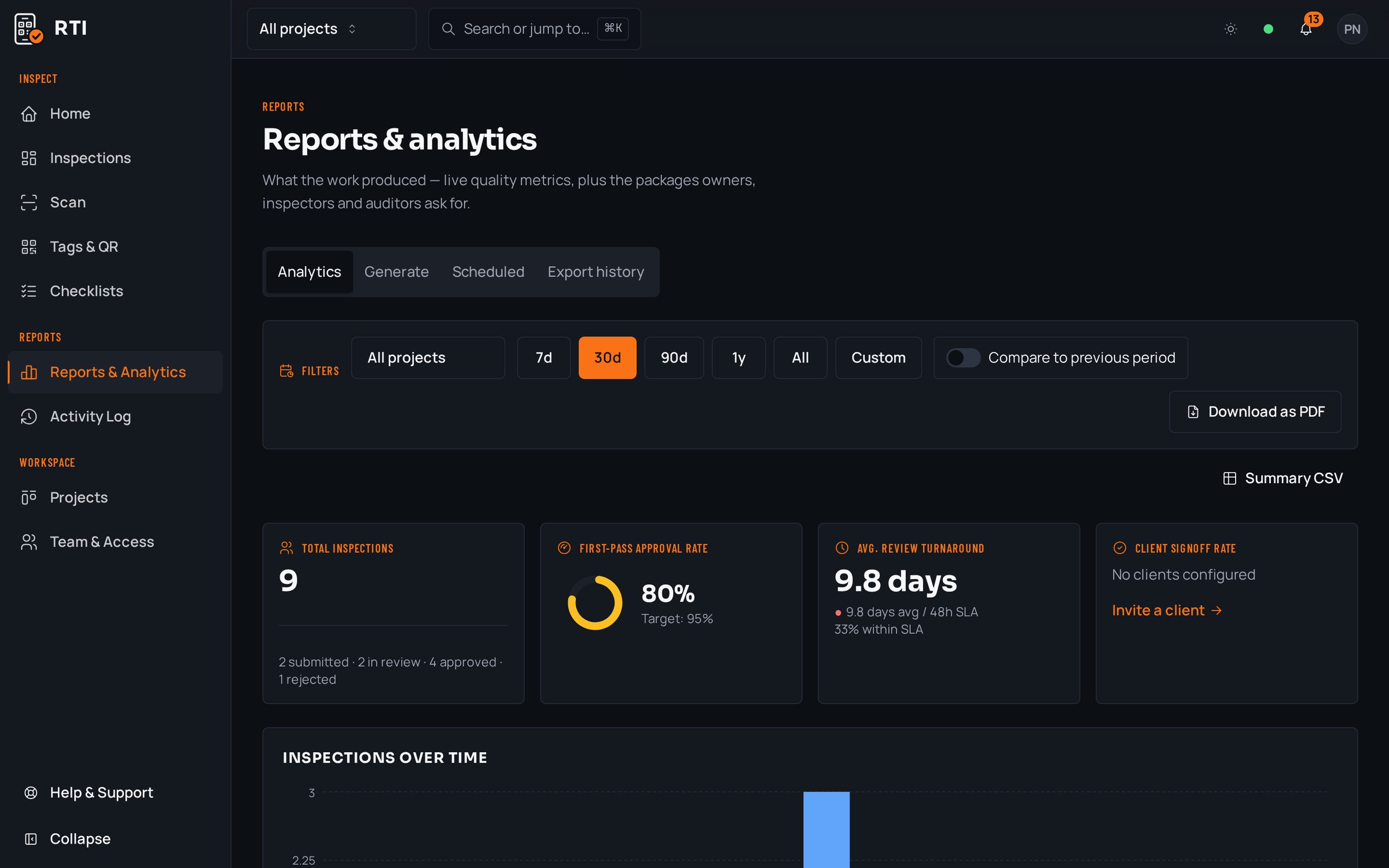
Templates that set the photo gate
Field captureDesk review · Field capture
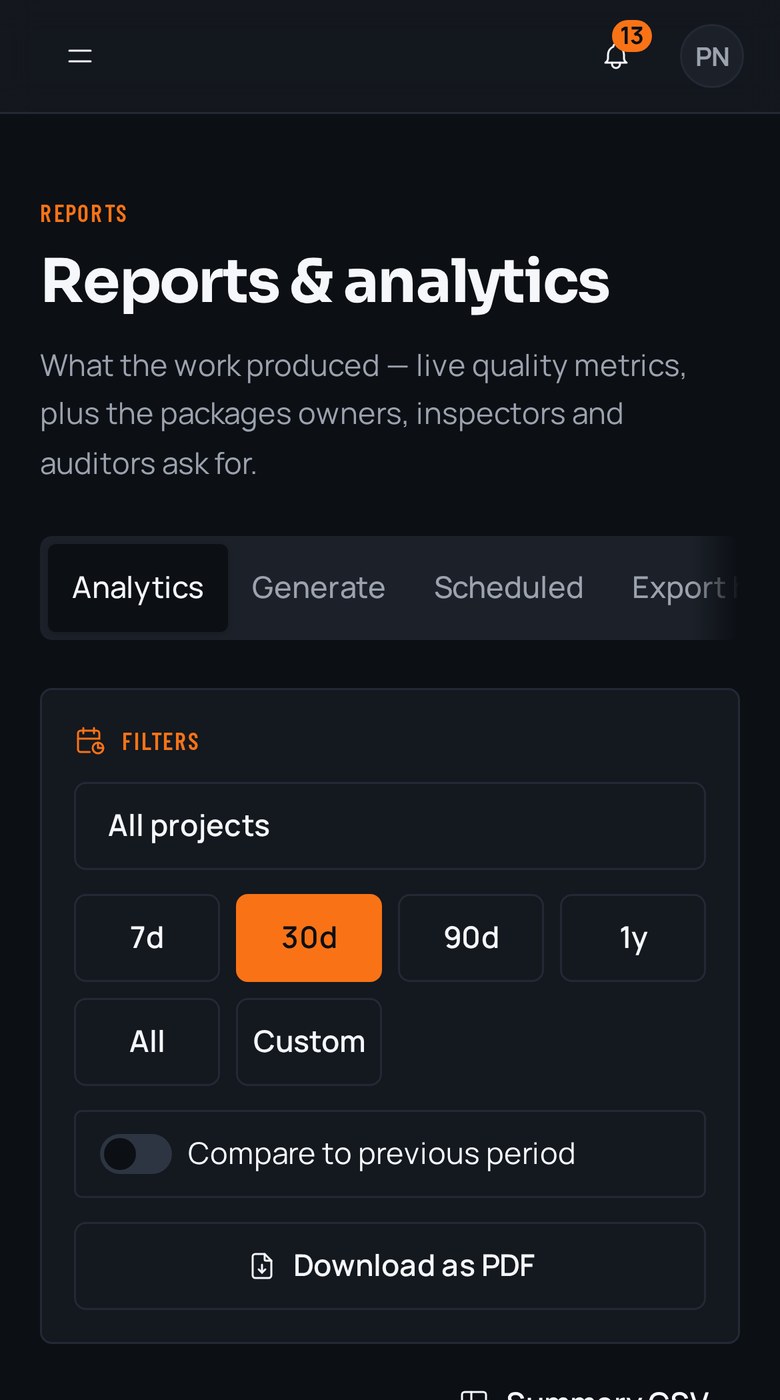
Turnover packages, generated on demand
Field captureDesk review · Field capture
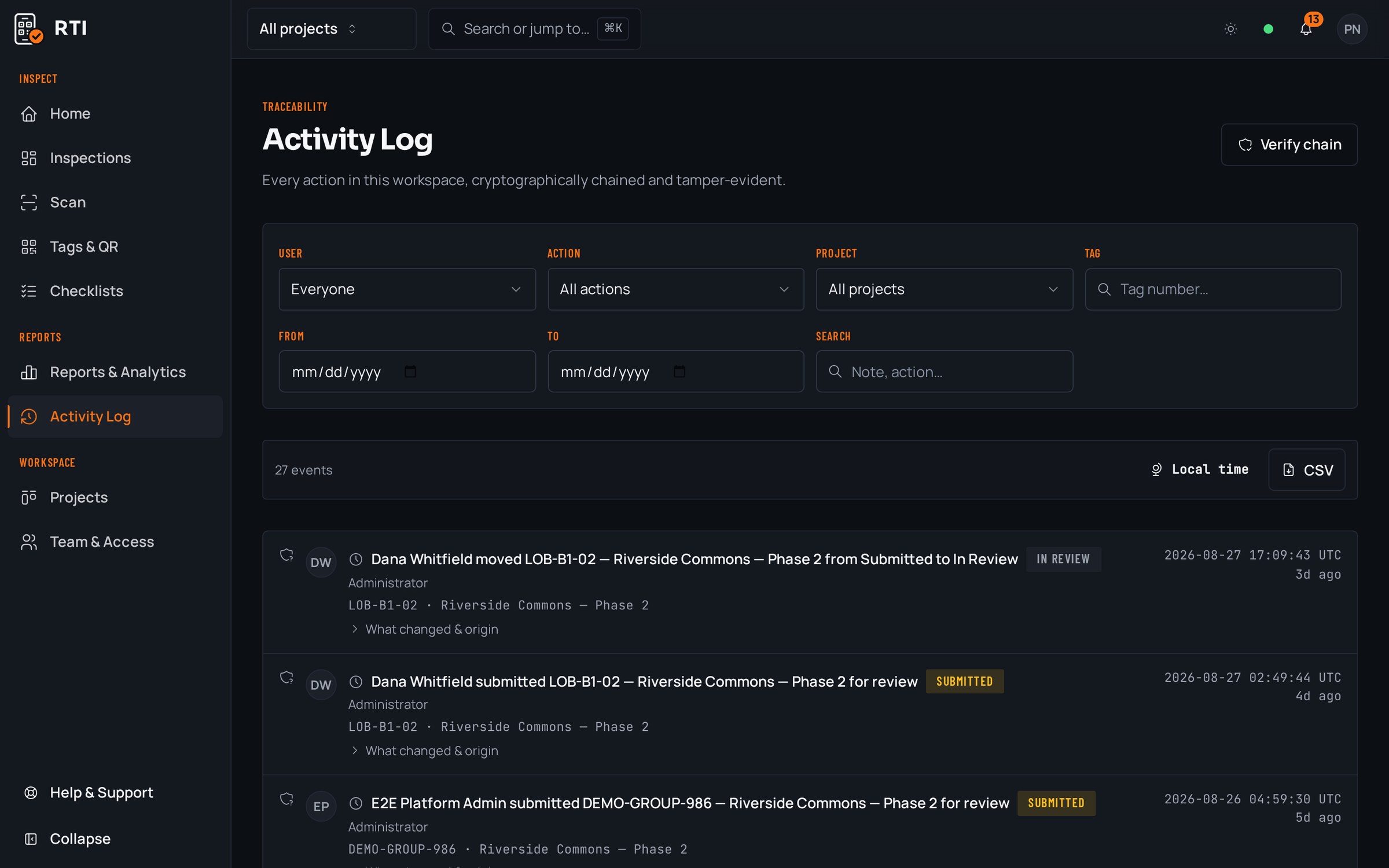
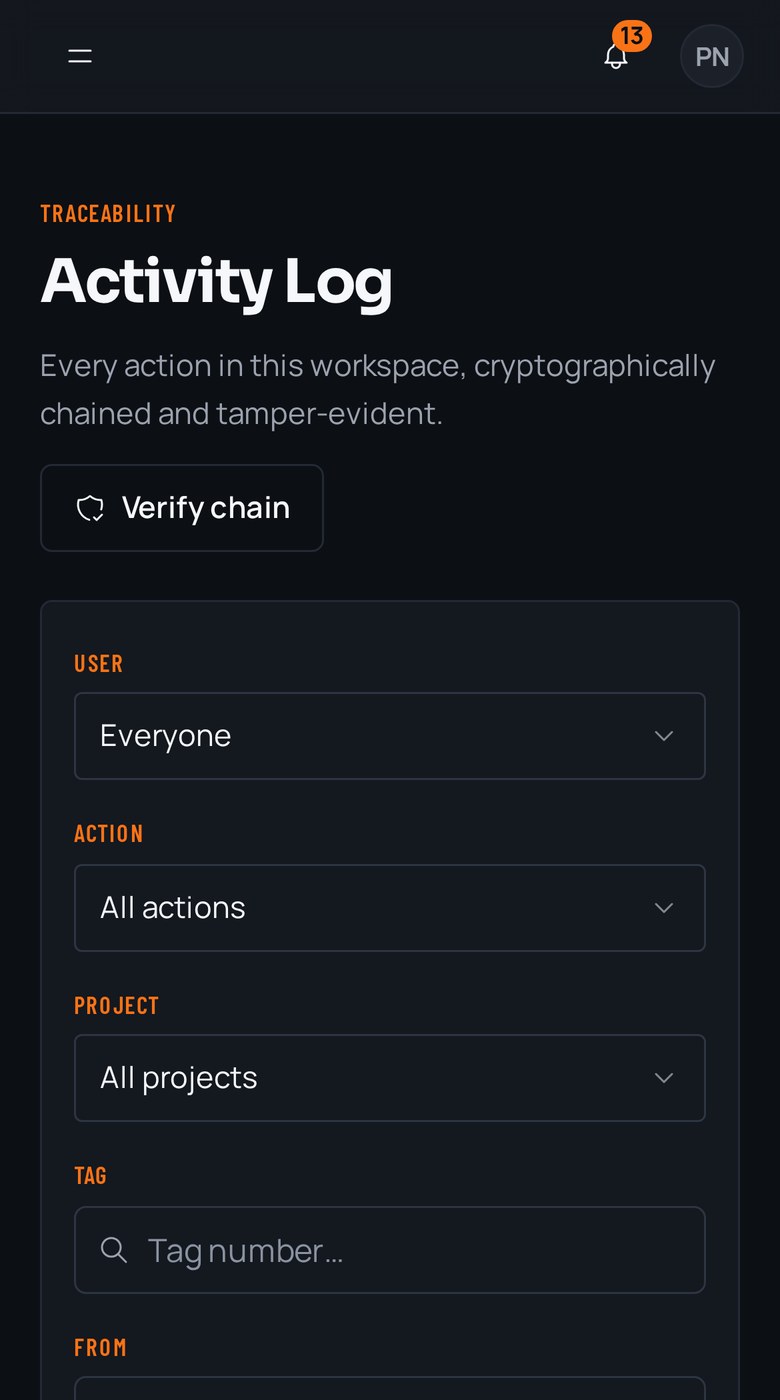
A tamper-evident record of every action
Field captureDesk review · Field capture
08
Checklist library
Field-ready checklists for every trade
508 guides across 11 trades, in build order, with the photos each item needs. Free to read, one click to run in RTI.
Free templates
Start from a document, not a blank page
09
Who it's for
If you inspect it, you can tag it.
10
Pricing
Priced per project, not per argument.
Compare every plan30-day trial · No card required