How it works
From a sticker on the wall to a signed turnover package.
Four steps your crews already walk, with the proof captured as it happens: photo gated in the field, reviewed on one board, and signed off by the customer.
- A QR sticker per inspection point
- Photos required before submit
- Customer signs off in their portal
The whole loop in 3:04
What goes wrong when the walk lives in group chats
Photos in a group chat
The crew texts photos and hopes someone files them against the right unit.
Status by phone call
Asking whether unit 4B is done turns into four phone calls and a site walk.
Sign-off by email chain
The package is assembled by hand the week it is due, and the owner waits on email to sign.
With RTI
- Photos attached, or no submission
- One board shows what is ready
- The customer signs in the portal
Nothing about the walk changes; the proof is recorded where everyone can see it, the moment it exists.
One walk, one record.
Tag it
Stick a code on it
Print QR stickers and put one on anything that needs inspecting.
Unit 305, Kitchen Rough-In
RIV-A-F3-305RTIScan it
The crew scans it
Phone camera, one scan, straight into your checklist with the photos required.
Prove it
You review it
Every submission lands on one board to approve or send back with a note.
readytoinspect.io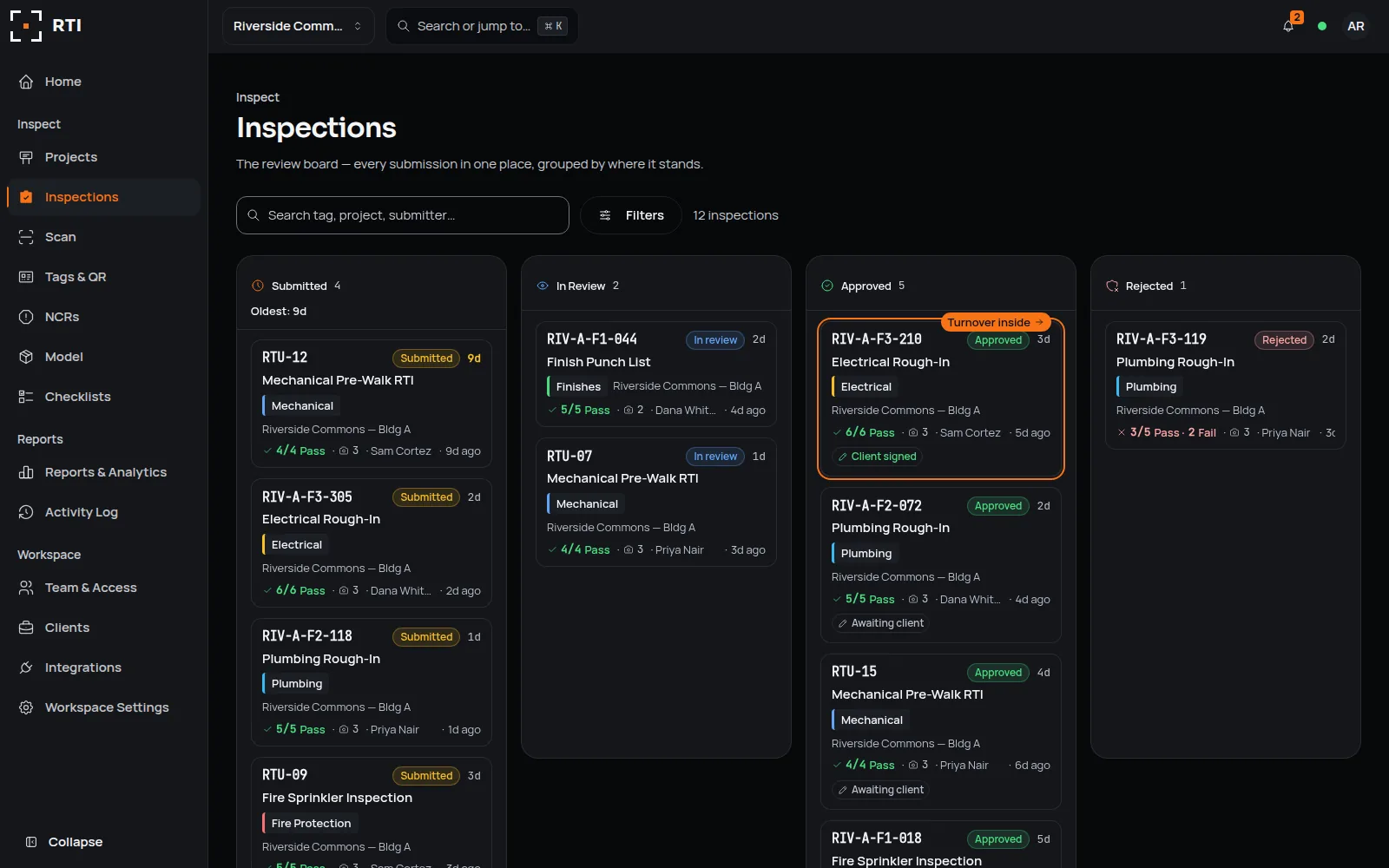
Sign off
The customer signs
Your client or the inspector gets their own login and signs off from their phone.
readytoinspect.io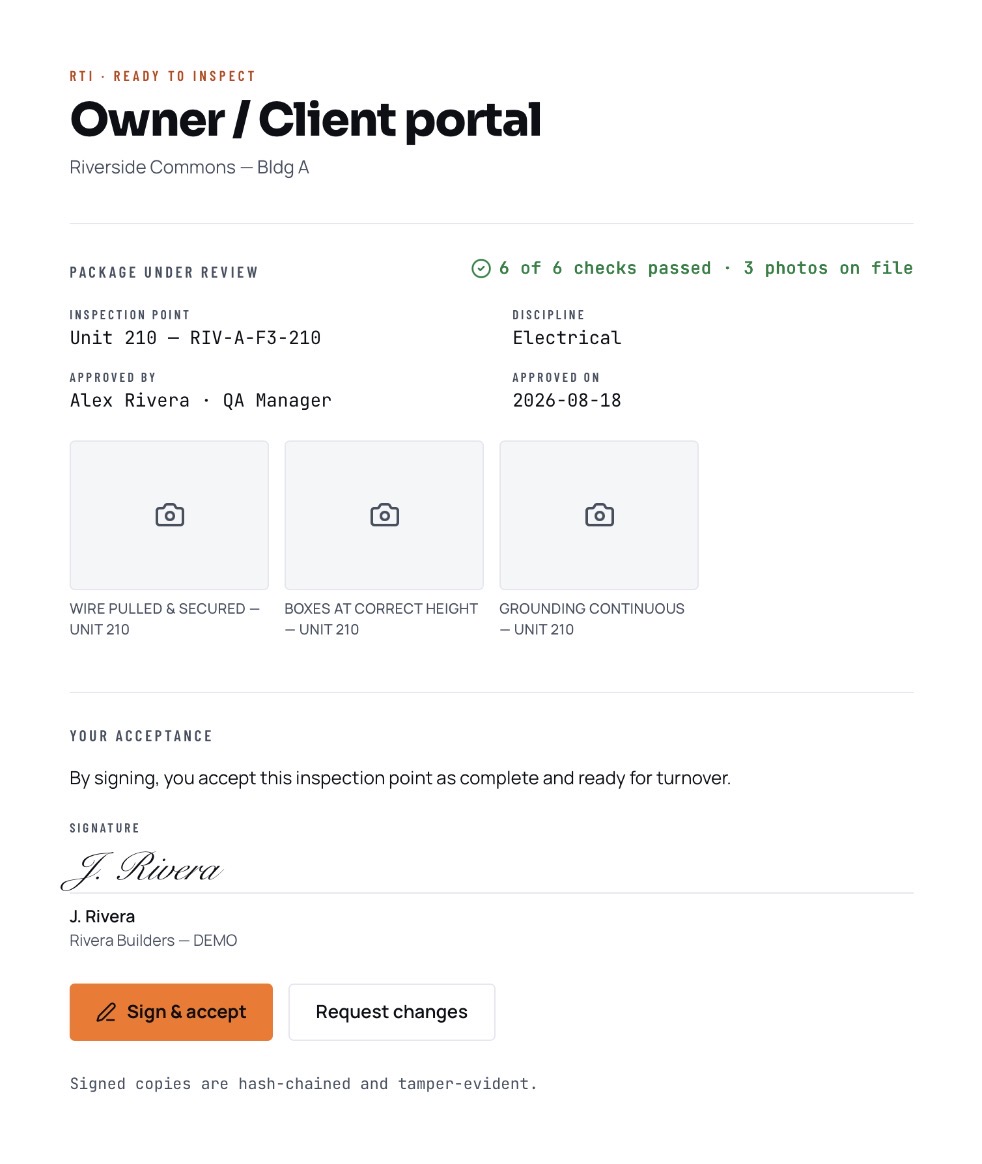
Unit 305, Kitchen Rough-In
What the customer ends up holding
Approved work exports as a signed package: checklist, photos, signatures and the hash chain, in one PDF. Nothing is assembled from memory the week before handover.
Learn more about turnover packagesQuestions about how it works
5 answers
- Can I build my own checklists?
- Yes. Build one from scratch, or add one from the RTI library and change it. Adding copies the checklist into your workspace, so it is yours to edit: your own sections, your own items, and which ones require photos.
- Do we need special stickers or hardware?
- No. Any printer, any label stock, any phone camera. There is no scanner hardware to buy and no proprietary tag to order. Print QR labels on plain sheets or weatherproof stock, and crews scan with the phone they already carry.
- How long does setup take?
- Create the workspace, add a checklist from the RTI library or build your own, and print labels. The first walk can happen the same day.
- What if there's no signal on site?
- The RTI phone app and the web inspection page keep working without signal. A finished inspection and its photos are saved on the device and upload automatically when signal returns.
- Can our customer follow along?
- Yes. You give them a login that shows only the projects you choose. They can review the evidence and sign off right there, then download the package.
Run your first walk today.
Four steps your crews already walk, with the proof captured as it happens.
30-day trial · No card required