For QA/QC managers
The quality plan, enforced on the phone.
You wrote the QC plan, the hold points and the NCR process. RTI turns that plan into the checklist a crew has to complete before they can submit anything, and writes every step to a record no one can quietly edit later.
A real inspection point
What this looks like on your job
One tag, one checklist, and the photos that have to come with it.
Tag
Level 5 Riser, Firestop Verification
HSP-L5-RSR-03
- Sticker location
- Mechanical riser at the north shaft wall
- Bound checklist
- Firestop verification, QC hold point
- Penetration cleaned and correct sleeve or backing confirmed2 photos required
- Listed firestop system matched to the penetration type2 photos required
- Installation depth and detail per the manufacturer listing2 photos required
- System labeled with product and installer1 photo required
Checklists for your work
Start from a checklist that already knows the walk
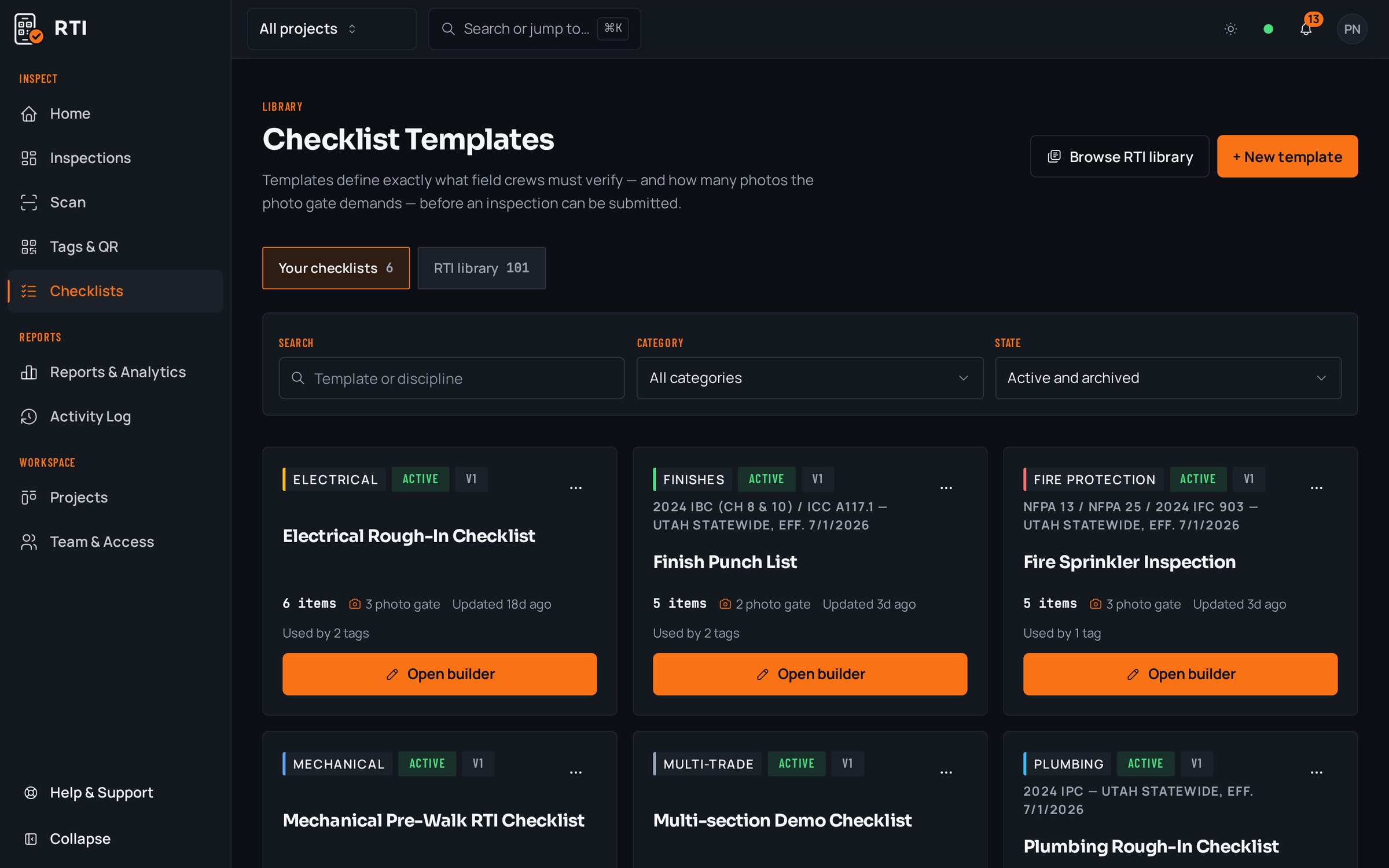
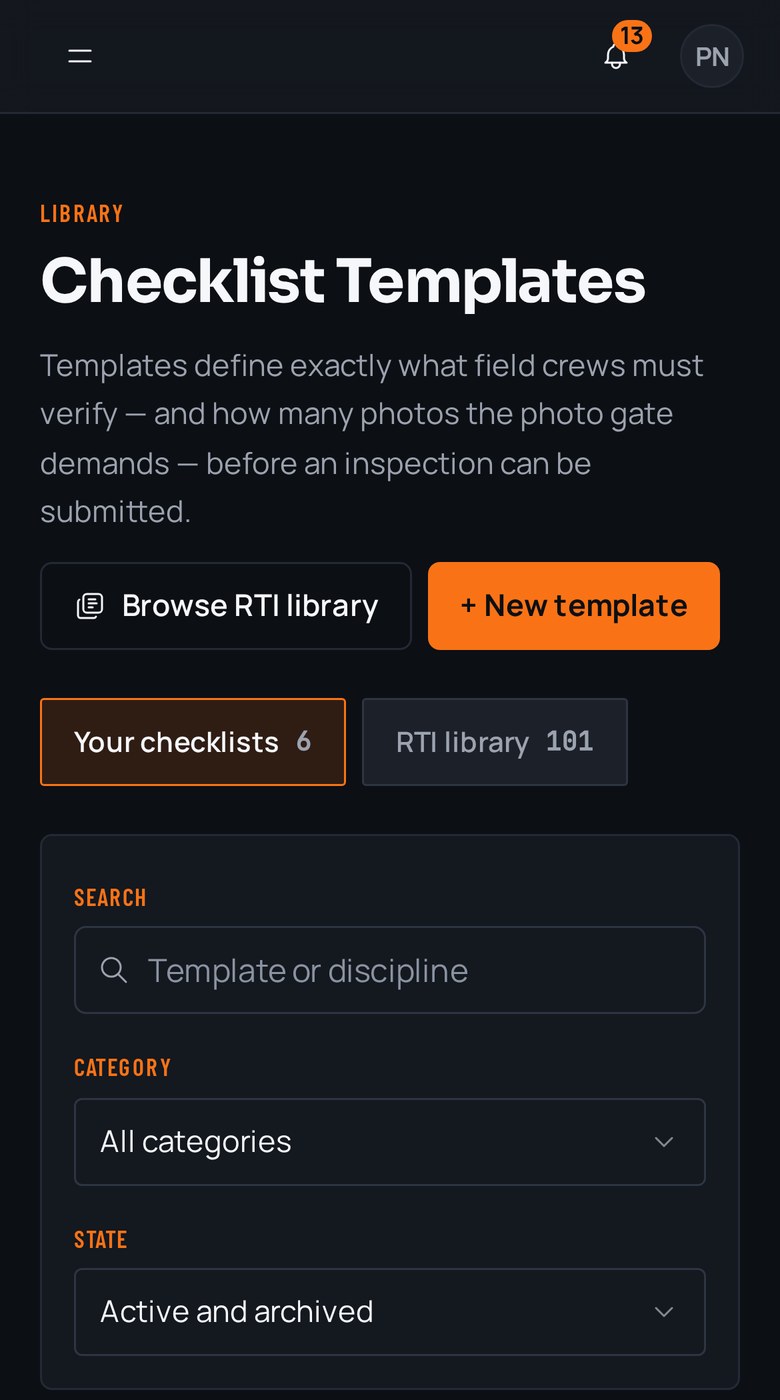
Real guides from the RTI library. Sections in build order, what to look for on each item, and the photos that prove it. Free to read, one click to run on a tag.
- QC planConstruction quality control planRoles, definable features of work, three-phase control, nonconformance.12 items15 photos
- ITPInspection and test plan (ITP)Activities, acceptance criteria, hold points and the record per row.11 items8 photos
- FirestoppingFirestopping inspection checklistRated assemblies, penetrations, joints and listed system compliance.13 items27 photos
What gets in the way, and what RTI does about it
Today
The QC plan lives in a binder and a shared drive, and whether a hold point actually gets inspected comes down to whether the crew on shift felt like following it that day.
With RTI
The plan becomes the checklist bound to the tag, and the phone won't submit until the mandatory items and photos are complete. The hold point is enforced at the point of work, not left to memory or goodwill.
Today
NCRs get tracked in a spreadsheet that shows they were opened but never really proves they were closed, and re-work happens off to the side with no photos.
With RTI
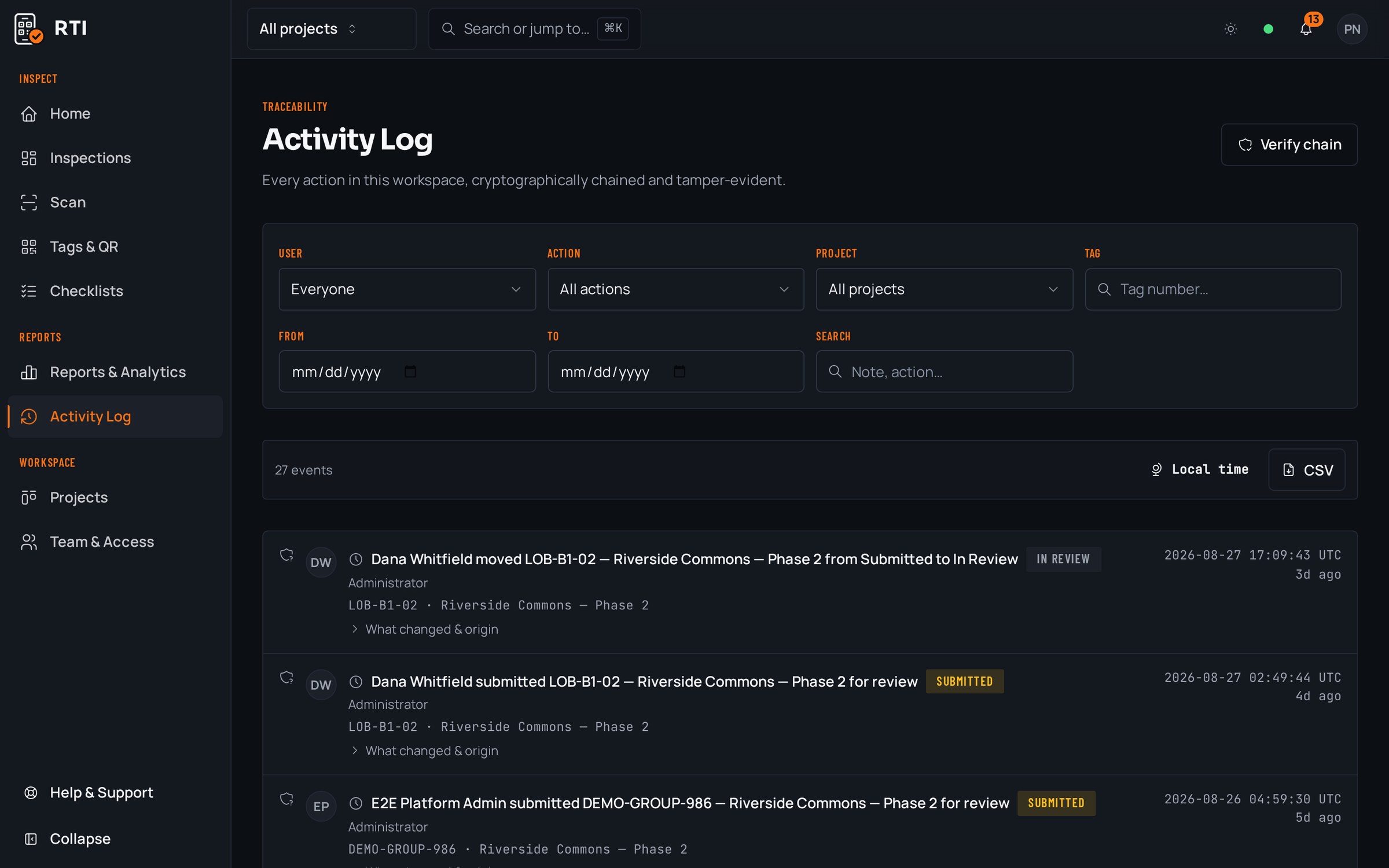
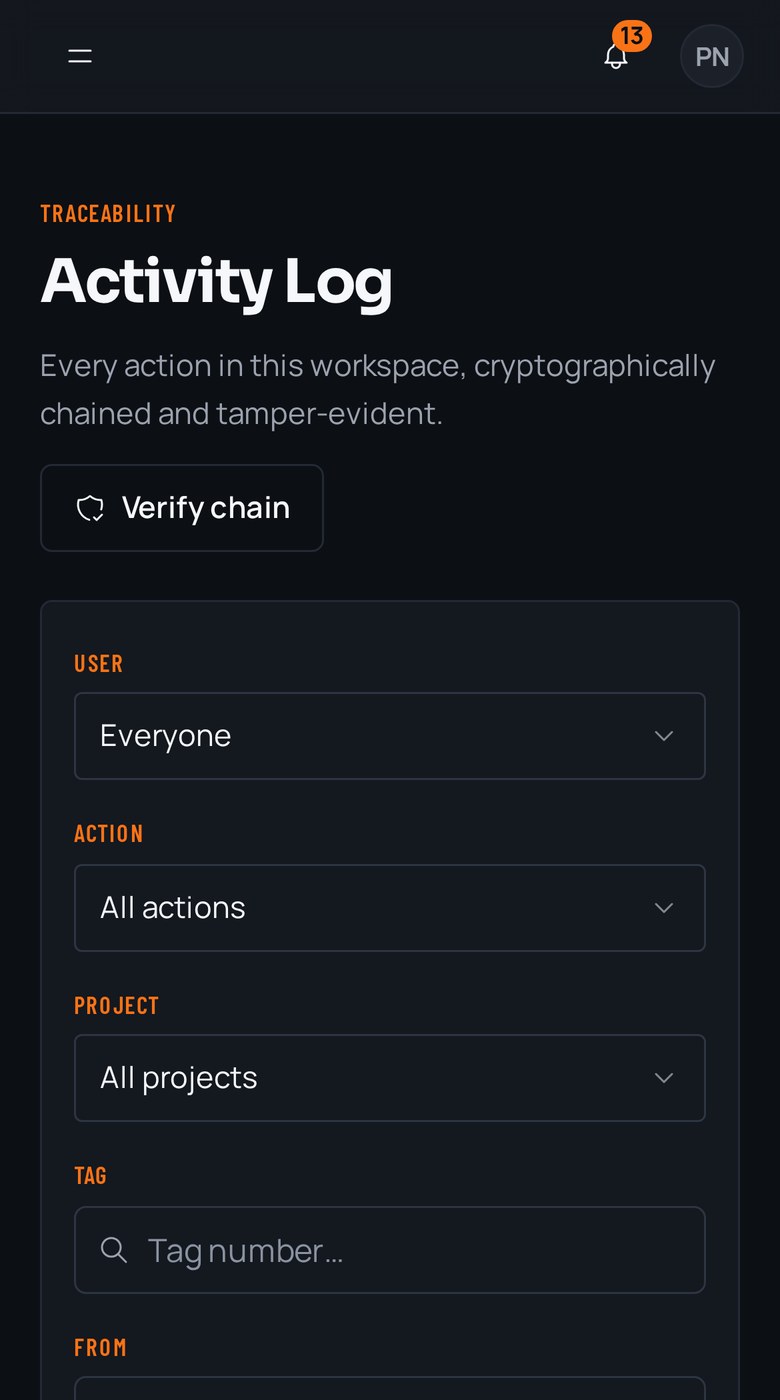
A non-conformance is rejected on the board with its reason, and the corrected re-submission carries its own new photos and answers. The full path from raised to resolved is on the activity log, so closure is proven, not assumed.
Today
When an owner or auditor asks you to prove the plan was followed, you're assembling evidence that anyone could have edited, and you can't show it wasn't.
With RTI
The record is a SHA-256 hash chain: change one entry and every later hash stops matching, visibly and permanently. You export the project with photos, signatures and the trail, and the record itself demonstrates it wasn't altered.
Questions QA/QC managers ask
- How do I stop hold points from getting skipped in the field?
- You bind the hold-point checklist to a QR tag on the actual location. Scanning opens exactly that checklist, and the submit button stays locked until every mandatory item is answered and every required photo is attached. The gate is enforced by the database, not left to whether the crew remembered your plan.
- How are NCRs handled?
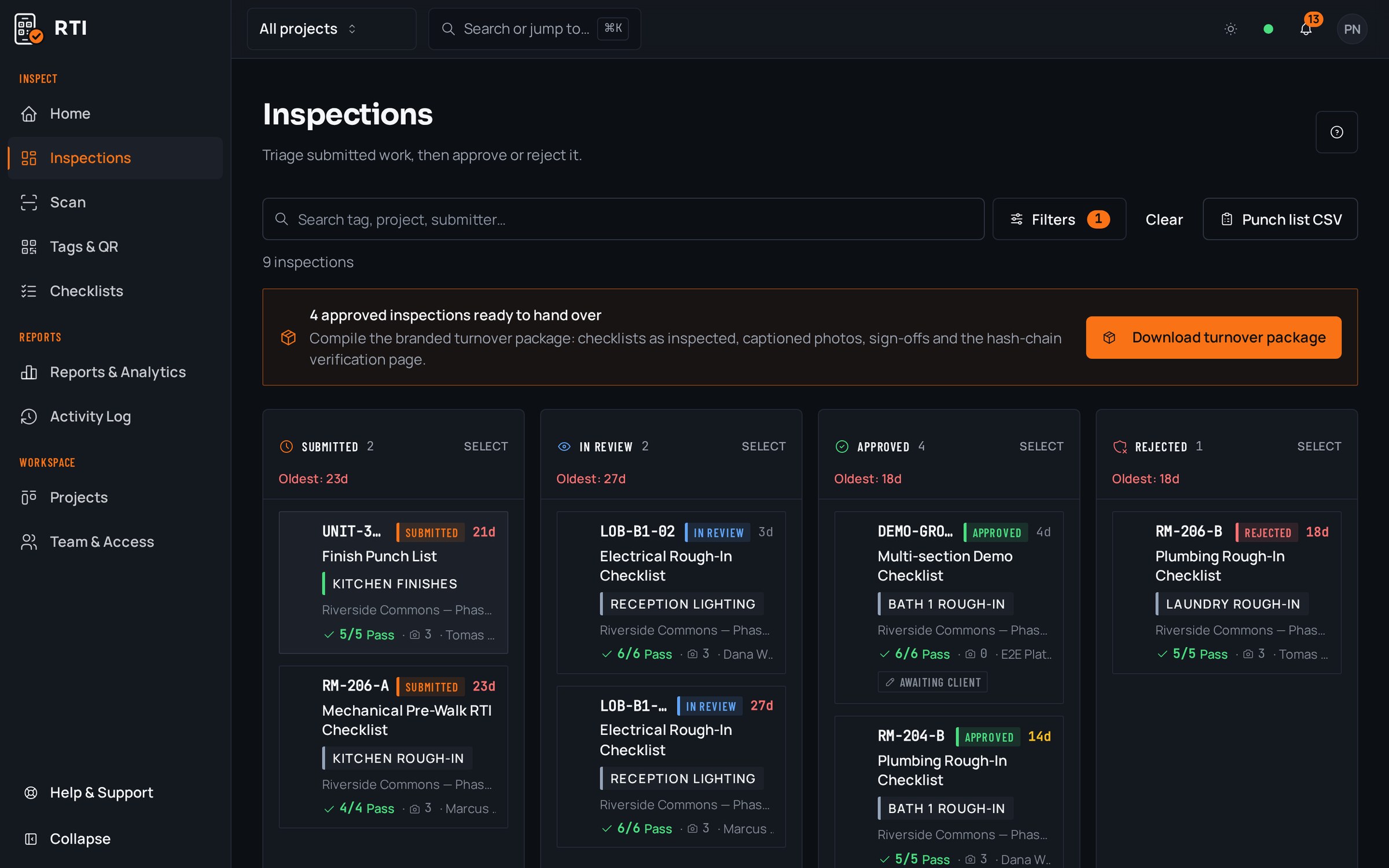
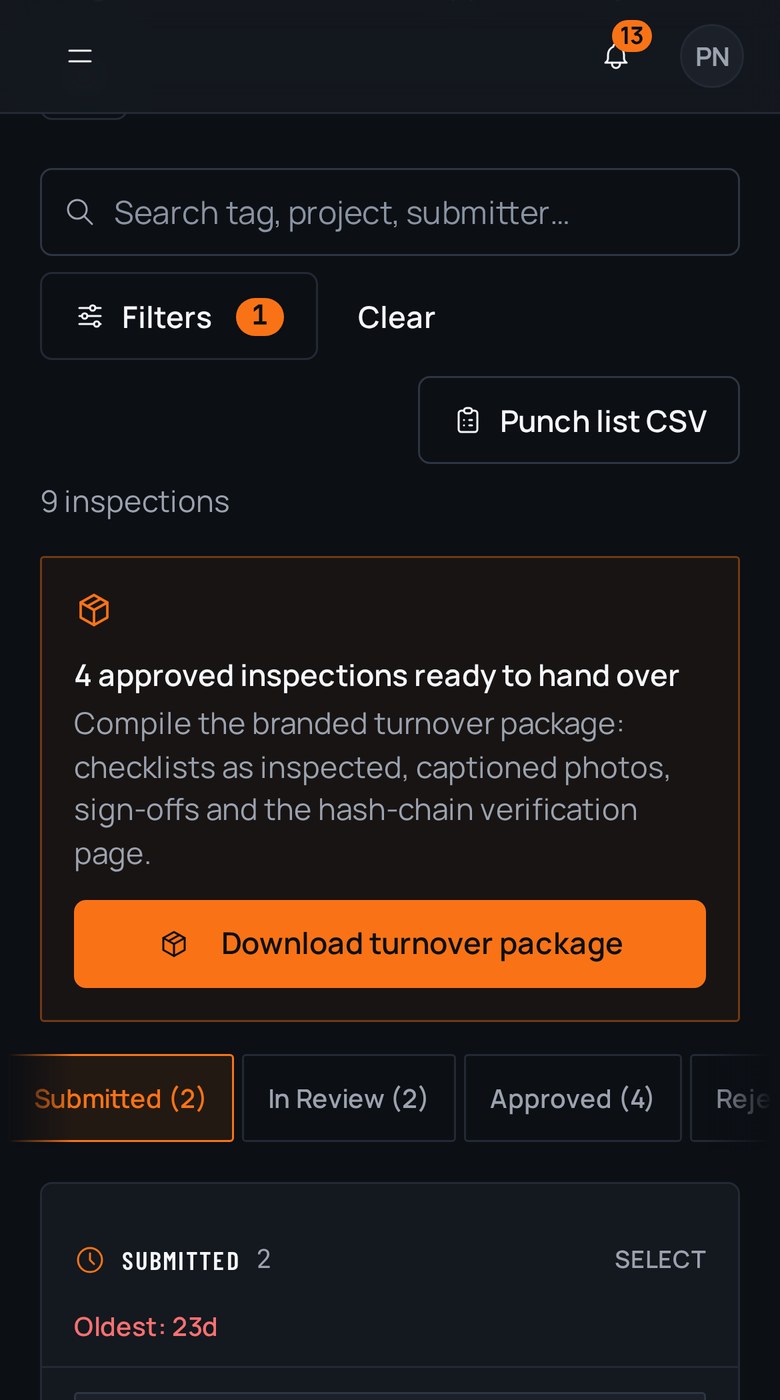
- A non-conforming submission is rejected on the review board with the reason attached, and it drops into the rejected lane instead of passing. The crew sees what failed and re-submits corrected work with new photos. Every state change, from raised to resolved, is written to the activity log.
- How do I prove to an owner or an auditor that the plan was actually followed?
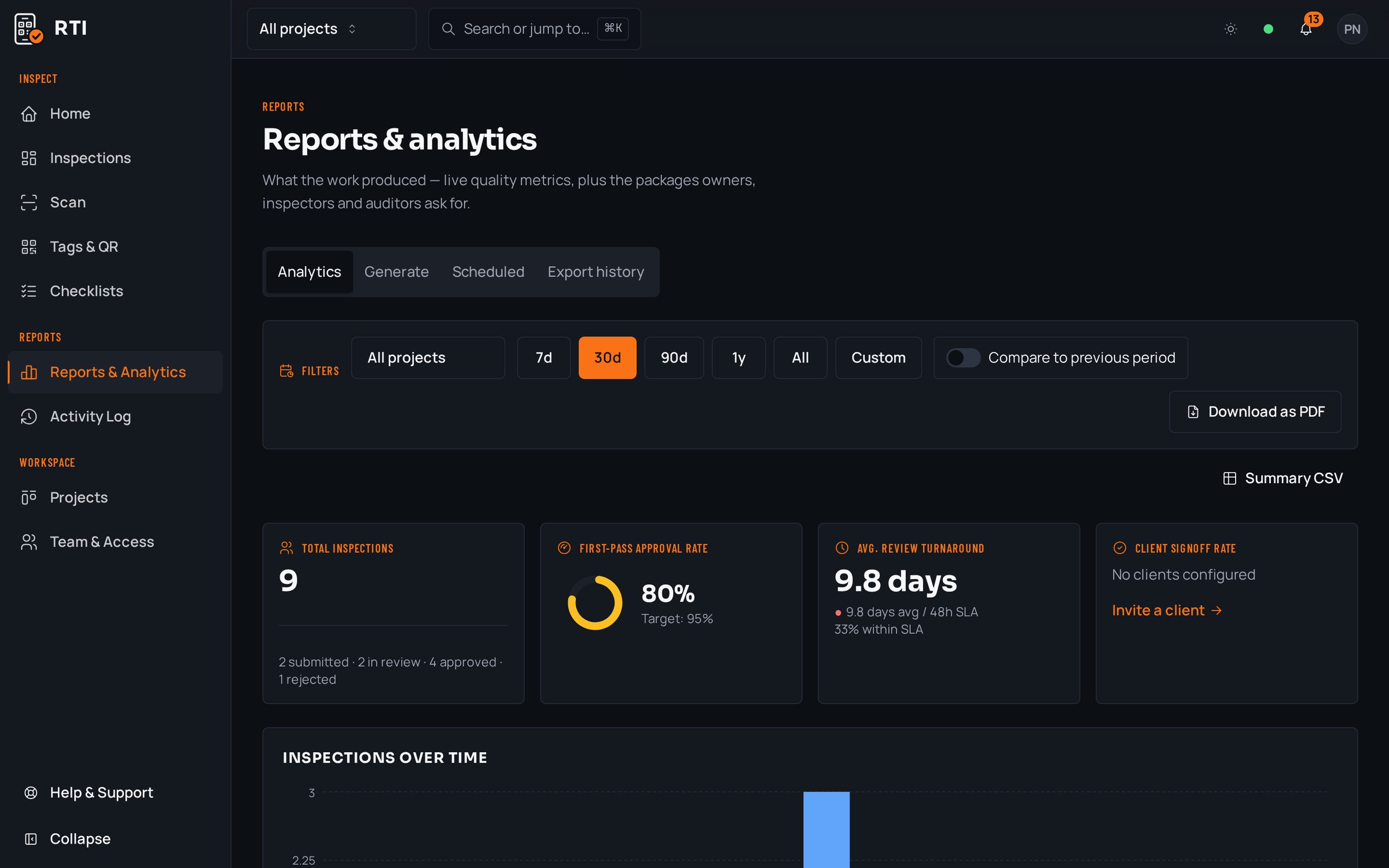
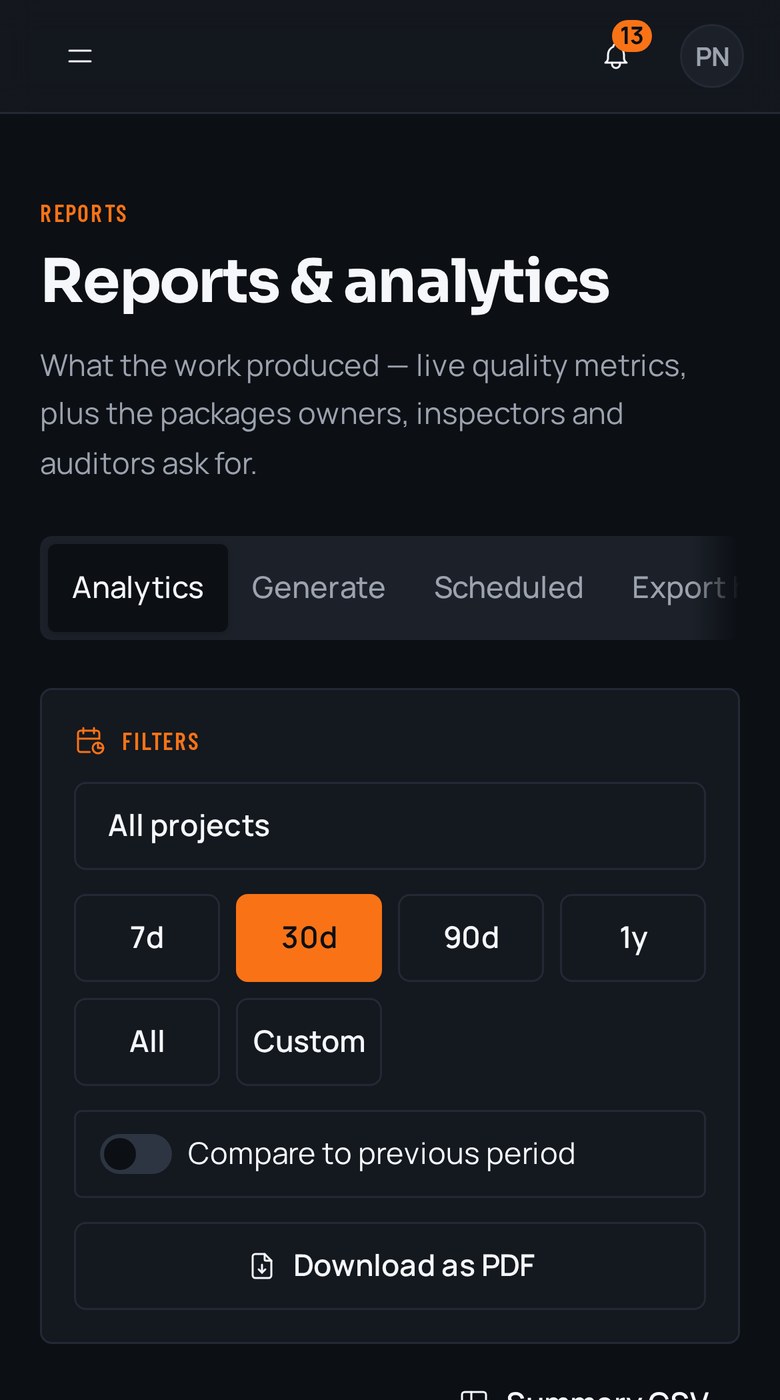
- Every action is written to an activity log that hashes each entry over the previous one with SHA-256, so altering any record breaks every hash after it. You export the tag, unit or project as a PDF or CSV with the answers, photos, signatures and the audit trail intact, and it stands on its own.
Put it on a real job.
Tag one area, run one walk, and see the record it leaves behind. Start free. 30 days, no card required.