For safety managers
The safety walk happened, and you can prove it.
You run the JHAs, the daily walks, and the corrective actions. When OSHA or the insurer asks what you saw and when, RTI hands you a dated, tamper-evident record with the photo of the guardrail, not a signature on a sheet nobody photographed.
A real inspection point
What this looks like on your job
One tag, one checklist, and the photos that have to come with it.
Tag
Tower Crane Base, Daily Safety Walk
SAF-A-CRN-01
- Sticker location
- Crane base enclosure, north laydown yard
- Bound checklist
- Daily jobsite safety walk
- Fall protection anchored and inspected at leading edge2 photos required
- Excavation benched or shored, spoil pile set back2 photos required
- Fire extinguishers charged and access unobstructed1 photo required
- Housekeeping clear, no trip or impalement hazards staged2 photos required
Checklists for your work
Start from a checklist that already knows the walk
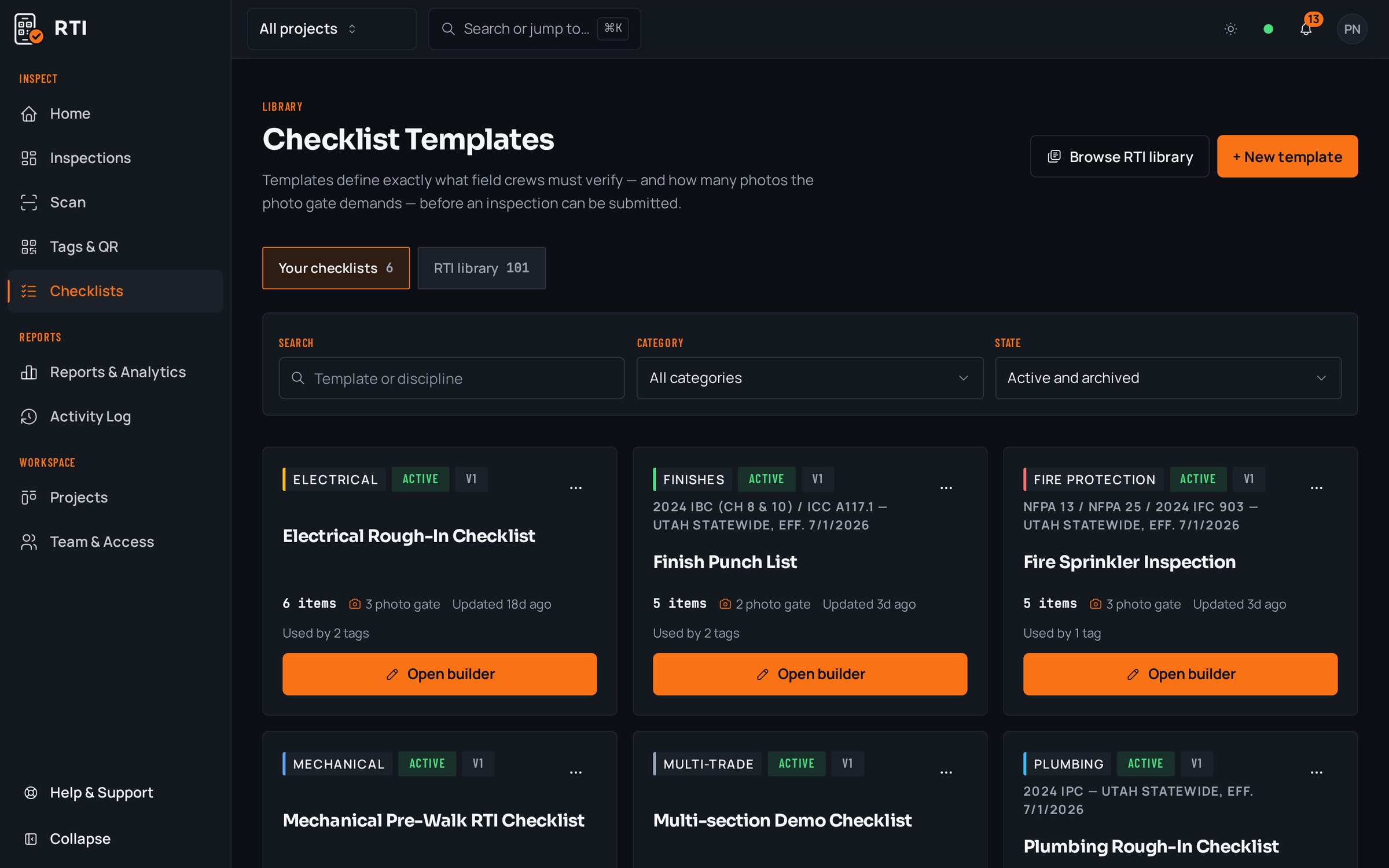
Real guides from the RTI library. Sections in build order, what to look for on each item, and the photos that prove it. Free to read, one click to run on a tag.
- Safety walkConstruction safety inspection checklistFall protection, access, electrical, equipment and PPE.12 items25 photos
- ExcavationExcavation and trench inspection checklistLocates, protective systems, access, spoil and daily re-inspection.12 items23 photos
- Site walkSite inspection checklistDaily walk: access, housekeeping, protection, environmental controls.12 items18 photos
What gets in the way, and what RTI does about it
Today
Your safety inspection lives on a clipboard sheet with a signature and no photo. When the incident review starts, it proves a box was ticked, not that the hazard was actually controlled.
With RTI
Every mandatory item carries its required photo before the walk can be submitted, so the record shows the benched trench and the anchored line, attributed to the person who shot it and stamped with the time.
Today
After an incident, someone quietly fills in the walk that never happened, and now the paper trail says everything was fine.
With RTI
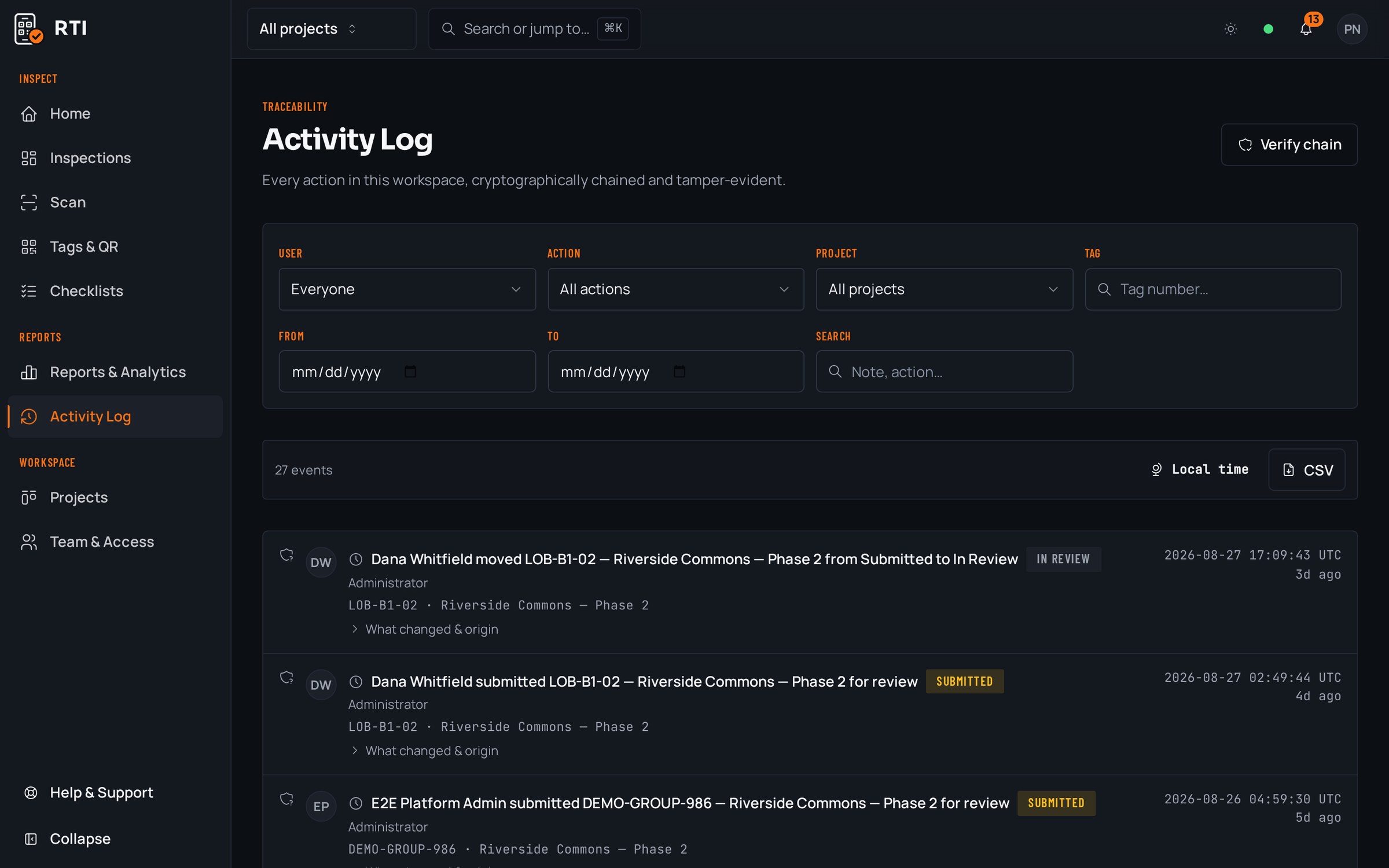
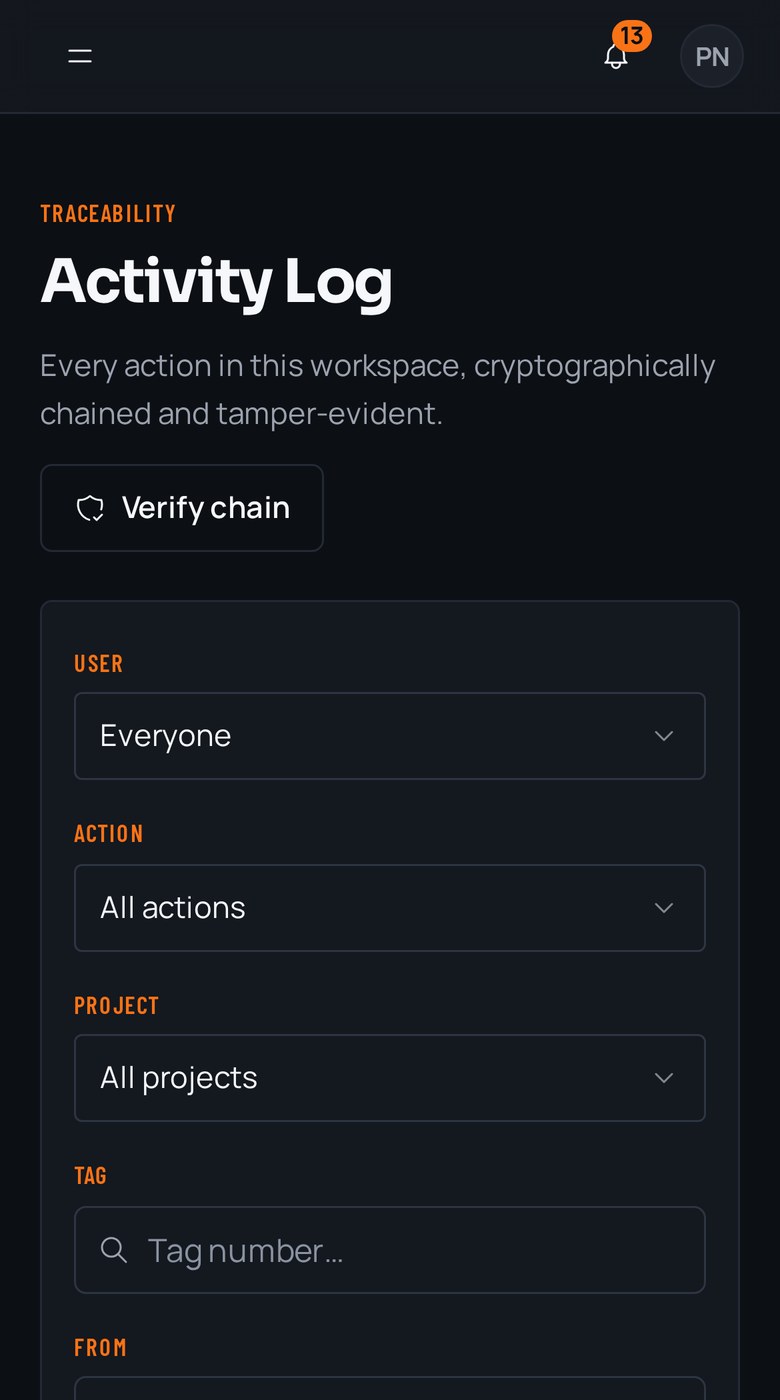
Each record is hashed over the one before it with SHA-256. A backdated or edited entry breaks every hash that follows, so an after-the-fact rewrite is visible instead of invisible.
Today
When OSHA or the insurer requests your safety documentation, you spend two days assembling scattered sheets and phone photos into something defensible.
With RTI
Export the tag, the area, or the whole project as a branded PDF or CSV whenever you need it. Every walk, photo, answer and signoff comes out in one dated package you keep, even after you cancel.
Questions safety managers ask
- A signed safety inspection sheet doesn't prove much. What does RTI give me instead?
- A signature says someone initialed a page. RTI captures the condition itself: each checklist item carries the photo that proves it, plus who took it and when. So the record shows the guardrail was up and the excavation was benched, not just that a box was ticked.
- If an inspector or insurer questions a walk months later, can the record be trusted?
- Yes. Every entry is written to an activity log that hashes each record over the previous one with SHA-256. Nobody can quietly backdate a walk or swap a photo after the fact, because altering any record breaks every hash after it. The tampering is visible, permanent and dated.
- Can I stop a walk from being closed with the hazardous items skipped?
- That is what the photo gate is for. The submit button stays locked until every mandatory item is answered and every required photo is attached, enforced by the database, not just the screen. A walk with the fall-protection item left blank cannot be submitted as complete.
Put it on a real job.
Tag one area, run one walk, and see the record it leaves behind. Start free. 30 days, no card required.