For superintendents
Is it ready? Read it off the board.
You are the one who has to know what is actually ready before you release the next trade or the inspector shows up. RTI puts every readiness gate on one board, so 'is it ready?' is something you read off the screen instead of something you walk the building to find out.
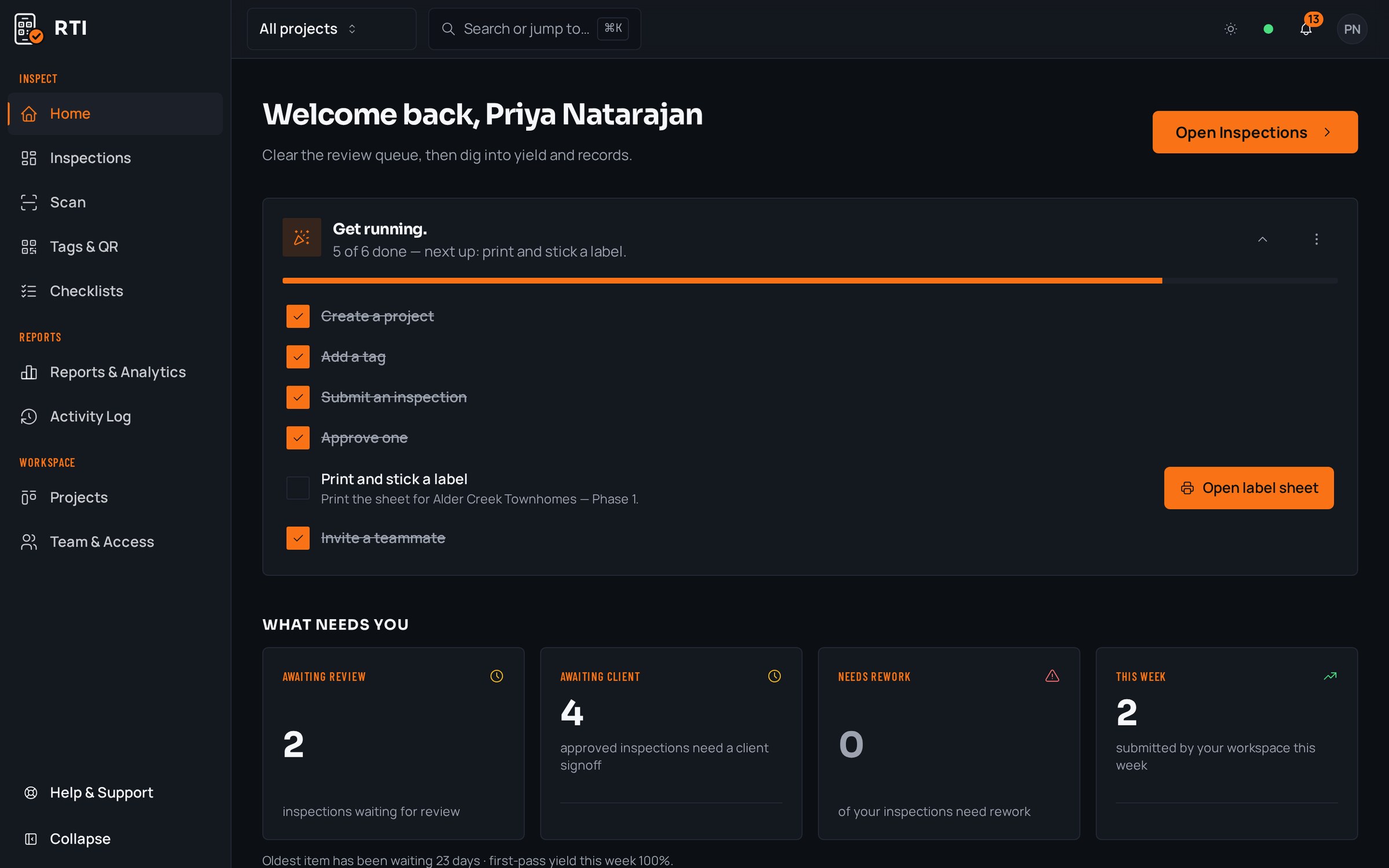
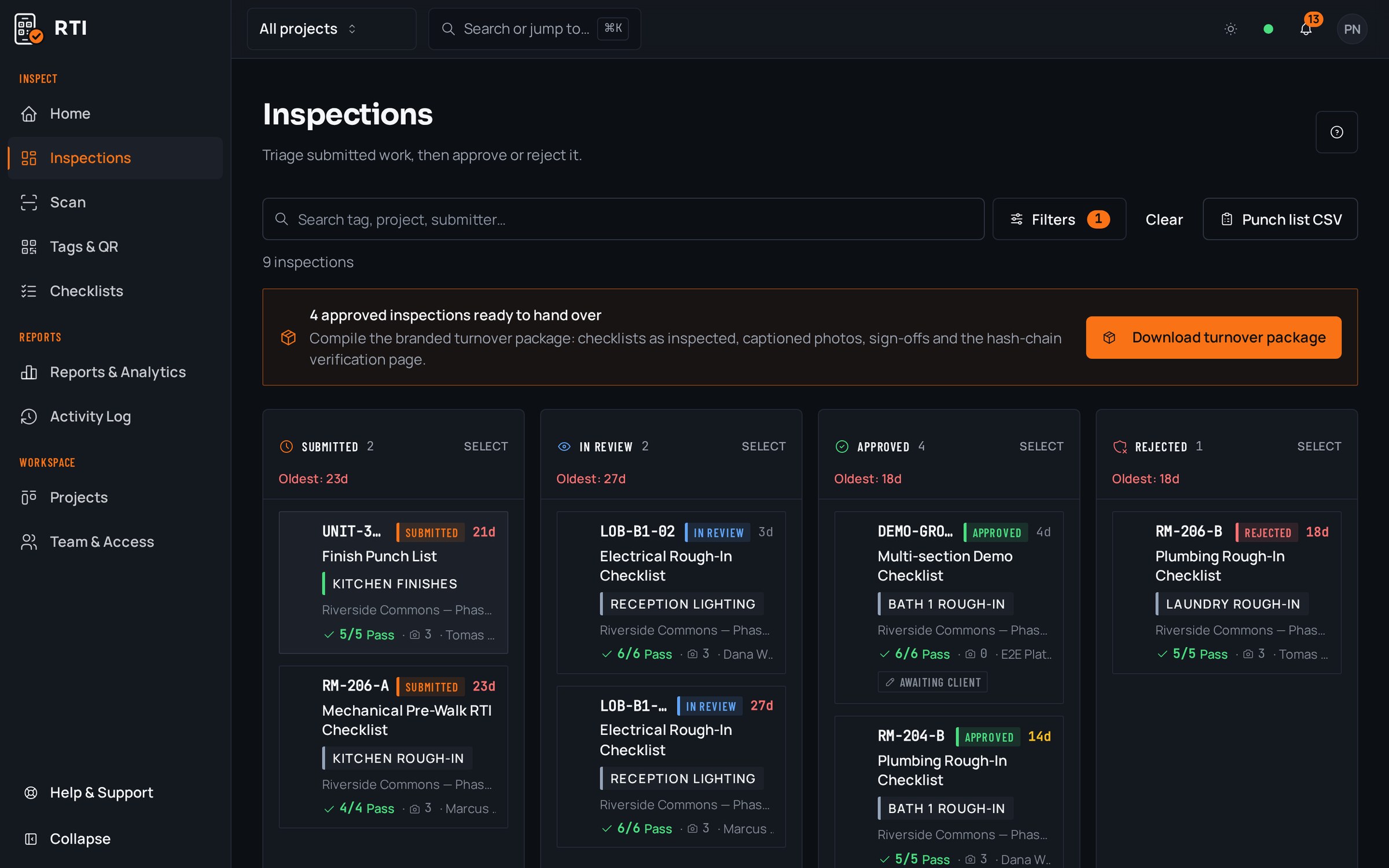
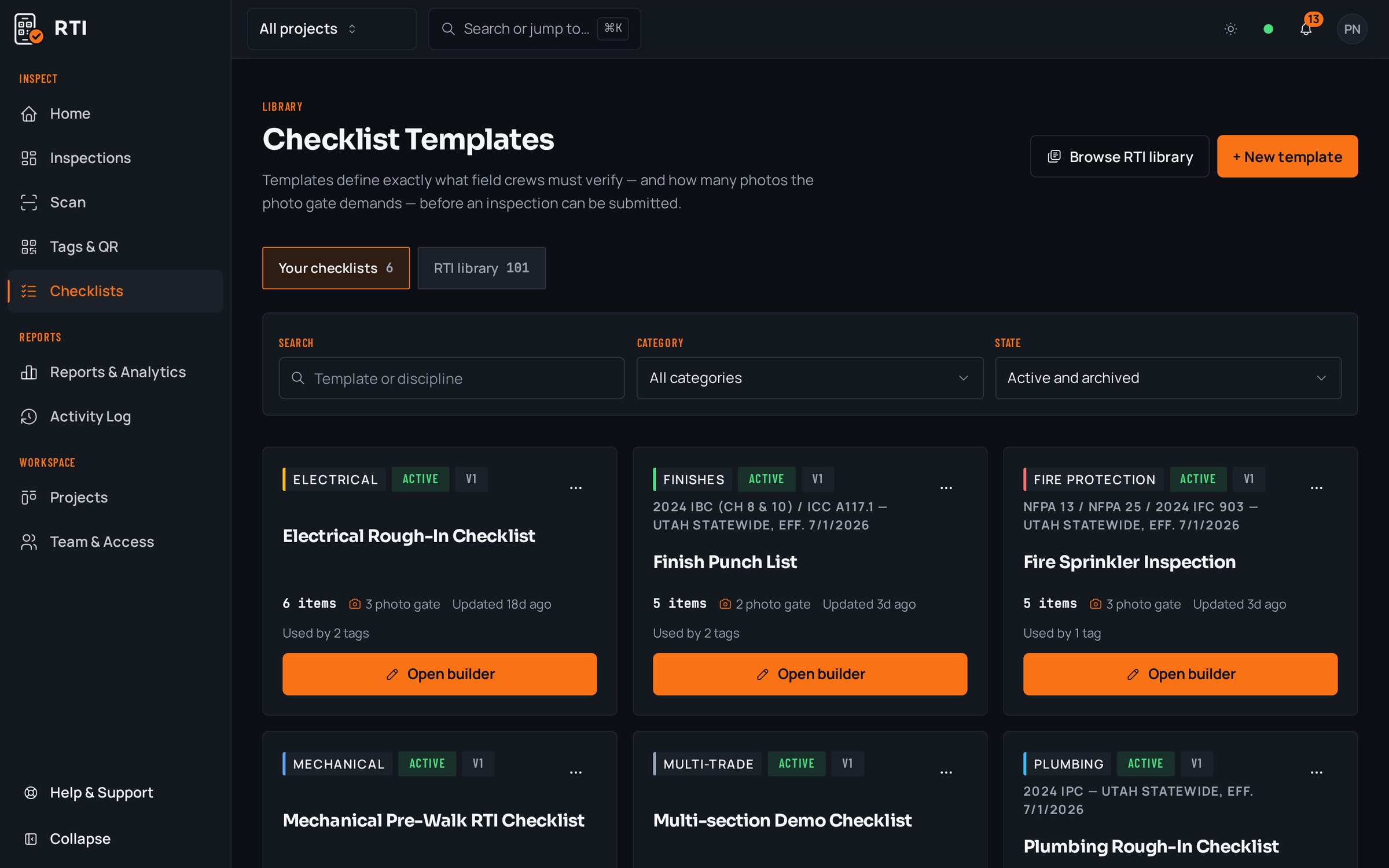
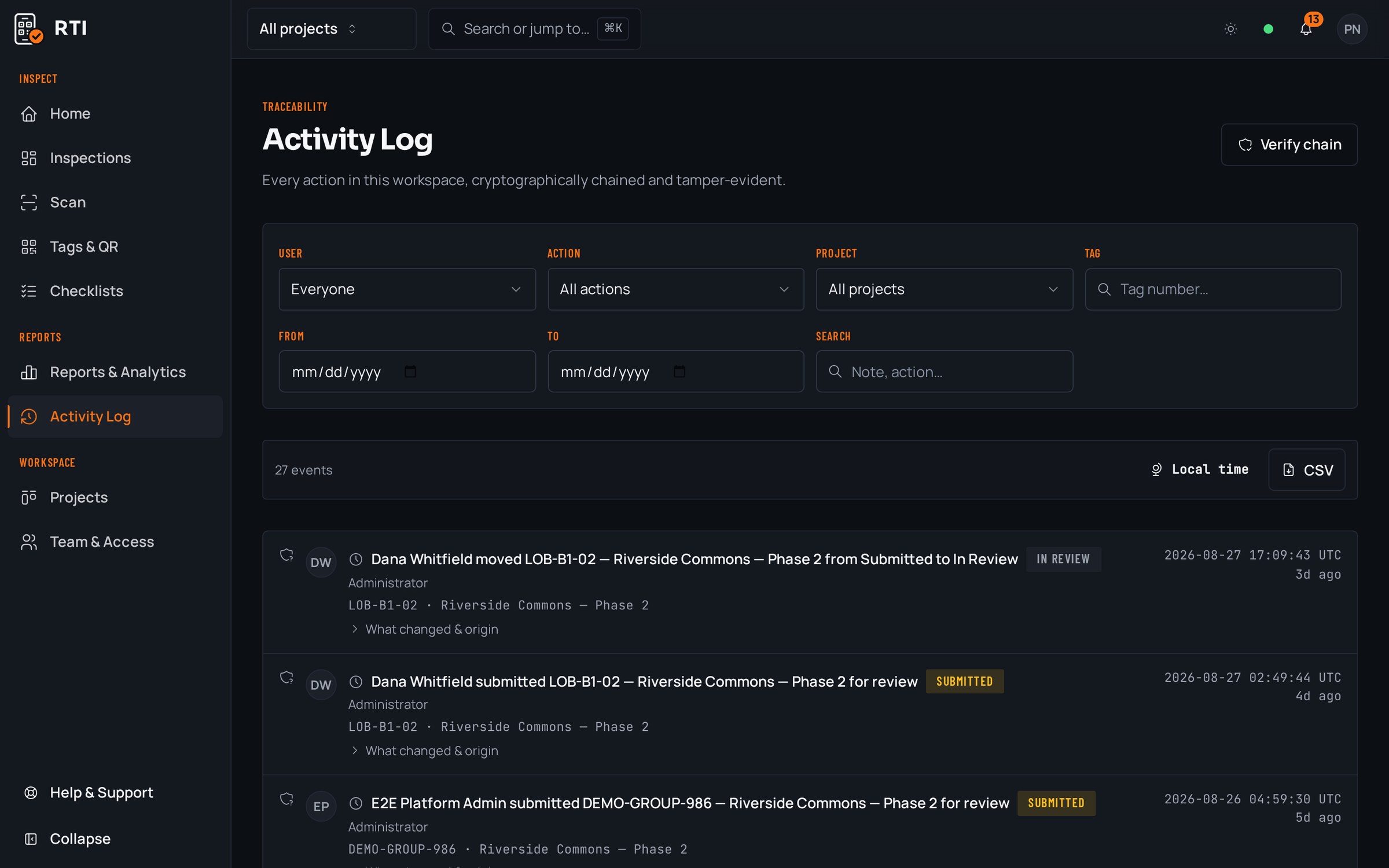
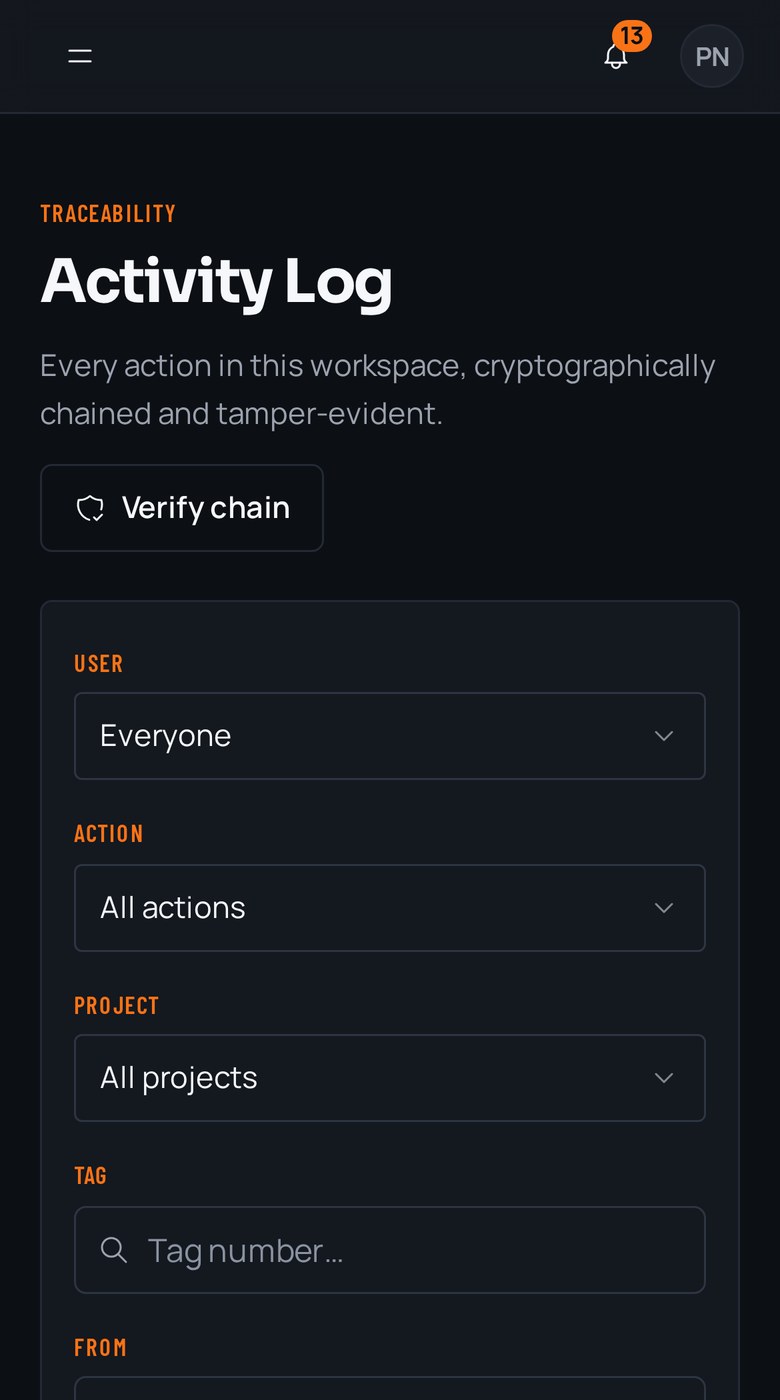
A real inspection point
What this looks like on your job
One tag, one checklist, and the photos that have to come with it.
Tag
Room 214, Ready for Drywall
TWR-A-L2-214
- Sticker location
- Corridor side of door frame, Room 214
- Bound checklist
- Pre-cover walk, ready for drywall
- Rough-in inspections signed off by every trade in the wall1 photo required
- Blocking and backing in place for wall-hung fixtures2 photos required
- Insulation installed and vapor barrier intact2 photos required
- No open penetrations or unsupported wire left in the bay1 photo required
Checklists for your work
Start from a checklist that already knows the walk
Real guides from the RTI library. Sections in build order, what to look for on each item, and the photos that prove it. Free to read, one click to run on a tag.
- Pre-drywallPre-drywall inspection checklistOne walk covering structure, MEP rough-in, insulation and blocking.11 items20 photos
- Punch listPunch list templateRoom-by-room closeout items with the before-and-after that closes them.15 items21 photos
- FramingFraming inspection checklistPre-drywall walk: bearing, connectors, notching, blocking.13 items27 photos
What gets in the way, and what RTI does about it
Today
A foreman tells you the third floor is ready, you release the drywall crew, and they walk off the job because the electrical rough-in isn't done. You lose the crew and the morning.
With RTI
The readiness gate can't be submitted until every trade's items are answered and photographed, and you approve it before it turns green. You release the next crew off a fact on the board, not off a hallway conversation.
Today
Readiness lives in your head and your notebook. When the PM or the owner asks what's ready on level two, the honest answer is 'let me walk it and call you back.'
With RTI
Every gate you approve shows as approved on one board, with the photos attached to the tag. Level two's status is a screen you both can read, not a walk you have to schedule.
Today
The inspector arrives, you take them into a space you were told was ready, and it isn't. Now it's a failed inspection and a re-inspection fee on your job.
With RTI
You approve the tag before you ever schedule the inspector, with the completed checklist and photos behind it. You show up confirming work you already verified instead of gambling on someone else's 'it's ready.'
Questions superintendents ask
- How do I know an area is really ready before I release the next trade?
- Because the readiness gate is photo-gated on the phone. The crew that says an area is done cannot submit it until every item is answered and every required photo is attached, and it only reaches your approved lane once you accept it. You sequence the next trade off the board, not off a foreman's word.
- Can I count on a room being ready before the inspector arrives?
- You walk it once, on your terms, and approve it. From then on the tag shows approved with the photos behind it. When the inspector comes, you are confirming a room you already signed off, not discovering an open penetration with them standing next to you.
- What happens when a trade marks something done that isn't?
- You reject it on the review board with the reason attached, and it drops into the rejected lane instead of quietly passing. The crew sees exactly what is missing and re-submits. Nothing moves to the next trade on your say-so until it earns the approved lane.
Put it on a real job.
Tag one area, run one walk, and see the record it leaves behind. Start free. 30 days, no card required.