For owner's representatives
Sign off on what you can see, from your phone.
You represent the owner without swinging a hammer: you review the work others did and put your name to it. RTI gives you a portal into the projects you are assigned, so you review the actual evidence and sign off onto the same tamper-evident record the whole team works from.
A real inspection point
What this looks like on your job
One tag, one checklist, and the photos that have to come with it.
Tag
Unit 1204, Owner Turnover Review
OWN-C-L12-1204
- Sticker location
- Inside unit entry door, Building C
- Bound checklist
- Owner acceptance walk, final turnover
- Punch items from prior walk closed with photo evidence2 photos required
- Finishes match approved samples and specification2 photos required
- Fixtures and appliances operate as installed1 photo required
- Life-safety devices present and unobstructed2 photos required
Checklists for your work
Start from a checklist that already knows the walk
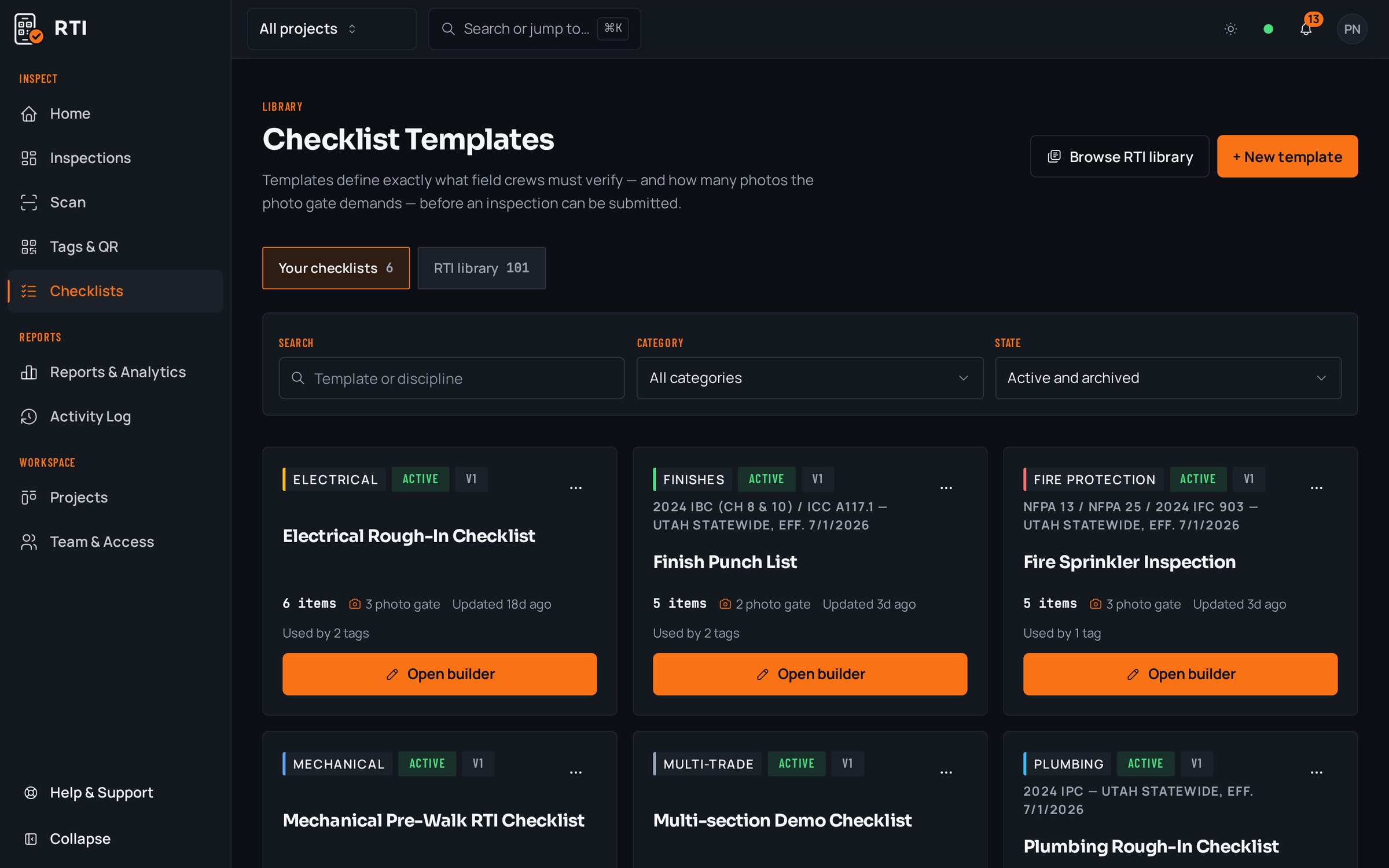
Real guides from the RTI library. Sections in build order, what to look for on each item, and the photos that prove it. Free to read, one click to run on a tag.
- Final inspectionFinal inspection checklist for constructionThe handover walk: systems, life safety, finishes and documentation.15 items25 photos
- Punch listPunch list templateRoom-by-room closeout items with the before-and-after that closes them.15 items21 photos
- QC planConstruction quality control planRoles, definable features of work, three-phase control, nonconformance.12 items15 photos
What gets in the way, and what RTI does about it
Today
You are asked to sign off on units you can't physically walk, so you either rubber-stamp the GC's word or drive out to see each one yourself.
With RTI
Open the portal on your phone and review the actual submission: the checklist answers and the photo behind every item, per unit. You approve what the evidence shows, without walking all ninety doors.
Today
Your approval lives in an email thread, the GC's proof lives somewhere else, and reconciling who accepted what is a job in itself.
With RTI
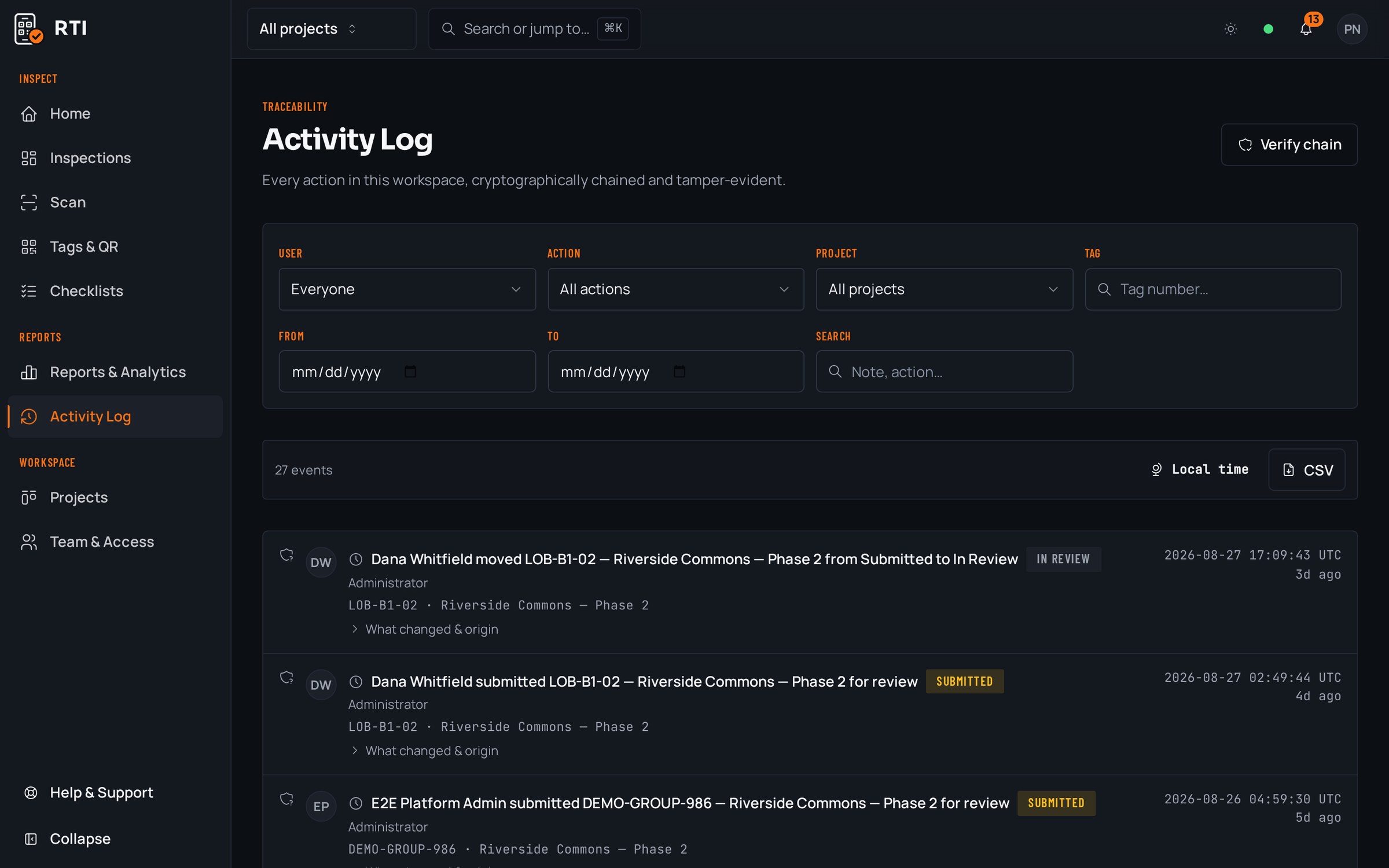
You sign off onto the same tamper-evident record the crew submitted into. Owner approval and field submission sit on one hashed chain, so there is a single dated source of what was accepted.
Today
Months later a defect surfaces and no one can establish what the owner's side actually reviewed and accepted at turnover.
With RTI
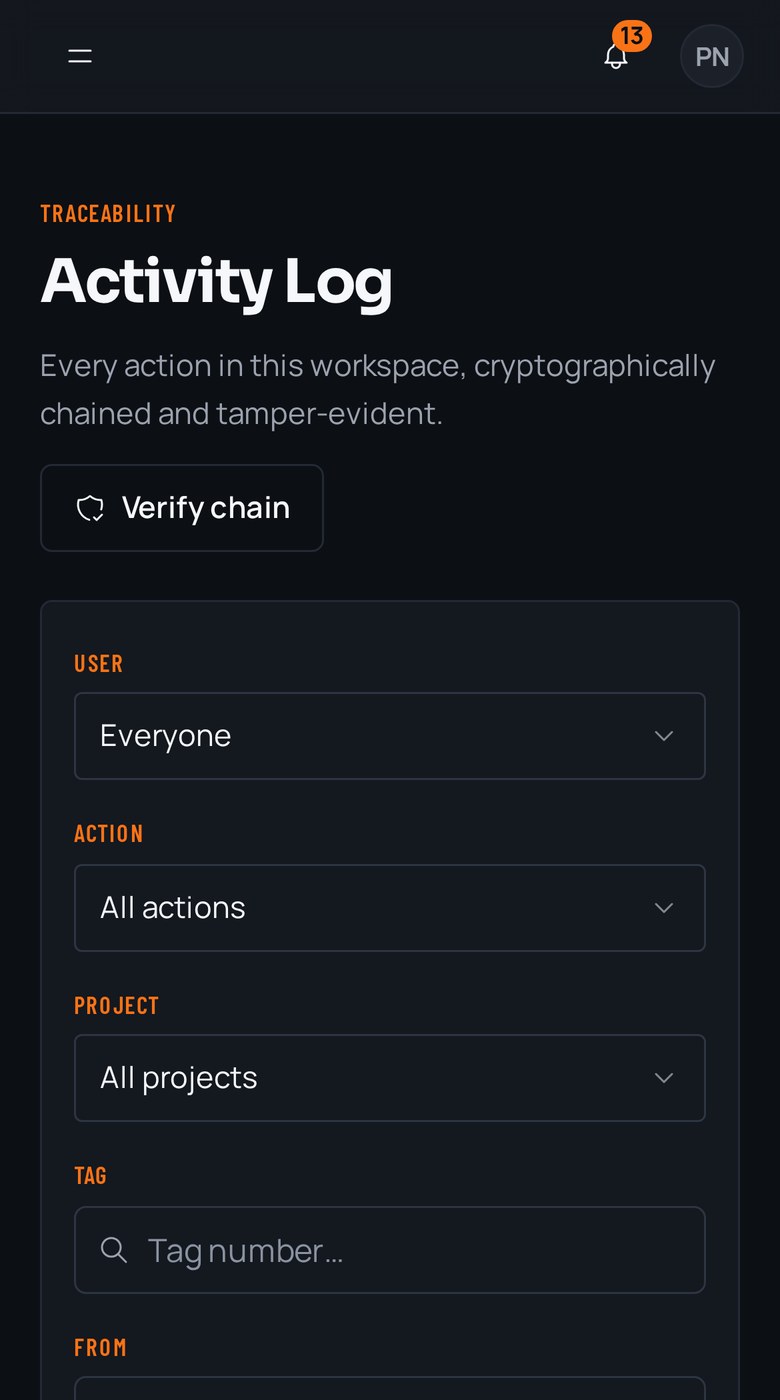
Every signoff is written to the SHA-256 activity log with your name and the time. Altering the record breaks the hash chain, so what you reviewed and when you accepted it stays fixed and provable.
Questions owner's representatives ask
- I don't run the crews. How does a portal login work for me?
- The GC gives you a portal scoped to the projects you are assigned, nothing more. You see the submissions on those projects, review the photos and checklist answers behind each one, and sign off from your phone. You review evidence; you don't administer anyone's workspace.
- When I sign off, where does my approval actually go?
- Onto the same tamper-evident activity log the GC and subs work from, not a separate copy. Your signoff is hashed into the record with the timestamp, so the owner's approval and the crew's submission live on one chain that no one can rewrite afterward.
- How do I know the photos I'm approving weren't staged or reused from another unit?
- Each photo is bound to the specific QR tag and checklist item it proves, with the time it was taken and the person who took it. A shot from a different unit can't be dropped in to stand for this one, so what you approve is the work in front of that tag.
Put it on a real job.
Tag one area, run one walk, and see the record it leaves behind. Start free. 30 days, no card required.