Checklist apps vs RTI
A generic form app was never built for the wall.
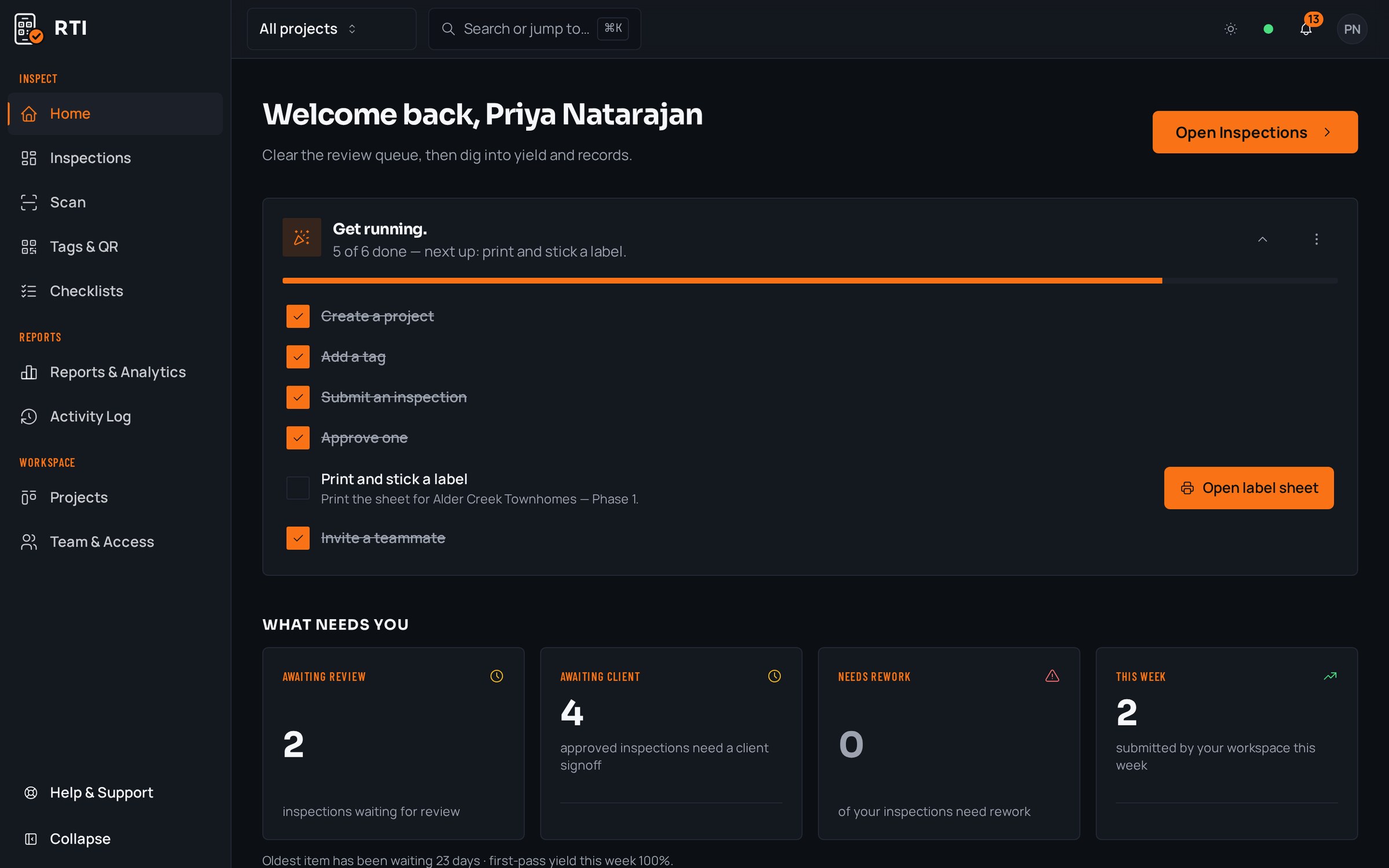
Off-the-shelf checklist and form apps are good at collecting answers. Construction QA needs more than answers: a tag on the physical thing, a photo requirement that cannot be skipped, a record that cannot be edited after the fact, and an export a client will accept. RTI is built for exactly that.
A real inspection point
What this looks like on your job
One tag, one checklist, and the photos that have to come with it.
Tag
Panelboard LP-2, Final
CIV-A-L1-LP2
- Sticker location
- Face of panel LP-2, electrical room 1E-108
- Bound checklist
- Panelboard final, QA signoff
- Breaker labeling matches panel schedule1 photo required
- Lug torque marks applied to spec2 photos required
- Dead front secured, no exposed conductors1 photo required
- Arc-flash and equipment labels affixed1 photo required
Checklists for your work
Start from a checklist that already knows the walk
Real guides from the RTI library. Sections in build order, what to look for on each item, and the photos that prove it. Free to read, one click to run on a tag.
- QC planConstruction quality control planRoles, definable features of work, three-phase control, nonconformance.12 items15 photos
- ITPInspection and test plan (ITP)Activities, acceptance criteria, hold points and the record per row.11 items8 photos
- Final inspectionFinal inspection checklist for constructionThe handover walk: systems, life safety, finishes and documentation.15 items25 photos
What gets in the way, and what RTI does about it
Today
A generic form has no idea what a physical inspection point is. You pick the location from a dropdown and hope the person chose the right one.
With RTI
A printed QR tag lives on the actual panel, unit or riser. Scanning it opens the exact checklist bound to that thing, so the point is chosen by standing in front of it, not by guessing in a menu.
Today
The photo field is optional, or the form submits with it empty, so half the records that matter most have no picture behind them.
With RTI
The photo gate is enforced in the database, not the interface. The submission cannot be sent until every required photo is attached, so there is no such thing as a complete record with no evidence.
Today
Records in a general form tool can be edited or deleted after the fact, and the export is a flat spreadsheet nobody would sign against.
With RTI
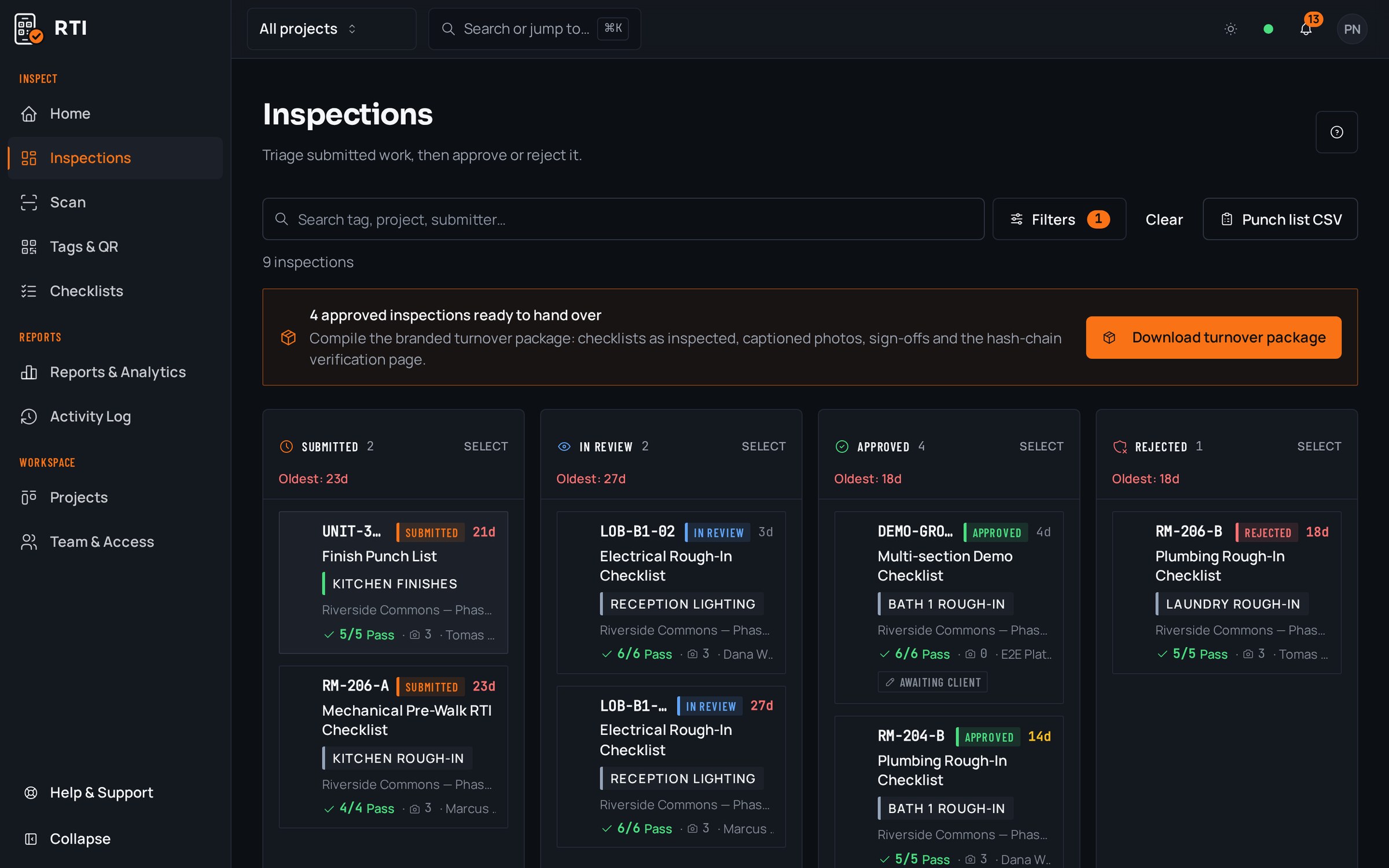
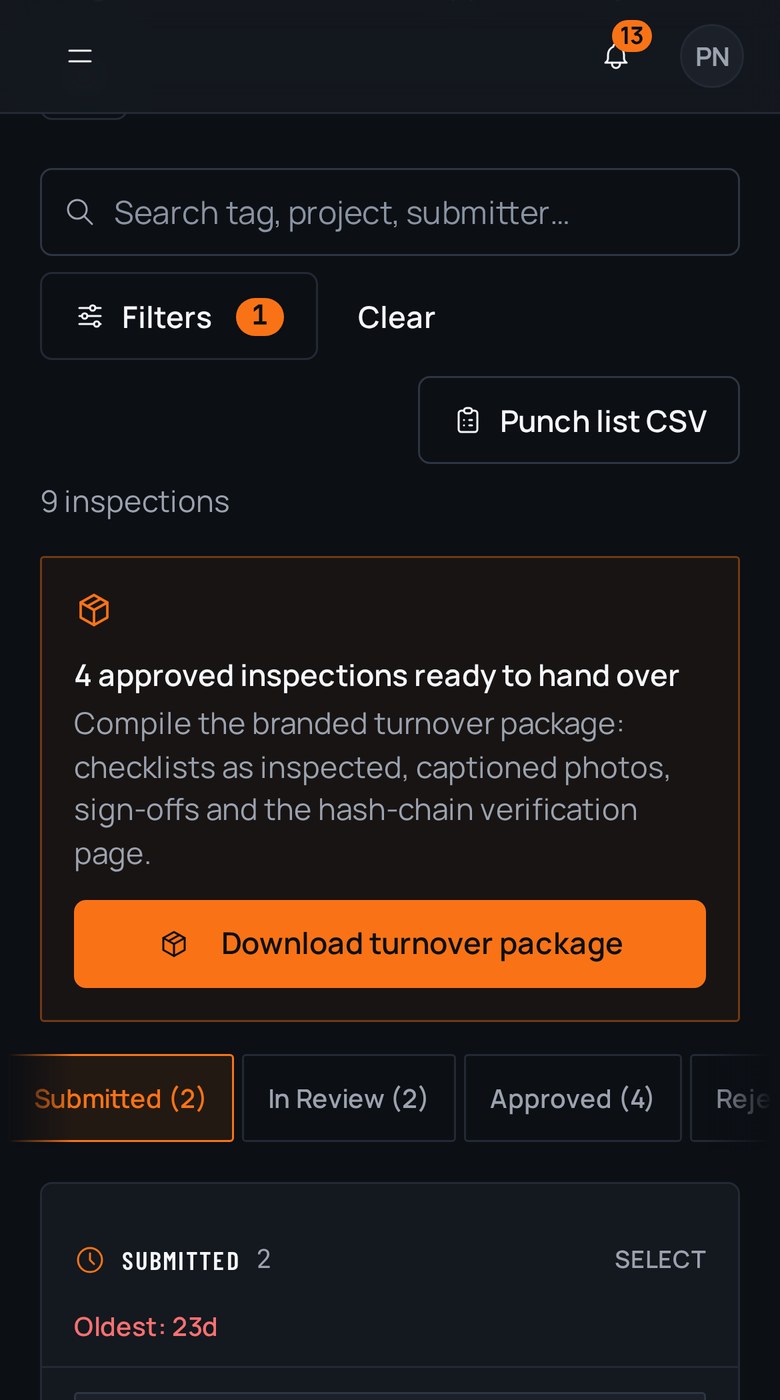
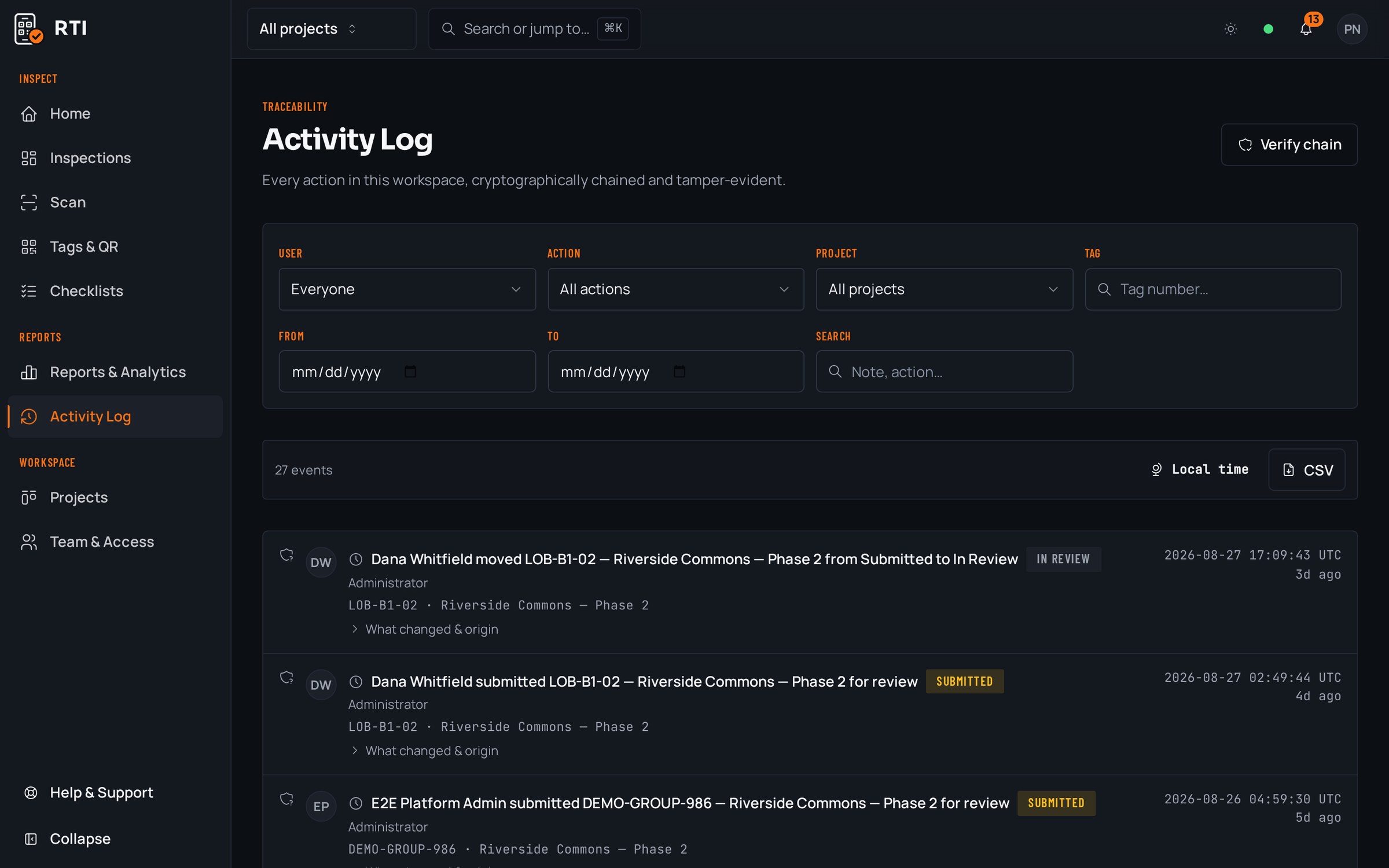
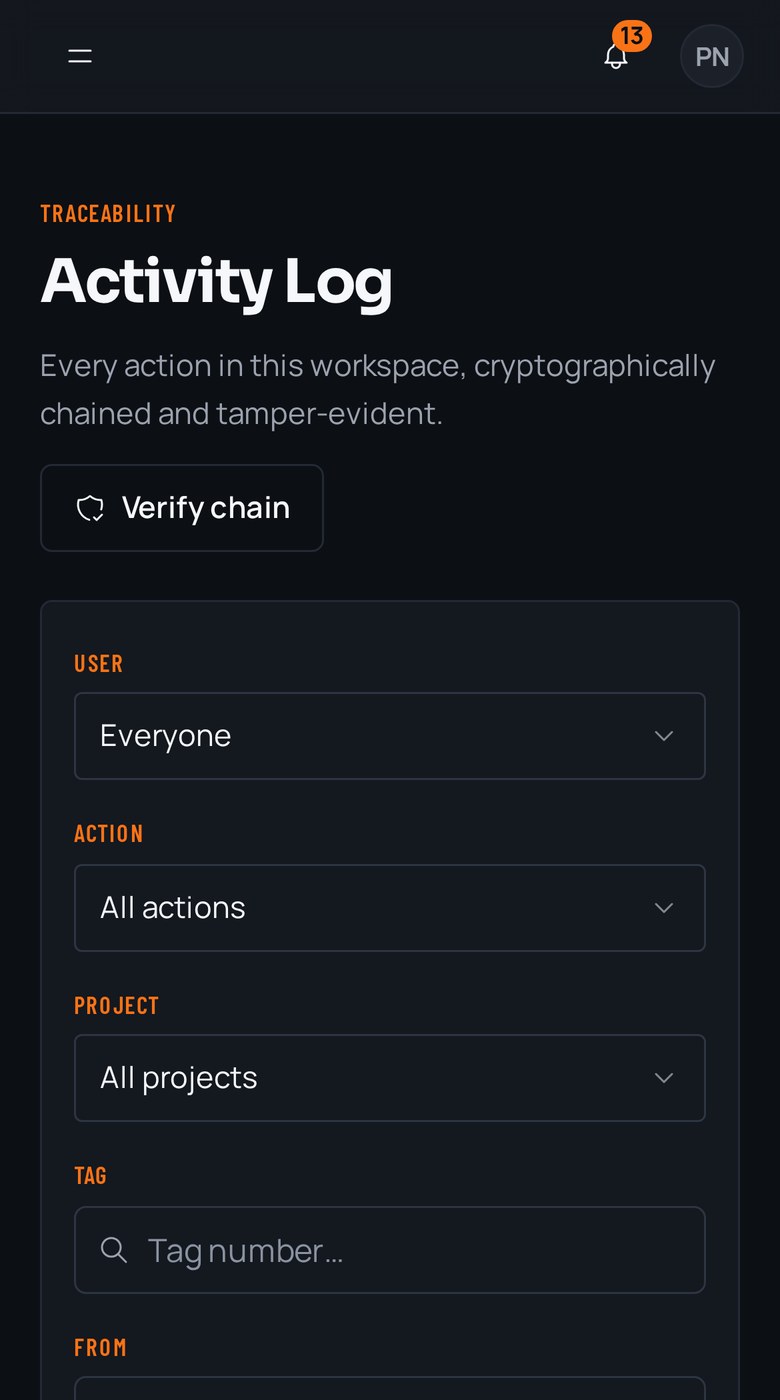
Every action is hash-chained with SHA-256, so edits after the fact break the chain and show. Export any tag, unit or project as a branded PDF or CSV with answers, photos, signatures and signoffs already assembled.
Questions about checklist apps vs RTI
- We already use a general checklist app. Why switch for QA?
- Generic form apps are built to collect answers, not to prove work in the field. They have no concept of a QR-tagged inspection point on a physical thing, they treat photos as optional attachments, and their records can be edited after submission. For construction QA, those are the parts that matter, and they are the parts a general form tool leaves out.
- Can't we just make a photo field required in a form builder?
- You can ask for a photo, but a form field is a UI hint the app can skip, autofill or submit empty. RTI's photo gate is enforced by the database: the submit button stays locked until every mandatory item is answered and every required photo is attached, so incomplete work cannot be recorded as complete at all.
- What does purpose-built for construction actually give us at turnover?
- An export a client will accept. RTI produces a branded PDF or CSV per tag, unit or project with checklist answers, photos, signatures and signoffs already assembled, backed by a tamper-evident log. A general form app tends to give you a flat data dump that still needs to be turned into something a client can sign against.
Put it on a real job.
Tag one area, run one walk, and see the record it leaves behind. Start free. 30 days, no card required.