Spreadsheets vs RTI
A spreadsheet tracks the status. It doesn't hold the proof.
A tracking sheet in Excel or Sheets is a fine index of what's open and what's closed. The trouble starts when the sheet becomes the record: nothing in a cell was captured in the field, nothing requires a photo, and any cell can be changed later with no trace of who changed it.
A real inspection point
What this looks like on your job
One tag, one checklist, and the photos that have to come with it.
Tag
Unit 214, Punch Walk
PARK-C-214-PL
- Sticker location
- Inside of unit entry door
- Bound checklist
- Final punch, pre-closeout
- Paint touch-ups complete, no roller marks1 photo required
- Cabinet doors and drawers aligned and closing2 photos required
- GFCI outlets tested in kitchen and baths2 photos required
- Interior doors latch and swing without rub1 photo required
Checklists for your work
Start from a checklist that already knows the walk
Real guides from the RTI library. Sections in build order, what to look for on each item, and the photos that prove it. Free to read, one click to run on a tag.
- Punch listPunch list templateRoom-by-room closeout items with the before-and-after that closes them.15 items21 photos
- QC planConstruction quality control planRoles, definable features of work, three-phase control, nonconformance.12 items15 photos
- Final inspectionFinal inspection checklist for constructionThe handover walk: systems, life safety, finishes and documentation.15 items25 photos
What gets in the way, and what RTI does about it
Today
The tracking sheet says a line is closed, but the only evidence is that someone typed a date into a cell.
With RTI
In RTI a line is closed because the item was answered on the phone and its required photos were attached before it could be submitted. The status and the proof are the same record, not two things you have to reconcile.
Today
Anyone with the link can change a cell, and there is no way to tell what it said yesterday or who touched it.
With RTI
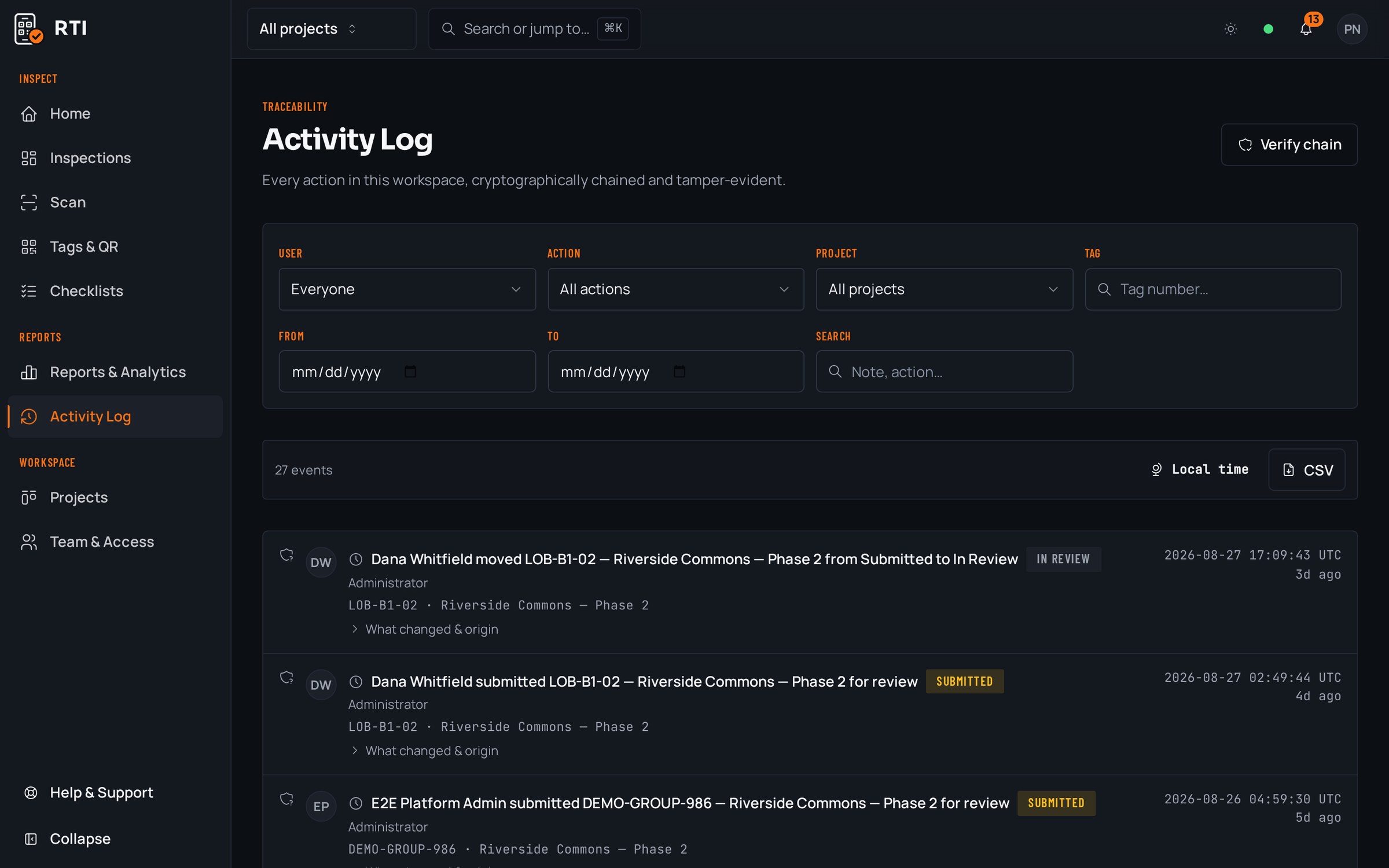
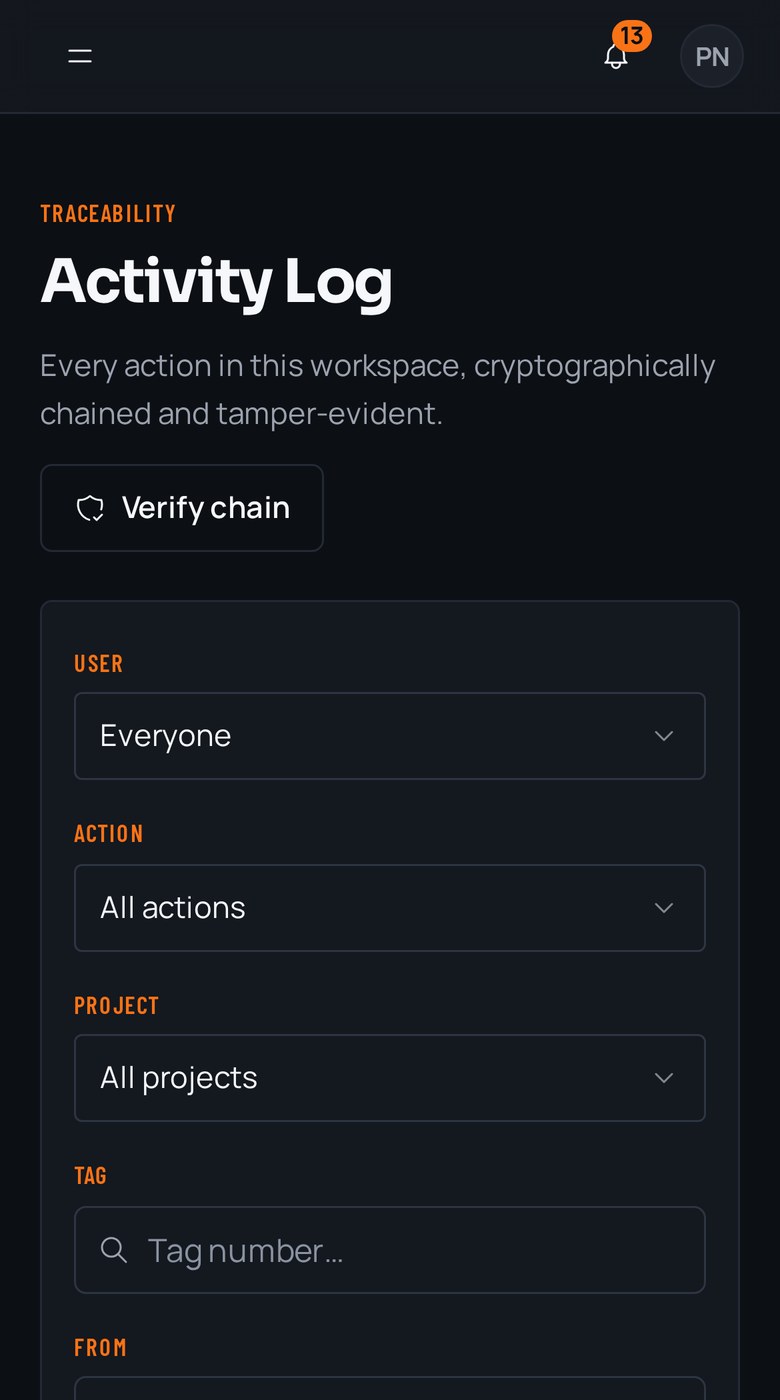
Every action is written to an activity log that hashes each entry over the previous one with SHA-256. Alter a record and every later hash stops matching, so the change is visible, dated and attributed instead of silent.
Today
The sheet lives in one company's drive, and getting a clean copy to an owner means hiding tabs and hoping formulas don't break.
With RTI
Export any tag, unit or project as a branded PDF or CSV whenever you want, with the checklist answers, photos, signatures and signoffs already assembled. Row-level security keeps each company's workspace separate, and your records stay yours after you cancel.
Questions about spreadsheets vs RTI
- We already track punch in a shared sheet. What does RTI actually add?
- A sheet records a status someone typed. RTI records the work itself. Each item is answered on the phone at the point it describes, with the required photos attached before it can be submitted, and every entry is written to a tamper-evident log. You keep the at-a-glance view you like on the review board, but 'closed' now means proof exists, not that a cell says closed.
- Can't we just add a column for a photo link in the spreadsheet?
- You can, but nothing enforces it. The row saves whether or not the link is there, whether or not it points at the right unit, and whether or not the photo was taken today. RTI's photo gate runs on the phone before the item can be submitted: the mandatory photo is attached to that specific item, or the item does not go in.
- Someone edited a closed item after the walk. How does RTI prevent that?
- A spreadsheet cell has no memory: change it and the old value is gone. In RTI every action is written to an activity log that hashes each entry over the previous one with SHA-256. A record can be corrected, but the correction is a new, dated, attributed entry, and any attempt to quietly rewrite history breaks every hash after it.
Put it on a real job.
Tag one area, run one walk, and see the record it leaves behind. Start free. 30 days, no card required.