Shared drives vs RTI
A folder full of photos is not a closeout package.
Dropping evidence into a shared drive feels organized until someone has to prove a specific item was done. RTI keeps each photo attached to the item it proves, so the closeout package assembles itself from the record and every file traces back to who captured it.
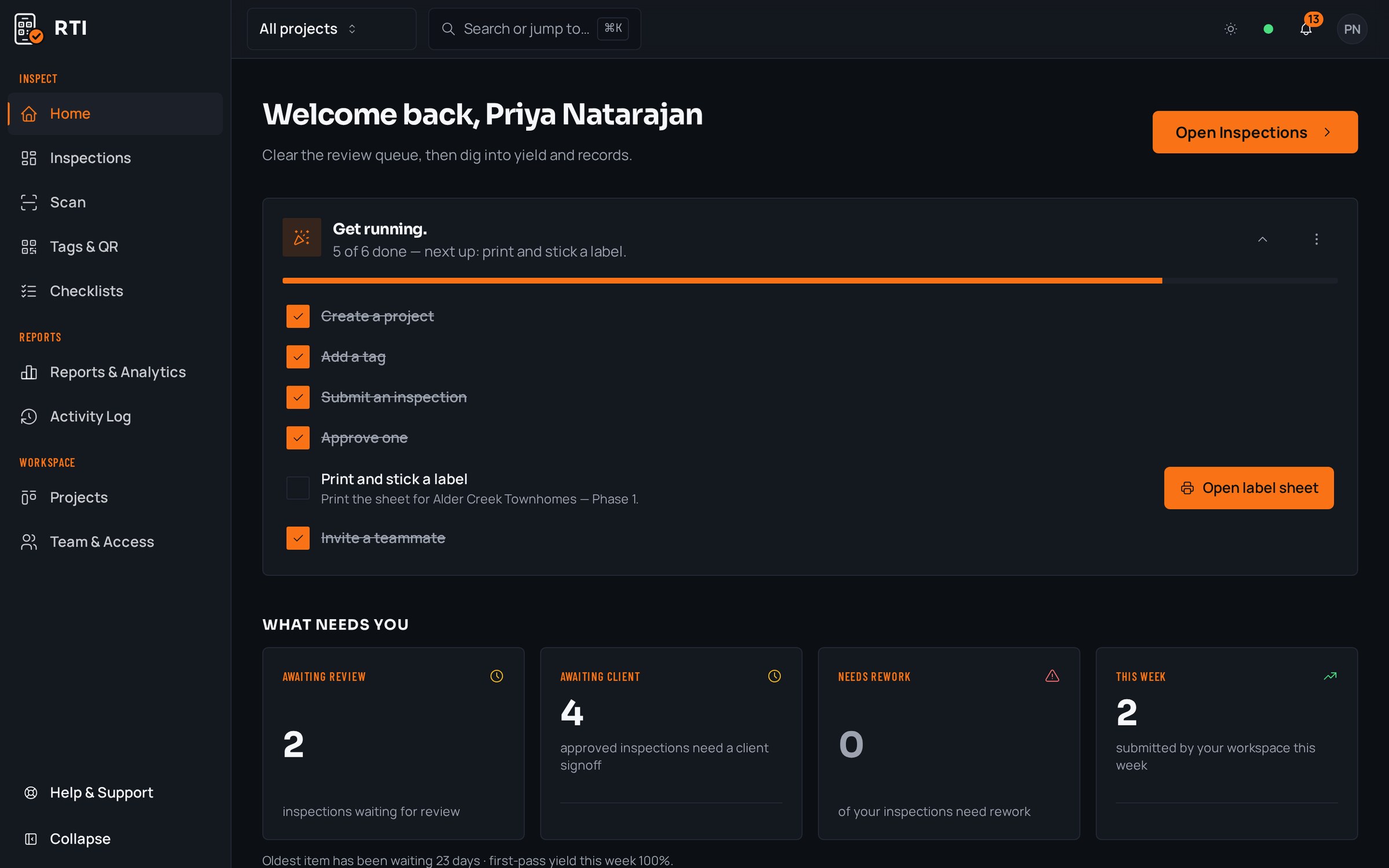
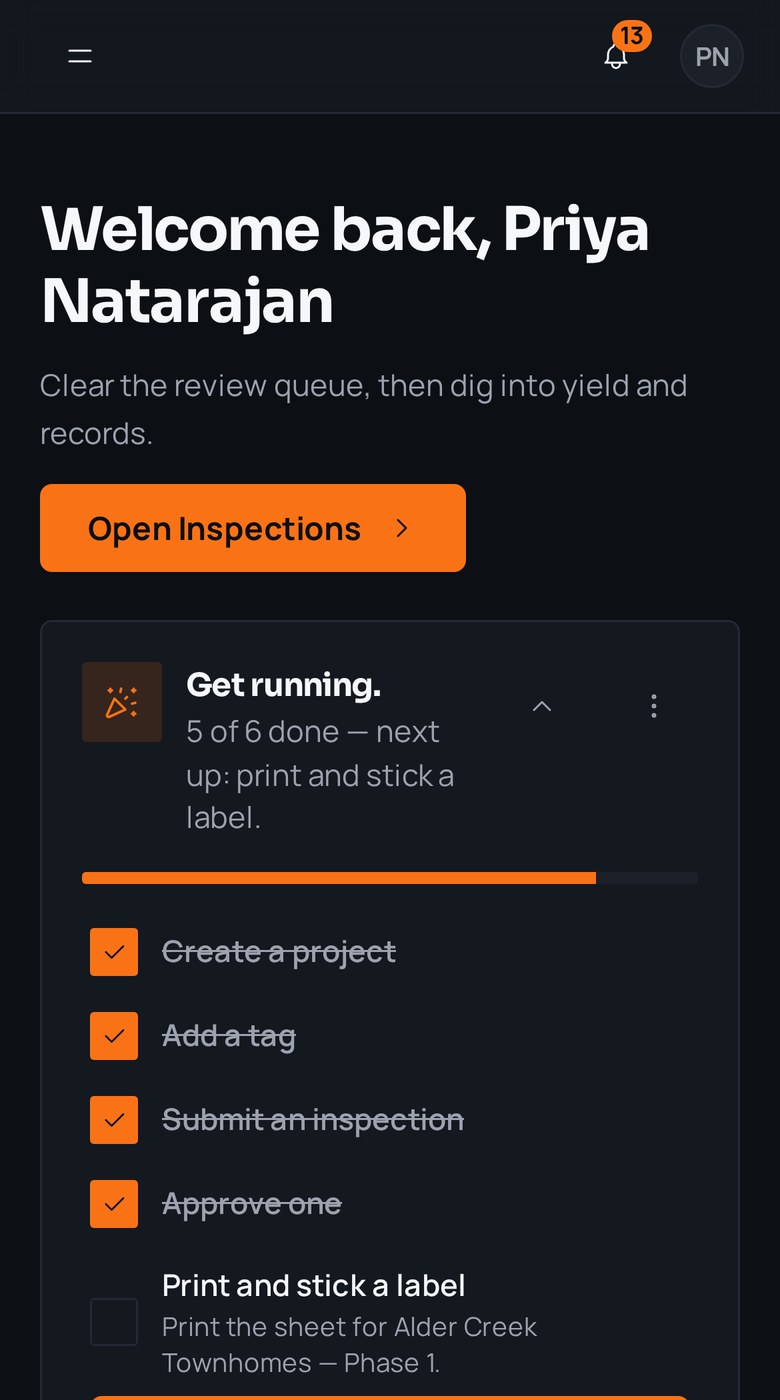
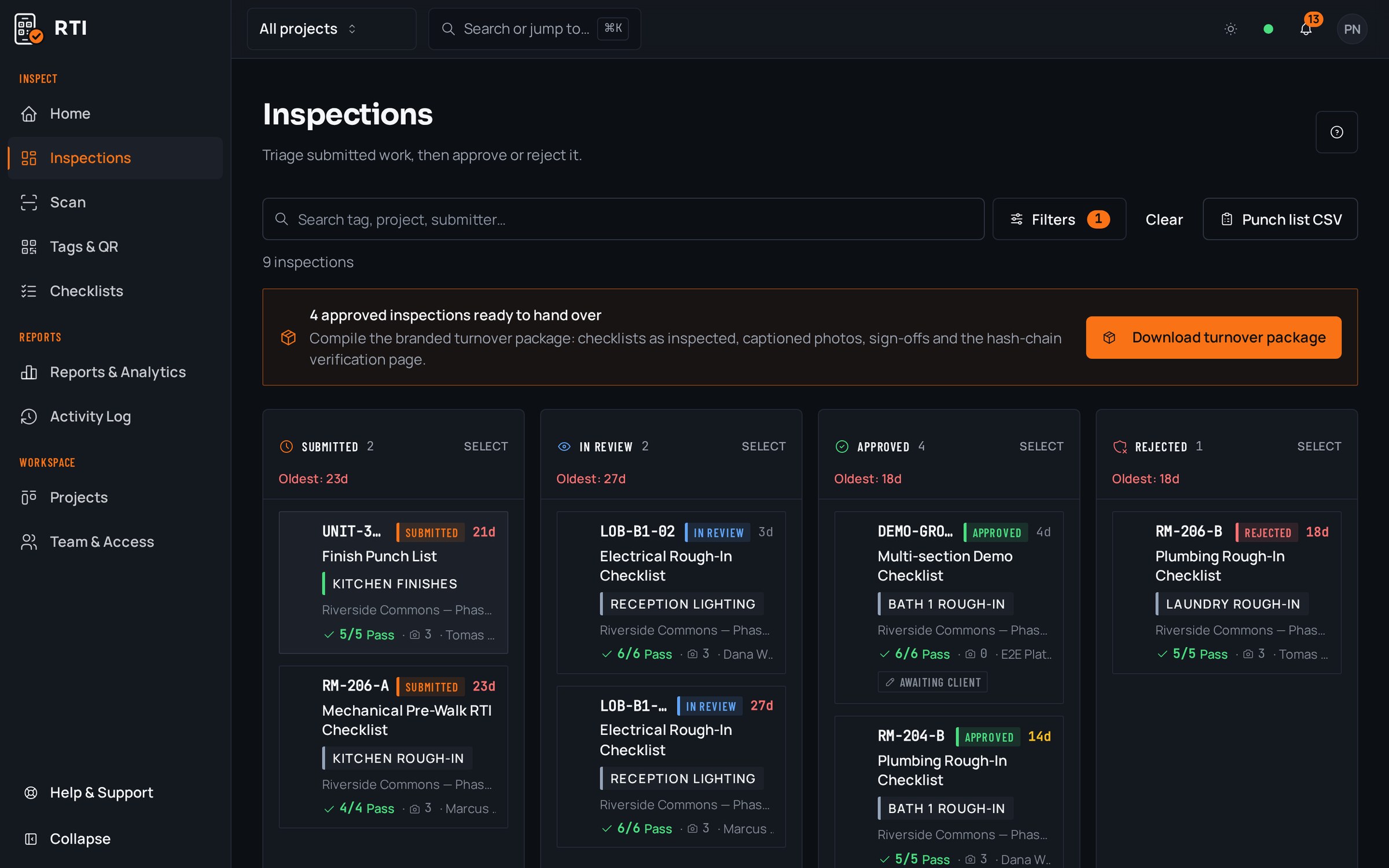
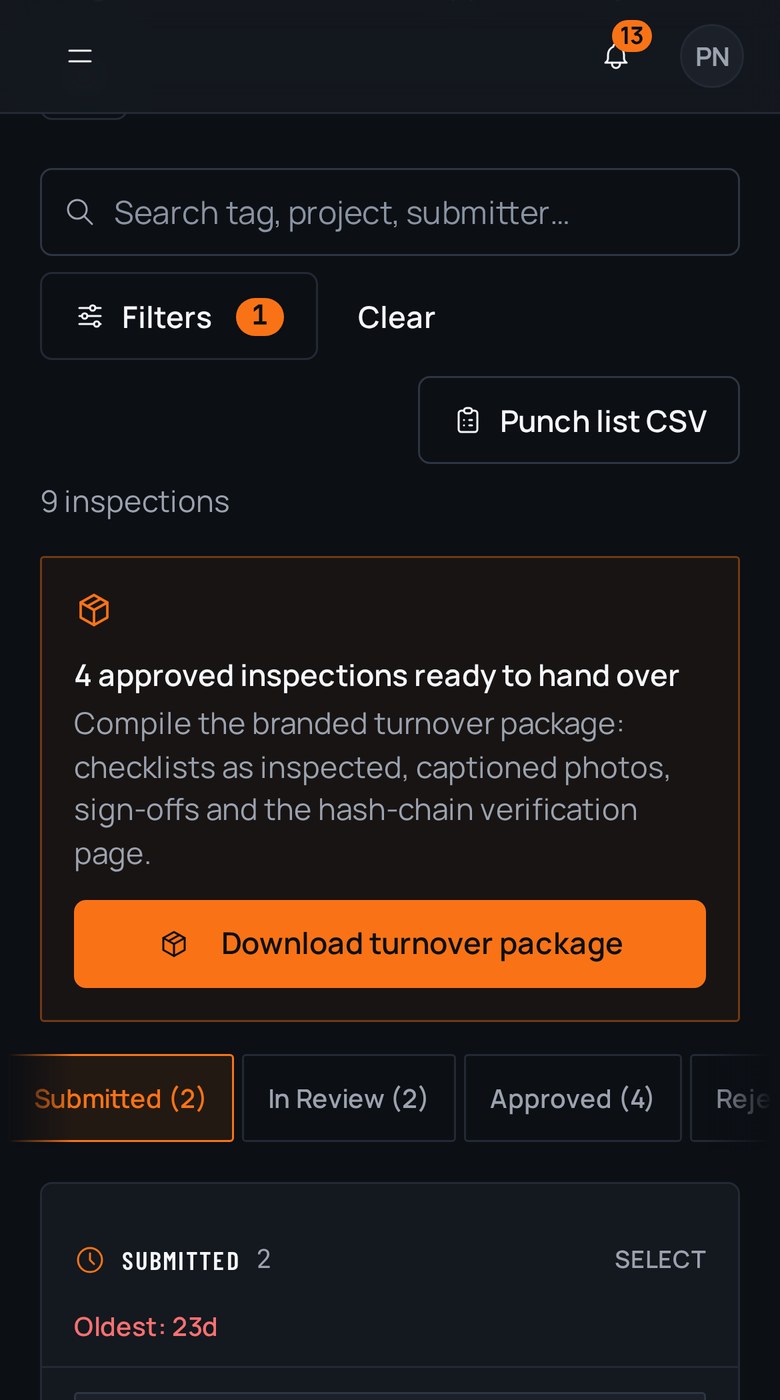
A real inspection point
What this looks like on your job
One tag, one checklist, and the photos that have to come with it.
Tag
Rooftop Unit RTU-4, Closeout
MOB-A-RF-RTU4
- Sticker location
- Access panel on the RTU curb
- Bound checklist
- Rooftop unit startup and turnover
- Startup report attached, complete and signed1 photo required
- Model and serial nameplate legible1 photo required
- Filters installed and size documented2 photos required
- Condensate line trapped and draining2 photos required
Checklists for your work
Start from a checklist that already knows the walk
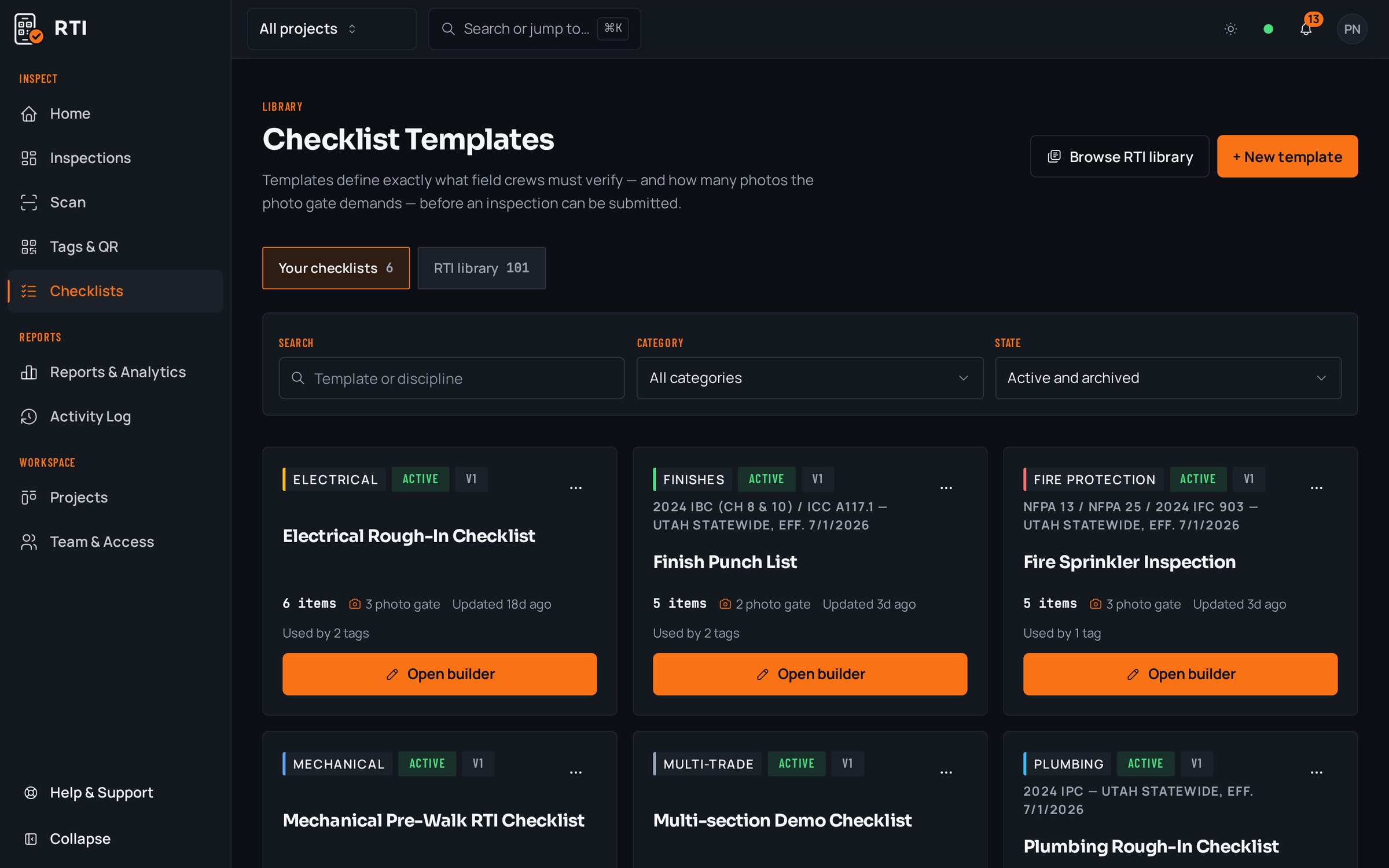
Real guides from the RTI library. Sections in build order, what to look for on each item, and the photos that prove it. Free to read, one click to run on a tag.
- Final inspectionFinal inspection checklist for constructionThe handover walk: systems, life safety, finishes and documentation.15 items25 photos
- QC planConstruction quality control planRoles, definable features of work, three-phase control, nonconformance.12 items15 photos
- ITPInspection and test plan (ITP)Activities, acceptance criteria, hold points and the record per row.11 items8 photos
What gets in the way, and what RTI does about it
Today
The photo is in the drive, but it is named IMG_4471 and lives in a folder three levels deep. Findable only if everyone named things perfectly, which they never did.
With RTI
Each photo is stored against the checklist item it proves, on the tag it belongs to. You find it by the work it documents, not by hoping someone typed the right filename.
Today
A photo in a folder proves a photo was taken. It does not prove which item it satisfies or that the item was ever signed off.
With RTI
The photo, the answered item and the signoff are one linked record. The evidence points at the item, and the item points back at the evidence.
Today
Closeout means one person spending a week dragging files out of folders and rebuilding the package by hand.
With RTI
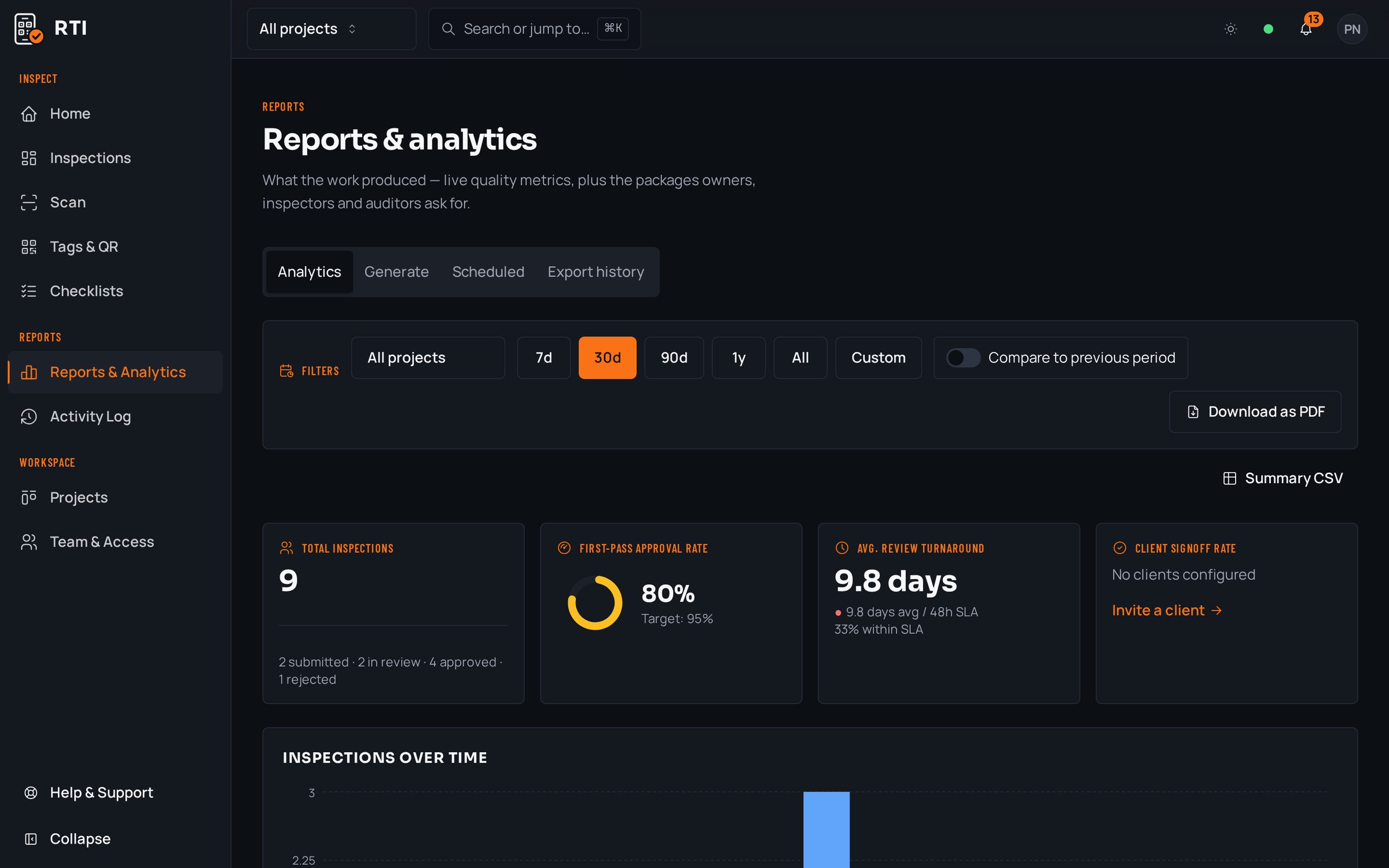
Export any tag, unit or project as a branded PDF or CSV whenever you want. The package is the record, so it is ready the moment the work is, and it stays yours after you cancel.
Questions about shared drives vs RTI
- We already keep everything in a shared drive. What does RTI add?
- Structure the drive cannot give you. In a folder, a photo is only as findable as its filename, and it proves nothing on its own: IMG_4471.jpg does not say which unit, which item or when. In RTI the same photo is bound to the checklist item, the tag and the timestamp, so it is evidence, not just a file.
- How does the closeout package come together without someone assembling it?
- It is already assembled. Because every answer, photo, signature and signoff is attached to its tag as work happens, you export the tag, unit or whole project as a branded PDF or CSV in one action. There is no week of collecting files from folders nobody named consistently.
- Can a file in a folder be quietly swapped or backdated?
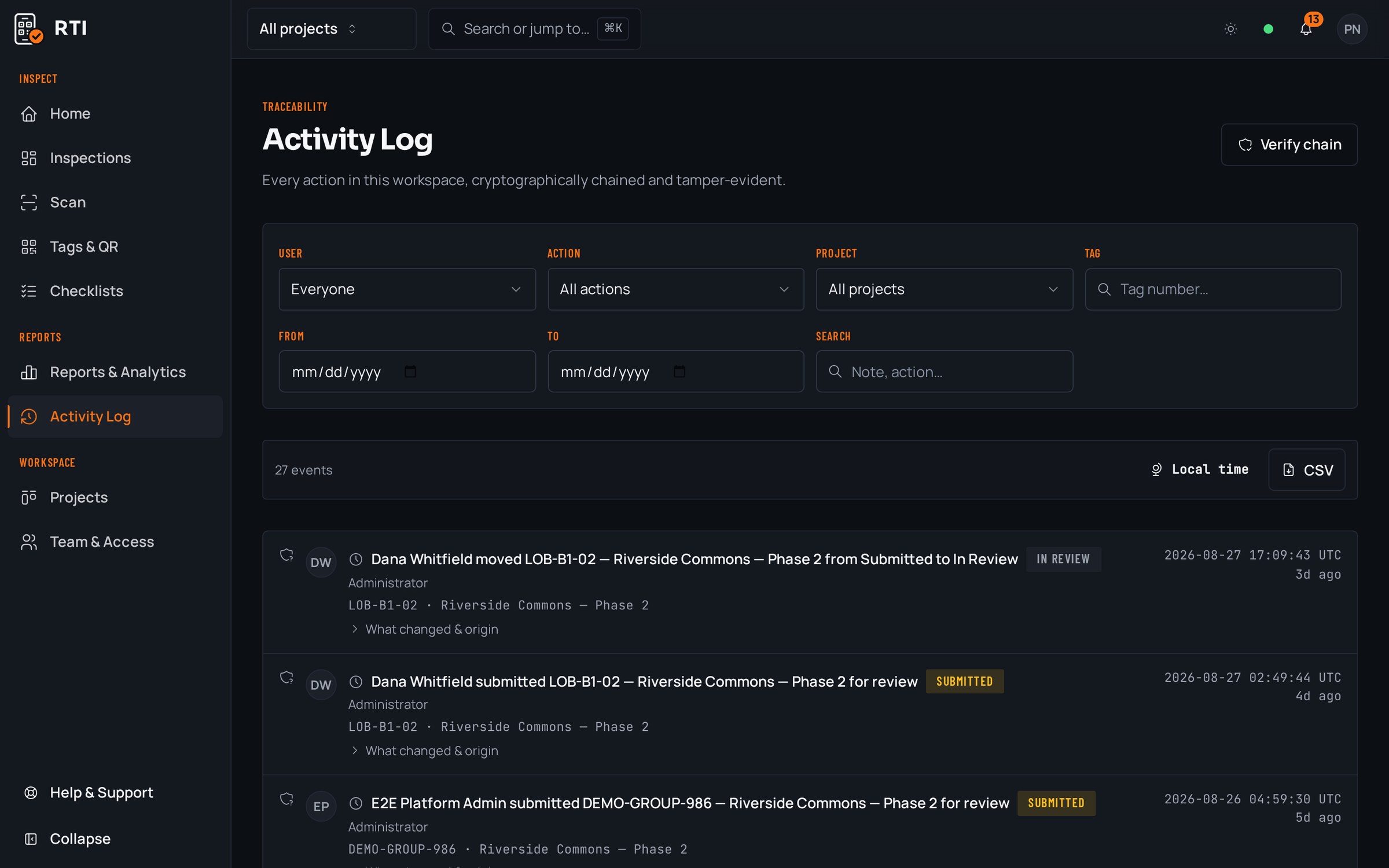
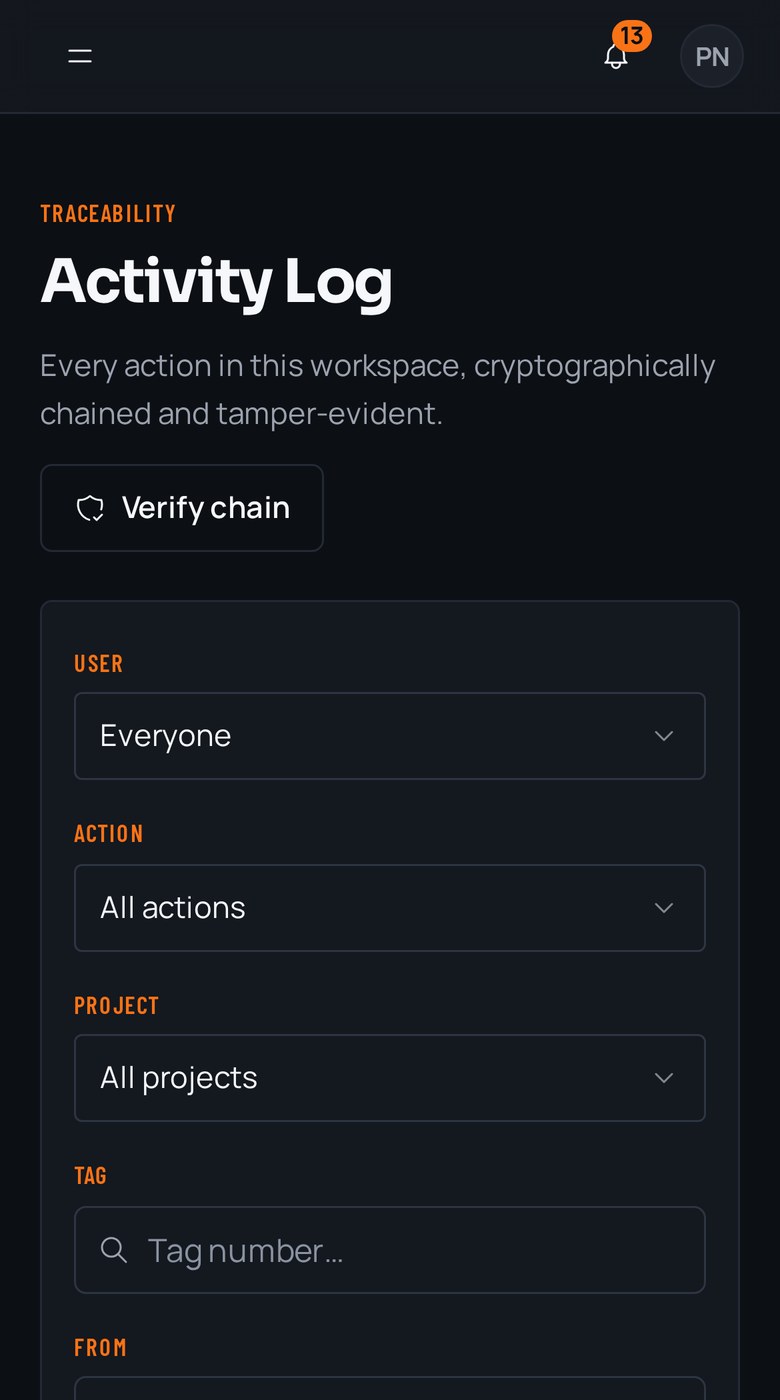
- In a plain shared drive, yes, and nothing shows it happened. RTI writes every action to an activity log that hashes each entry over the previous one with SHA-256. Alter a record and every later hash stops matching, so tampering is visible, dated and permanent.
Put it on a real job.
Tag one area, run one walk, and see the record it leaves behind. Start free. 30 days, no card required.