PDF markup vs RTI
A cloud on a drawing is not a closed item.
Marking up a plan set is a fast way to point at a problem. It is a poor way to prove the problem was fixed. RTI ties every item to the real thing on the wall and to a checklist that will not submit until the work is actually done.
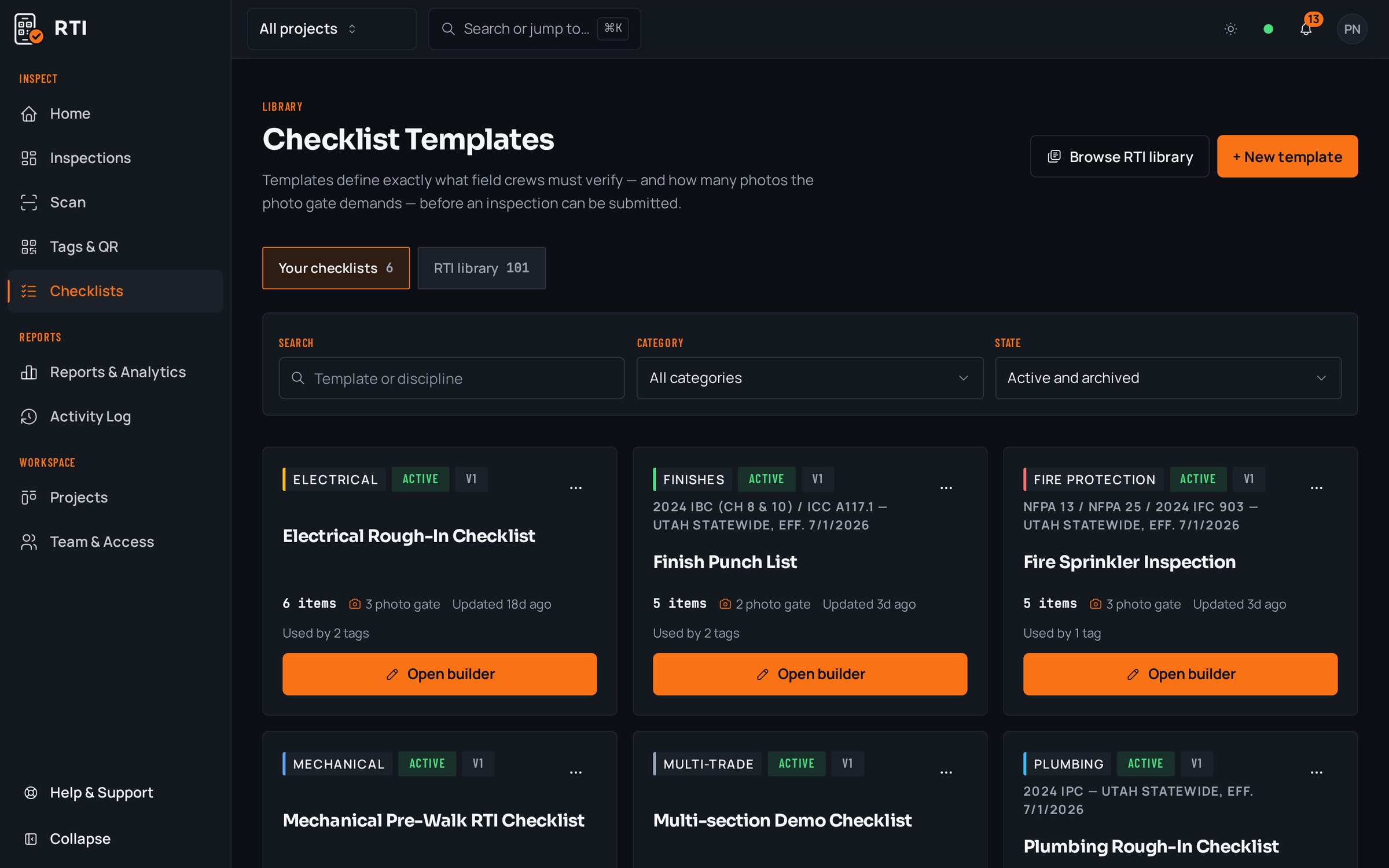




A real inspection point
What this looks like on your job
One tag, one checklist, and the photos that have to come with it.
Tag
Unit 214, Interior Punch
PKW-C-L2-214
- Sticker location
- Inside face of unit entry door
- Bound checklist
- Interior finish punch, pre-turnover
- Wall finish free of roller marks and touch-up flashing1 photo required
- Door hardware aligned, latching and keyed1 photo required
- Caulk lines at trim and casework continuous1 photo required
- Outlet and switch plates flush, level and covered2 photos required
Checklists for your work
Start from a checklist that already knows the walk
Real guides from the RTI library. Sections in build order, what to look for on each item, and the photos that prove it. Free to read, one click to run on a tag.
- Punch listPunch list templateRoom-by-room closeout items with the before-and-after that closes them.15 items21 photos
- Final inspectionFinal inspection checklist for constructionThe handover walk: systems, life safety, finishes and documentation.15 items25 photos
- PaintingPainting inspection checklistPreparation, conditions, priming, coverage and final acceptance.12 items21 photos
What gets in the way, and what RTI does about it
Today
A punch cloud on the PDF says a defect existed. It never says the defect was fixed, and no photo is required to close it out.
With RTI
Every item carries its own required close-out photo. The item cannot be submitted until that photo is attached, so 'closed' means there is a picture of the finished work, not a checked box.
Today
The markup lives at a coordinate on a sheet. Whoever chases it still has to work out which physical room that cloud belongs to.
With RTI
The tag is stuck to the real door. You scan what is in front of you and the exact punch list opens, with no translating between a plan and the building.
Today
Someone issues a new revision of the set, the old markup layer is gone, and there is no record that the item was ever raised.
With RTI
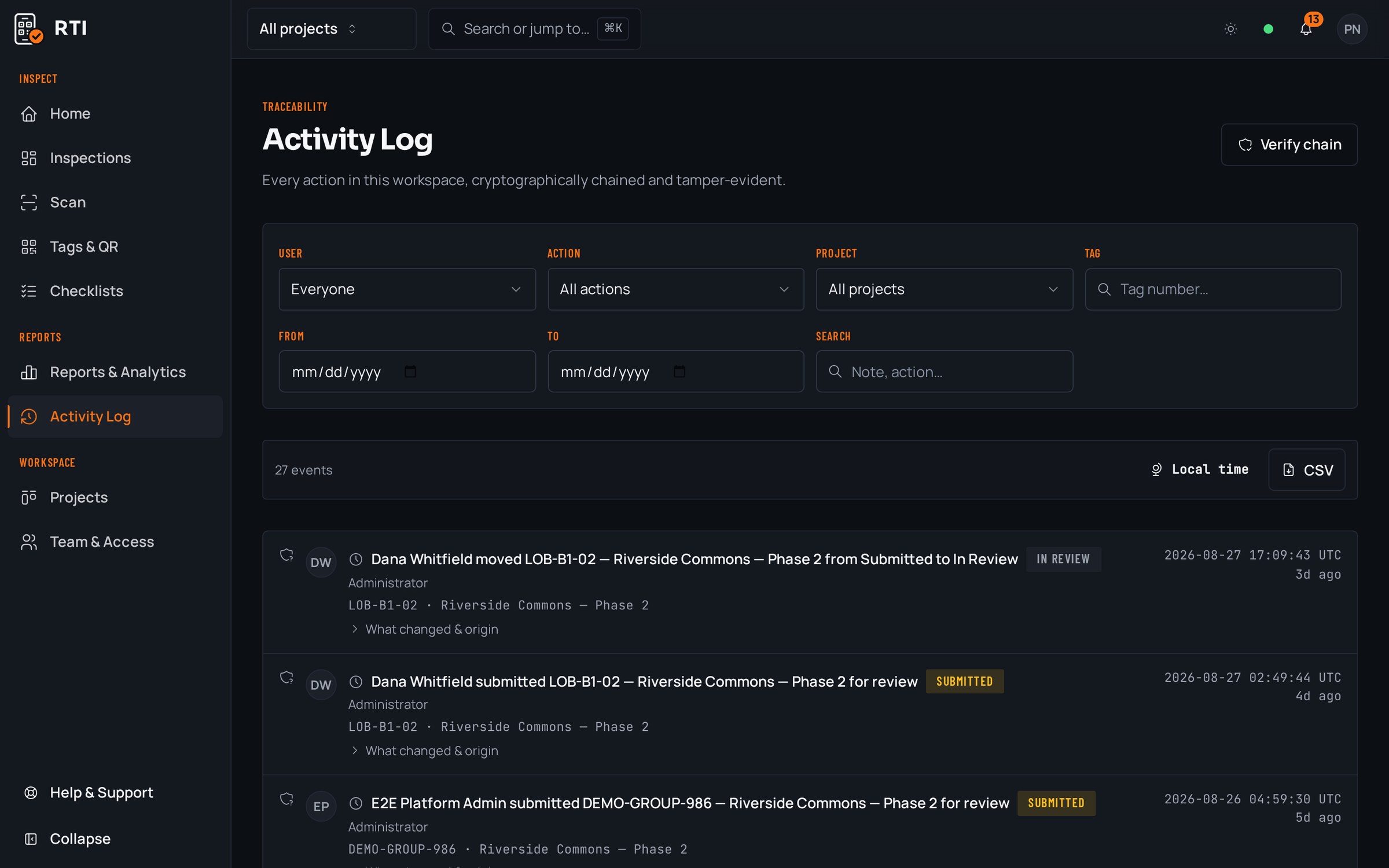
Every item lives on the tag's permanent record, not on a drawing revision. Each action is hashed over the previous one with SHA-256, so the history cannot quietly drift when the drawings change.
Questions about PDF markup vs RTI
- What is wrong with marking up the drawings for punch?
- Nothing, as a way to point. The gap is proof. A cloud and a note sit on a sheet, not on the door they describe. Nobody has to attach a photo, nobody has to close it, and the next revision of the set can quietly drop the markup. You end up trusting a picture of the building instead of the building.
- How does a QR tag beat a pin on a plan?
- A pin lives at a coordinate on a sheet; someone still has to translate it to the physical room. An RTI tag is stuck to the actual door, panel or unit. You scan the thing in front of you and the exact checklist opens, so there is no reading the plan to figure out which item you are standing at.
- How does RTI stop items from being called done when they are not?
- The photo gate. A punch item cannot be submitted until its mandatory answers are filled and the required close-out photo is attached. There is no way to mark an item complete with an empty box, which is exactly what a checked-off markup lets you do.
Put it on a real job.
Tag one area, run one walk, and see the record it leaves behind. Start free. 30 days, no card required.