Hotels & hospitality
Every key looks the same because it was inspected the same.
Three hundred guest rooms, one brand standard, and an FF&E package that has to land right in every one. Give each room key its own tag, run the brand punch against it, and hand the operator a clean, consistent record room by room.
A real inspection point
What this looks like on your job
One tag, one checklist, and the photos that have to come with it.
Tag
Room 512, King Standard
HTL-05-512-KS
- Sticker location
- Corridor-side door jamb, Room 512
- Bound checklist
- Guest room brand punch and FF&E turnover
- Casegoods installed level, no transit damage2 photos required
- Bathroom tile, grout and sealant to brand finish2 photos required
- Wall vinyl and paint clean at seams and corners1 photo required
- Lighting, thermostat and outlets tested live1 photo required
Checklists for your work
Start from a checklist that already knows the walk
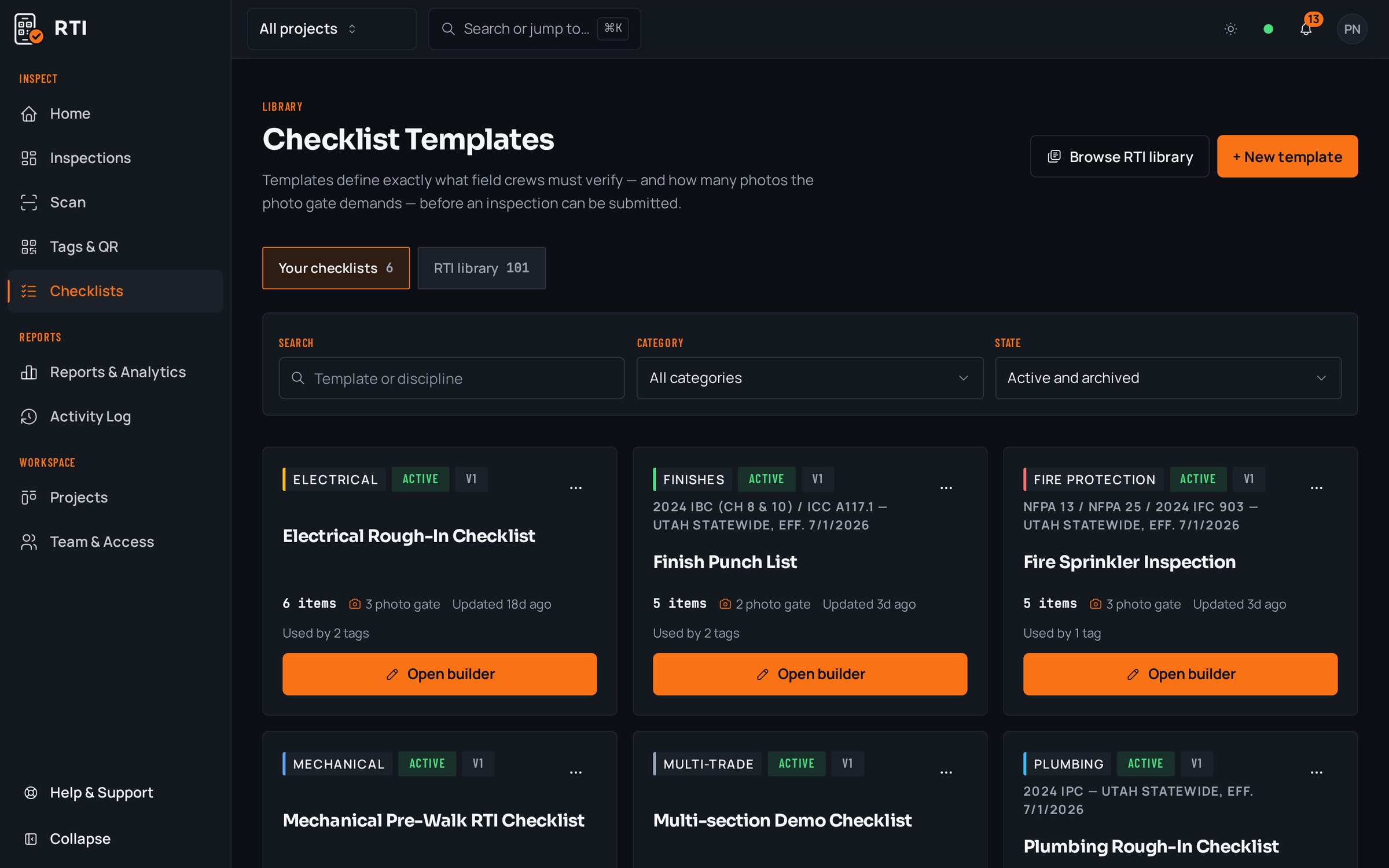
Real guides from the RTI library. Sections in build order, what to look for on each item, and the photos that prove it. Free to read, one click to run on a tag.
- Punch listPunch list templateRoom-by-room closeout items with the before-and-after that closes them.15 items21 photos
- FlooringFlooring installation inspection checklistSubstrate flatness, moisture testing, layout and protection.12 items25 photos
- PaintingPainting inspection checklistPreparation, conditions, priming, coverage and final acceptance.12 items21 photos
What gets in the way, and what RTI does about it
Today
The brand rep spot-checks a floor, finds the same finish miss in six rooms, and now the punch reopens across a whole key count.
With RTI
The brand punch is one checklist bound to every room tag, so the finish item that mattered in room 512 is a mandatory item in all of them. The miss shows up on submission, not on the brand rep's walk.
Today
FF&E lands in waves and the only record of which rooms are fully installed is a spreadsheet three people update from memory at the end of the day.
With RTI
Every room key is its own tag. Casegoods and fixtures are photographed against that room, and the board shows complete keys and open keys without a side tracker to reconcile.
Today
At turnover the operator wants proof for hundreds of rooms and the photos are scattered across crew phones with no room numbers on them.
With RTI
Each photo is captured against its checklist item on the room's tag, timestamped and attributable. Export the whole property and every room's record comes out consistent and addressed to its own key.
Questions hotels & hospitality ask
- Our brand has a specific punch standard. Can we run it on every room the same way?
- Yes. You build the brand punch as a checklist once and bind it to every guest-room tag. Room 412 and room 918 get the identical list and the identical photo requirement, so 'brand standard' means one thing across the whole key count instead of drifting room by room.
- FF&E arrives in waves and gets installed room by room. How do we track what is actually complete?
- Each room key carries its own tag and checklist, so casegoods, soft goods and fixtures are checked off and photographed against that specific room. The board shows which keys are complete and which are still waiting on a delivery, without a separate tracker.
- The operator wants a turnover record for every room. What do they get?
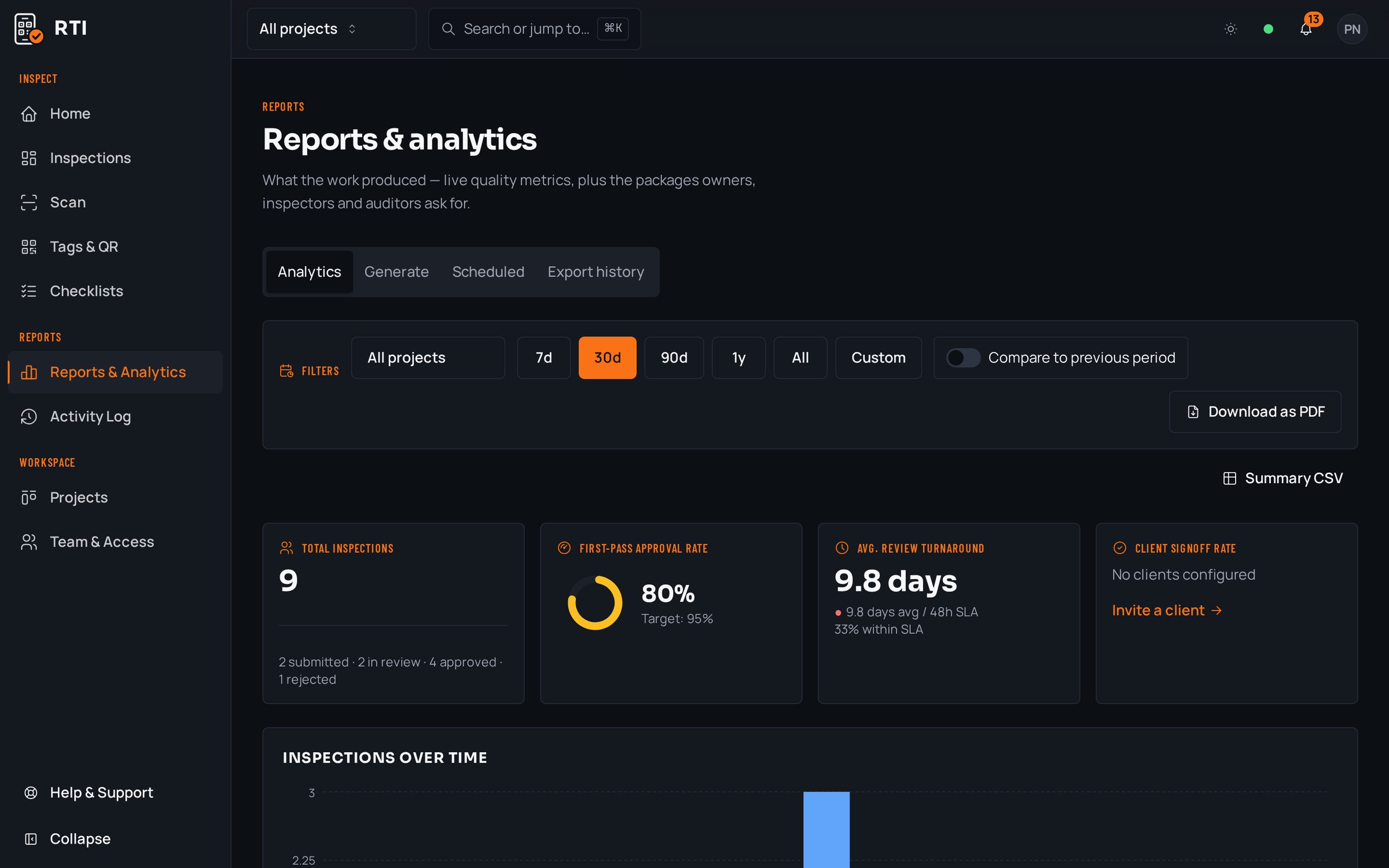
- Export any room, floor or the whole property as a branded PDF or CSV: punch answers, FF&E photos, signatures and signoffs in one package. The operator gets the same consistent record for room 101 as for room 640, and you keep it after you cancel.
Put it on a real job.
Tag one area, run one walk, and see the record it leaves behind. Start free. 30 days, no card required.