Multifamily & apartments
Two hundred doors, one standard behind each one.
A multifamily job is the same unit poured over and over. Build one checklist per unit type, bind it to every door, and let the board show which units are through rough-in and which are still open, building by building and stack by stack.
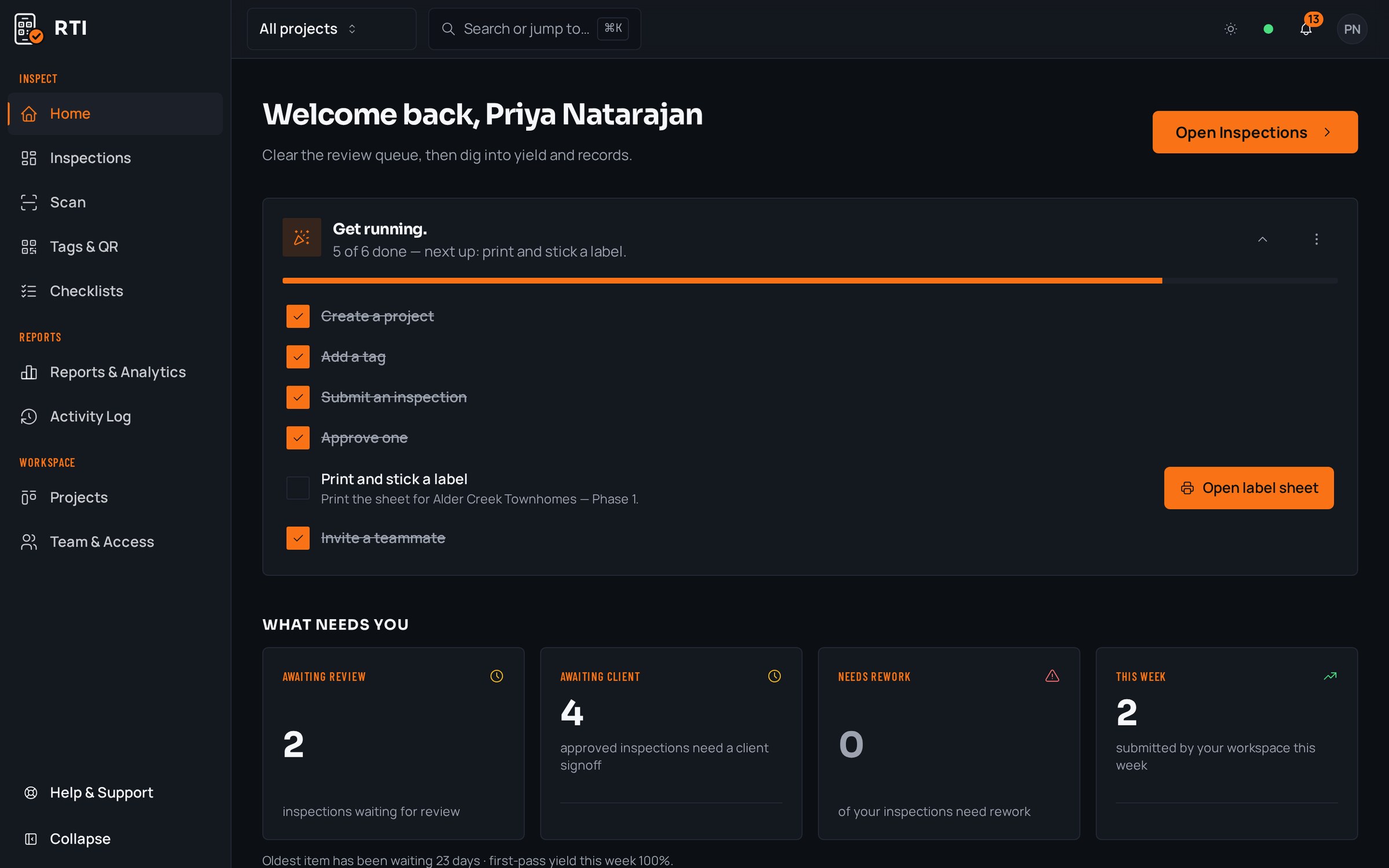
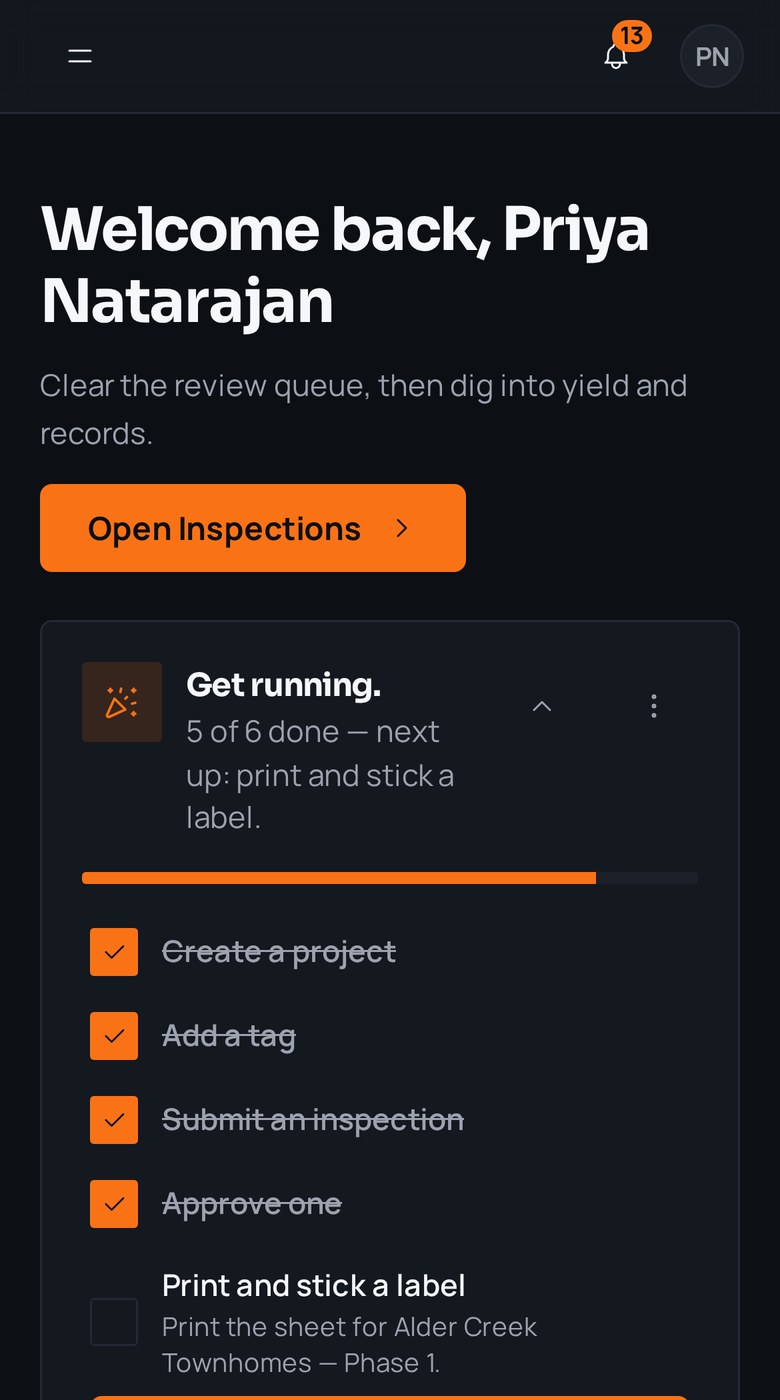
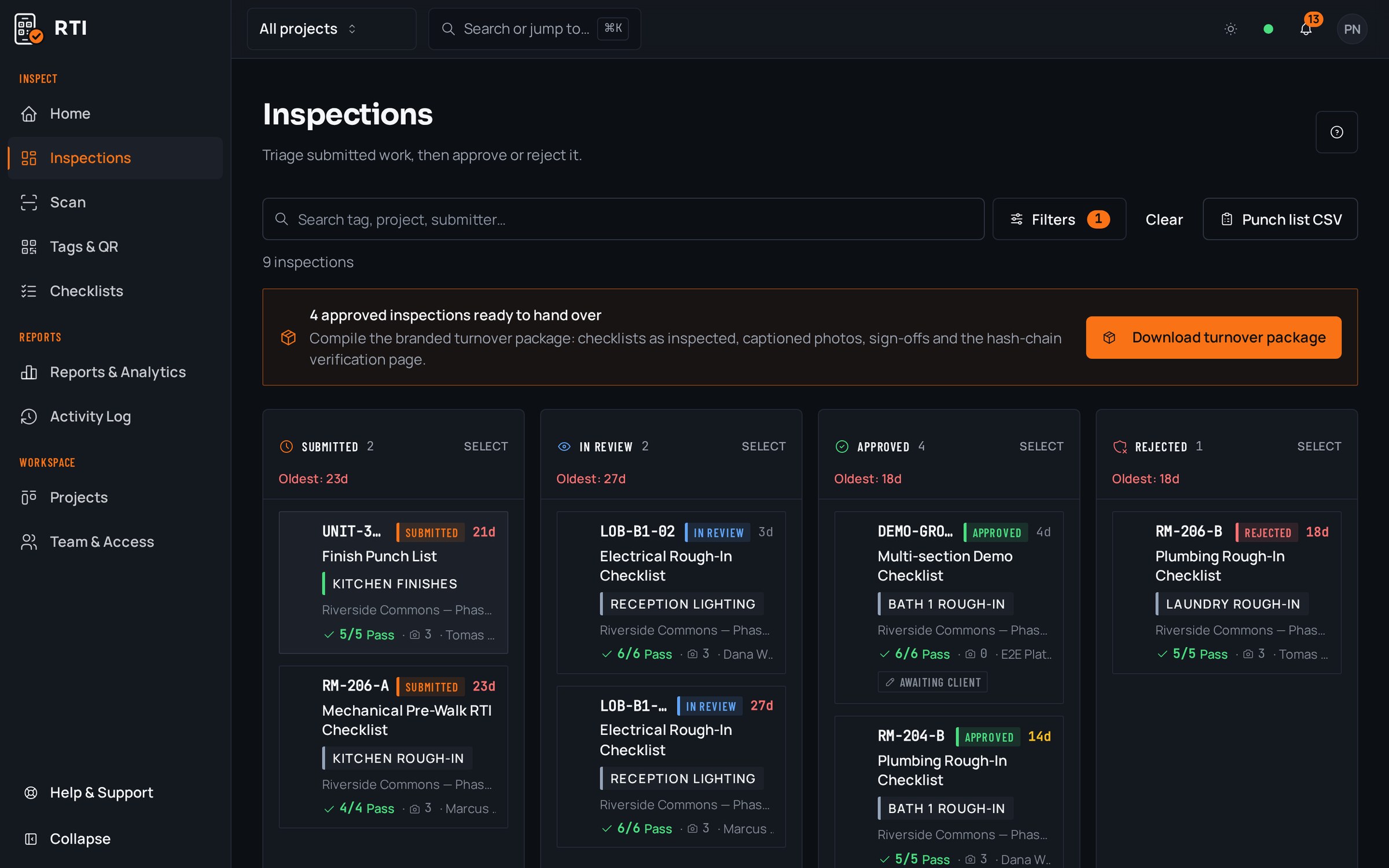
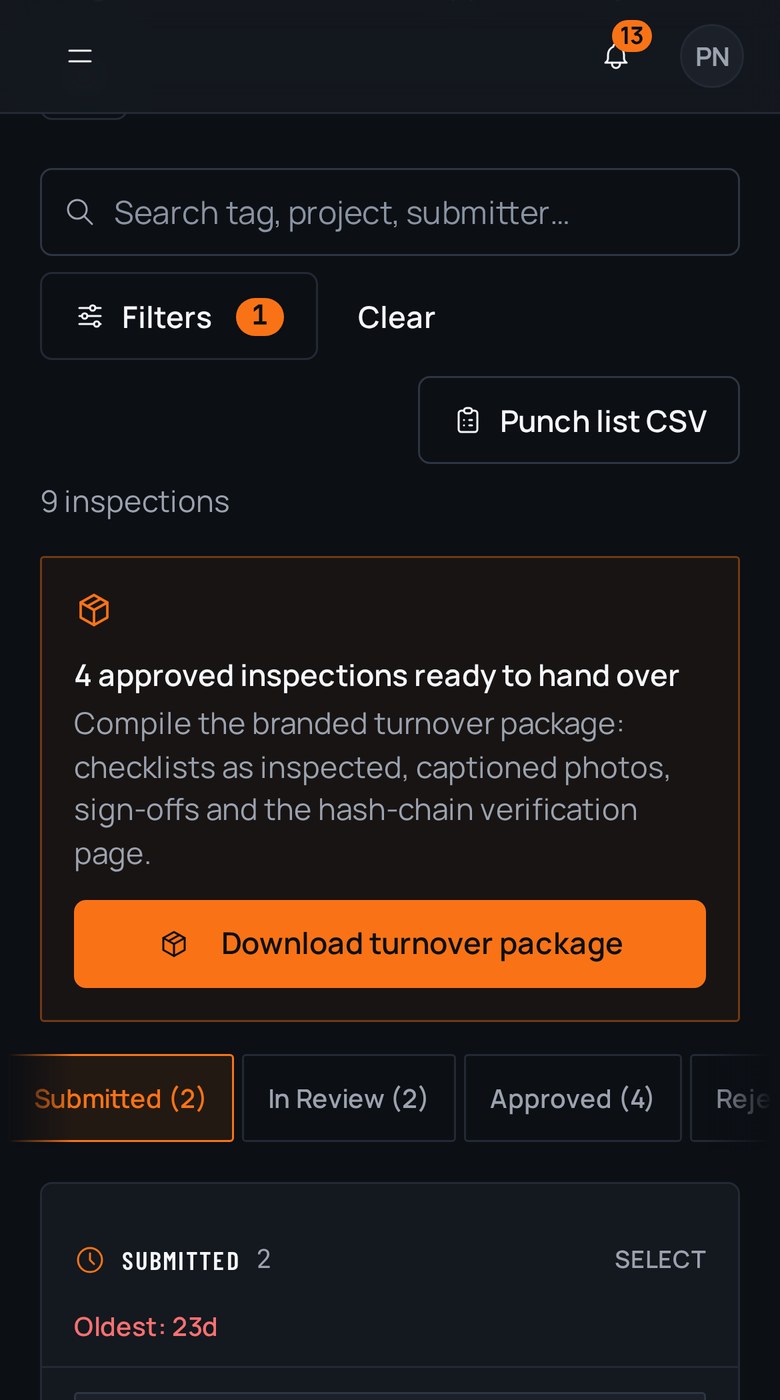

A real inspection point
What this looks like on your job
One tag, one checklist, and the photos that have to come with it.
Tag
Building C, Unit 214 (Plan B1)
MF-C-214-B1
- Sticker location
- Inside face of unit entry door
- Bound checklist
- Unit B1 pre-drywall, rough-in complete
- Plumbing supply and waste lines pressure tested2 photos required
- Electrical rough terminated at panel and boxes2 photos required
- Firestopping installed at demising-wall penetrations2 photos required
- Insulation and vapor control complete at exterior walls1 photo required
Checklists for your work
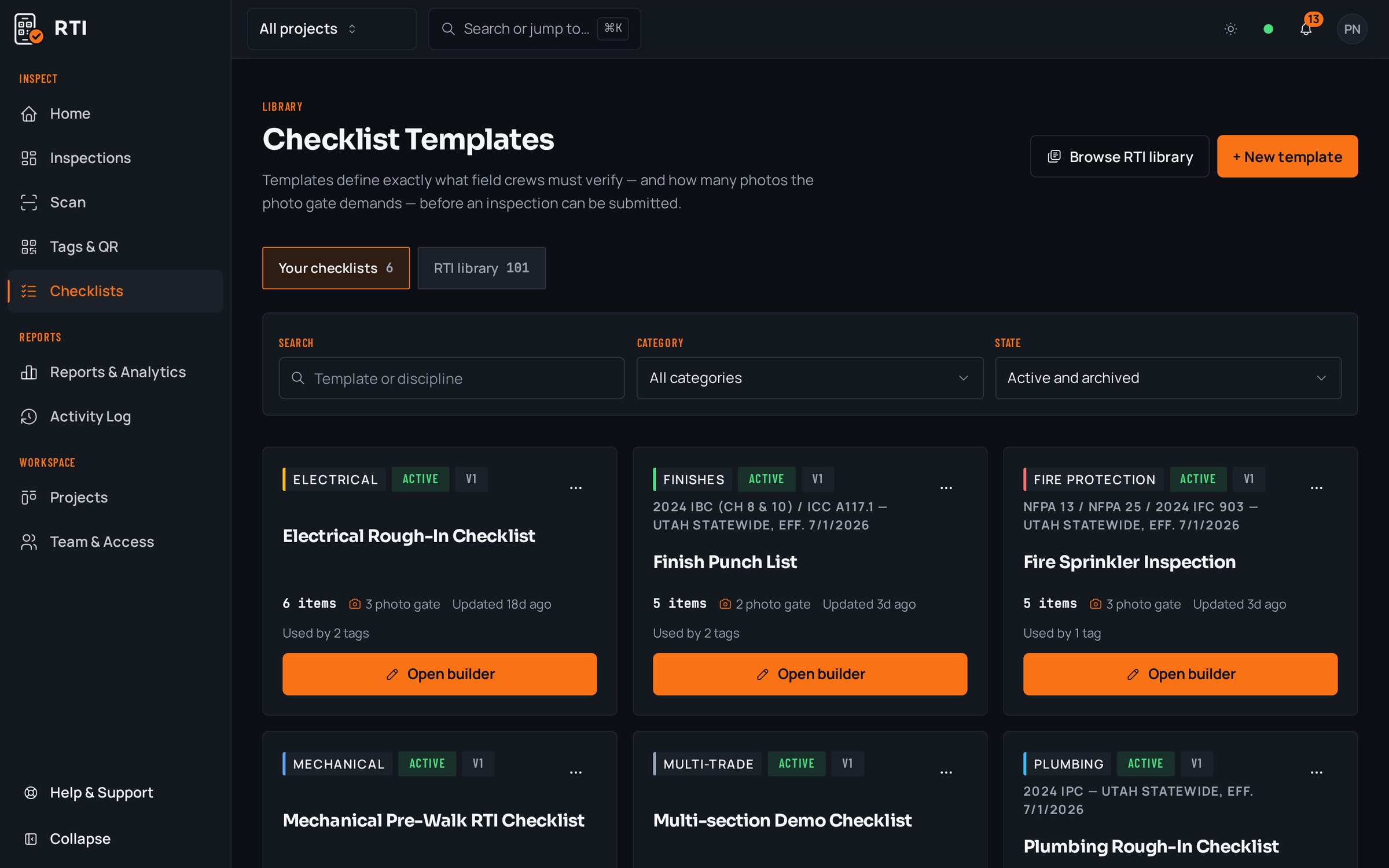
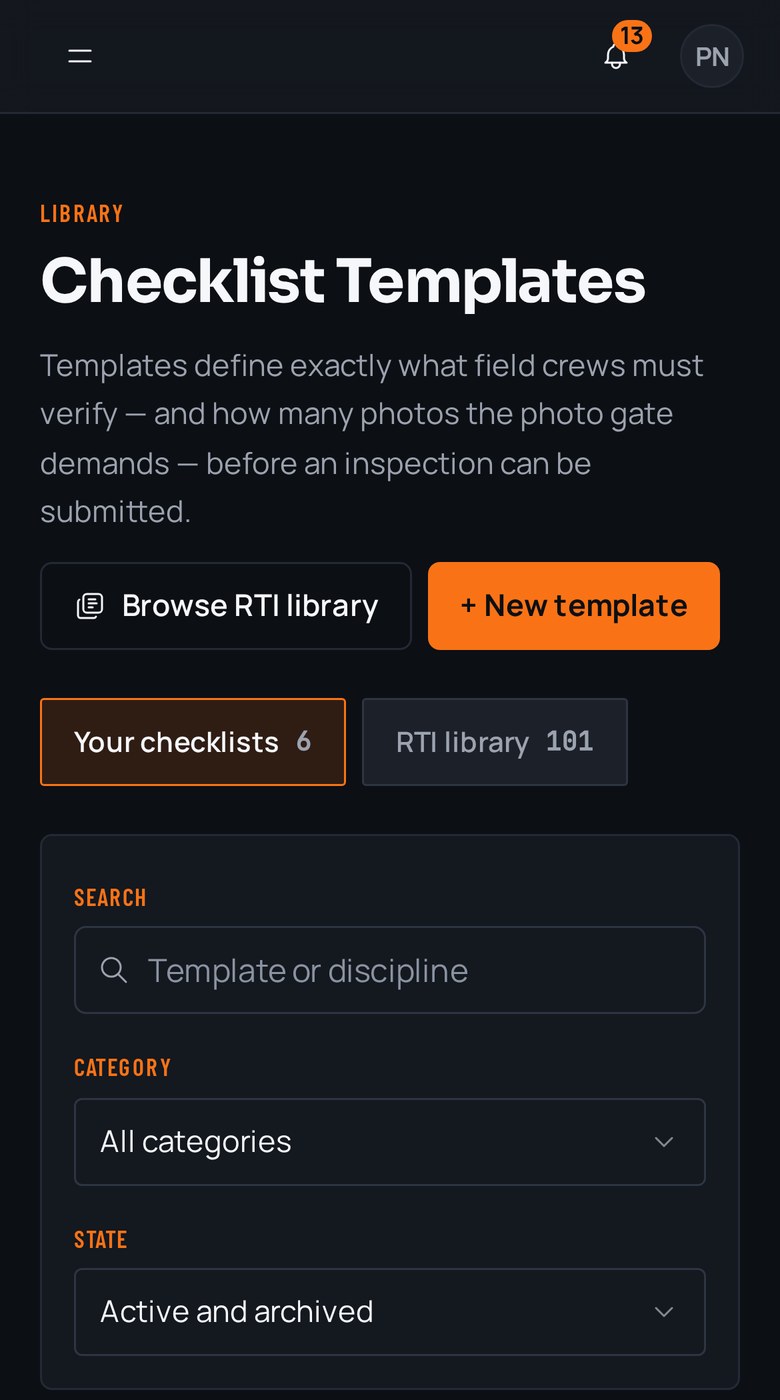
Start from a checklist that already knows the walk
Real guides from the RTI library. Sections in build order, what to look for on each item, and the photos that prove it. Free to read, one click to run on a tag.
- Pre-drywallPre-drywall inspection checklistOne walk covering structure, MEP rough-in, insulation and blocking.11 items20 photos
- FramingFraming inspection checklistPre-drywall walk: bearing, connectors, notching, blocking.13 items27 photos
- Final inspectionFinal inspection checklist for constructionThe handover walk: systems, life safety, finishes and documentation.15 items25 photos
What gets in the way, and what RTI does about it
Today
Two hundred units means two hundred versions of the same walk, and the only proof they went the same way is the superintendent's memory of a long spring.
With RTI
Build the checklist once per unit type and bind it to every door of that type. Unit 108 and unit 411 open the identical list with the identical photo requirement, so repetition is documented instead of remembered.
Today
Someone asks how many units are through rough-in and the honest answer is a guess off a dry-erase grid that was last updated Tuesday.
With RTI
Every unit's submission lands in a lane on the review board. A stack of doors reads at a glance, so 'how many are through' is a number you see, not a number you reconstruct.
Today
A leak surfaces in unit 312 a year in and nobody can find who signed off the rough-in or what it looked like before the wall closed.
With RTI
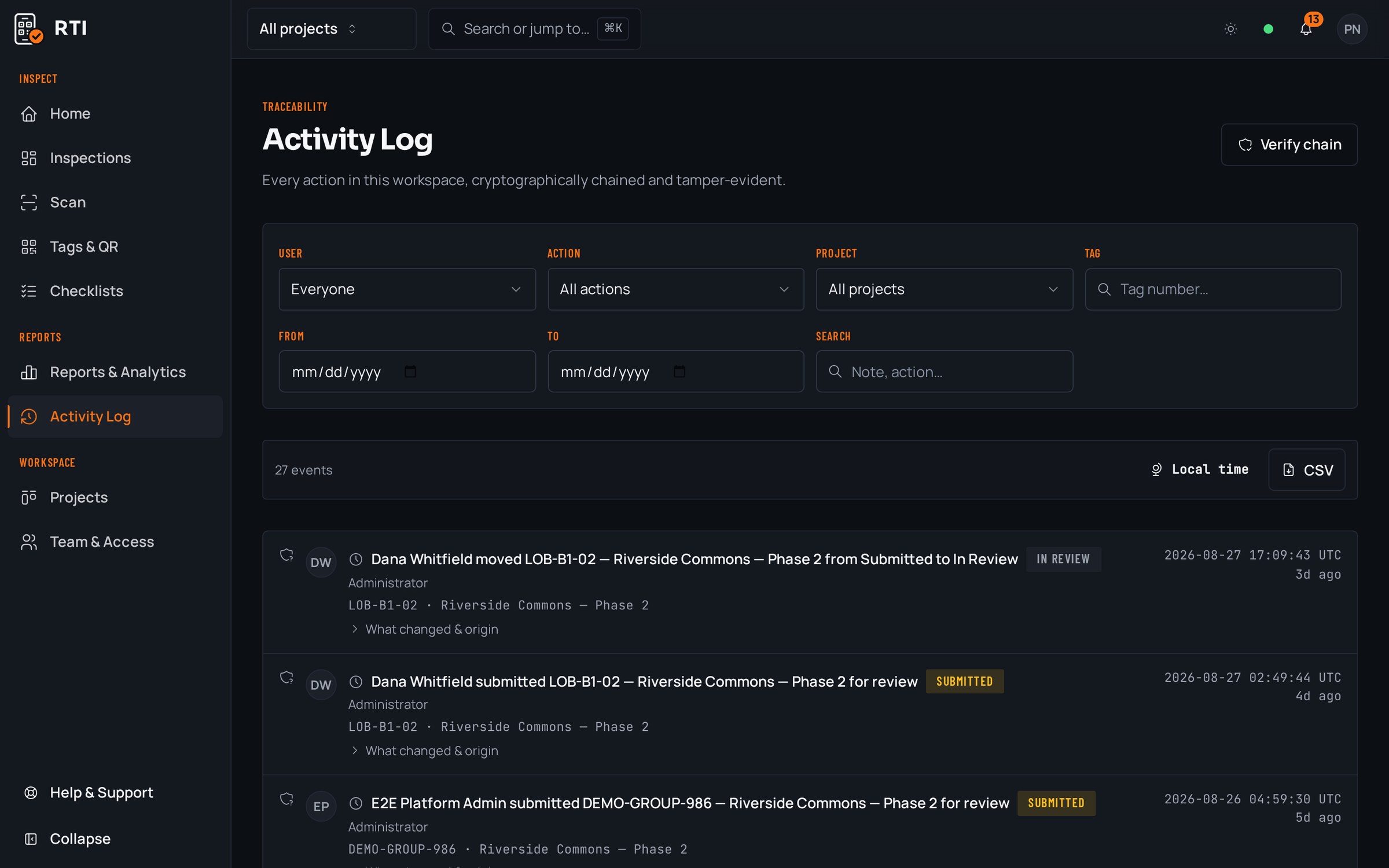
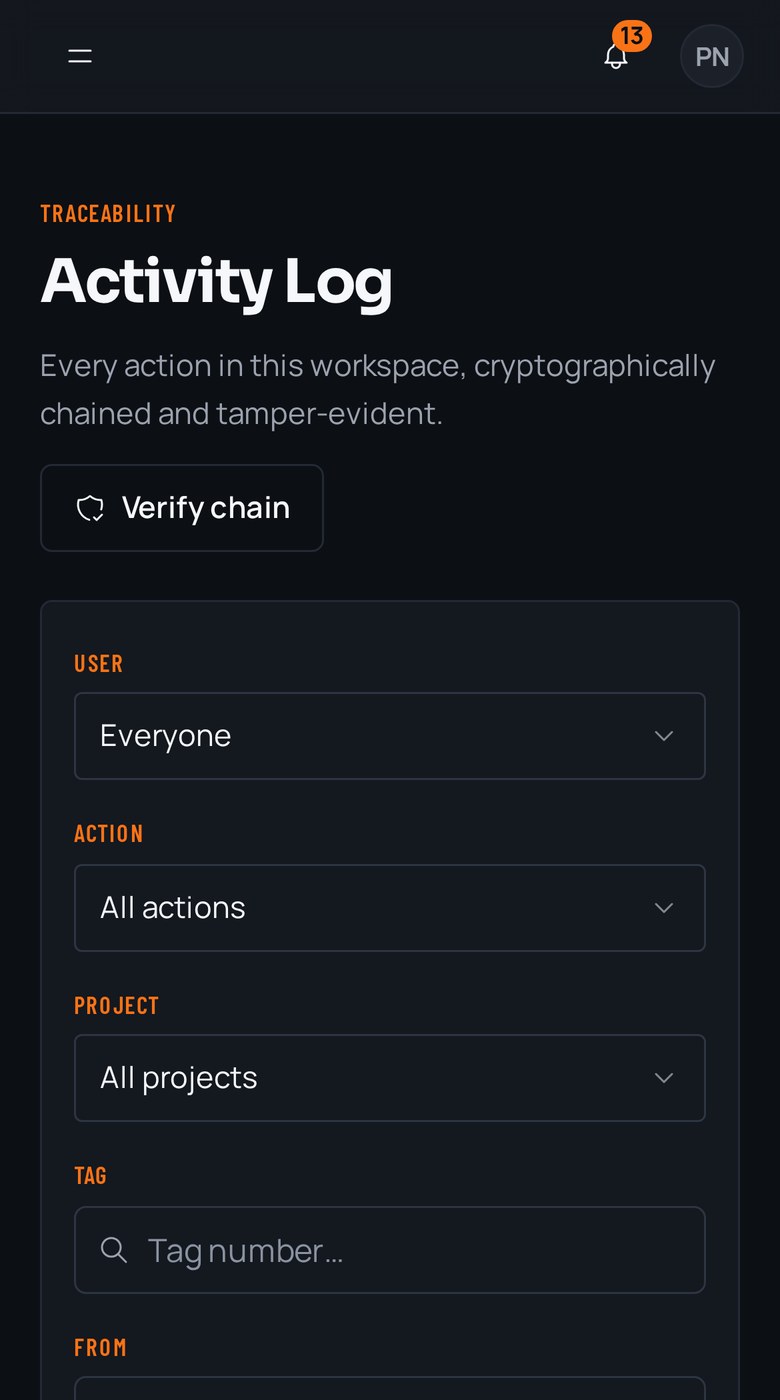
Every action is written to an activity log that hashes each entry over the previous one with SHA-256. The pre-drywall photos for unit 312 sit on its tag, dated and attributable, and any later edit breaks every hash after it.
Questions multifamily & apartments ask
- We have five unit types across three buildings. Do we build a checklist for every door?
- No. You build one checklist per unit type and bind it to every door of that type. The one-bedroom list is authored once and lives on all sixty one-bedroom tags, so the walk is identical on unit 108 and unit 411 without anyone rebuilding it.
- How do we see which units are actually through and which are still open?
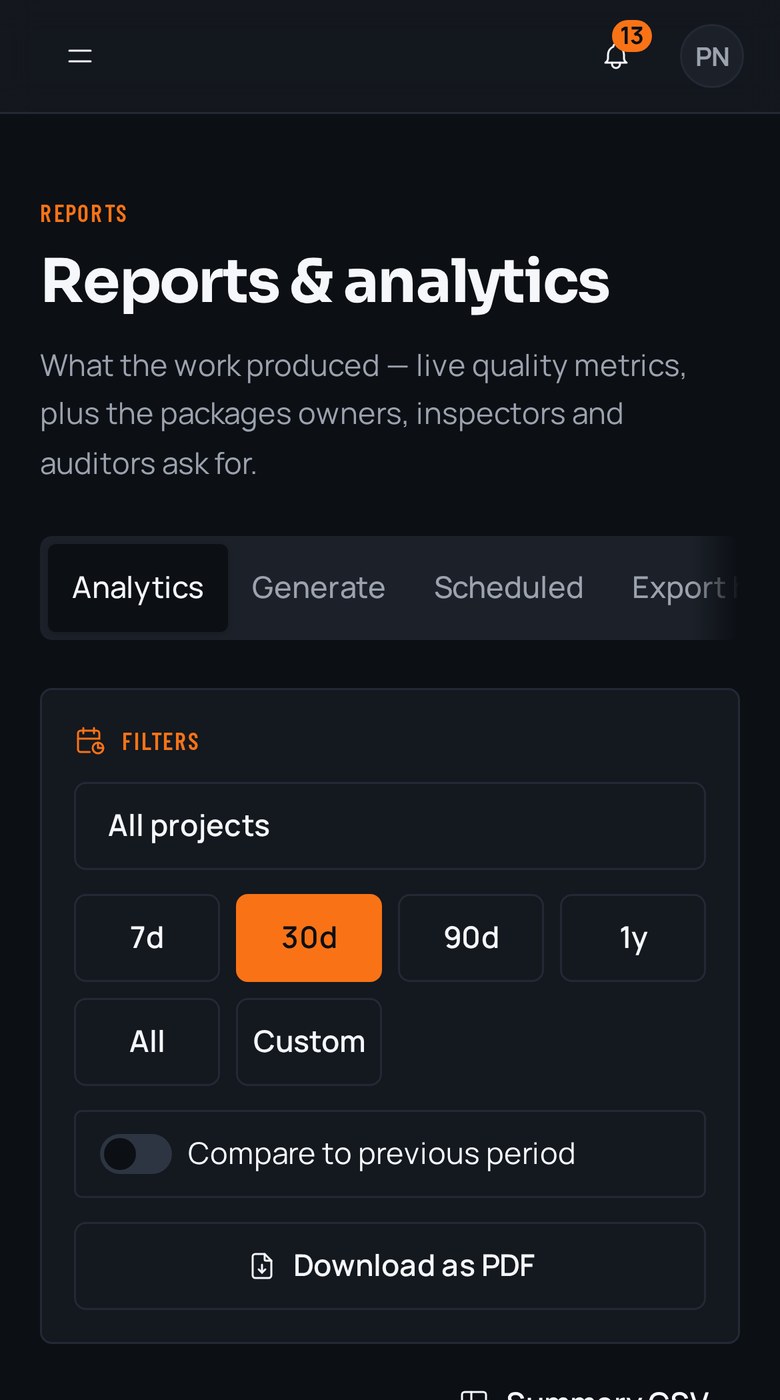
- The review board. Every unit's submission sits in a lane across submitted, in review, approved and rejected, so a stack of doors reads at a glance. You stop counting from a whiteboard and start reading it off the same record the crews submit to.
- Rough-in gets covered before the pre-drywall photos are taken. Can RTI stop that?
- Yes. The photo gate keeps the submit button locked until every required photo is attached, so the shot inside the wall bay gets taken while the bay is still open, on that unit's tag, before the drywall crew starts the floor.
Put it on a real job.
Tag one area, run one walk, and see the record it leaves behind. Start free. 30 days, no card required.